
Departments
Purpose-built for every gate role
Company admin, reception, security, hosts, IT, and field staff each use Axix Visitor differently — same system.
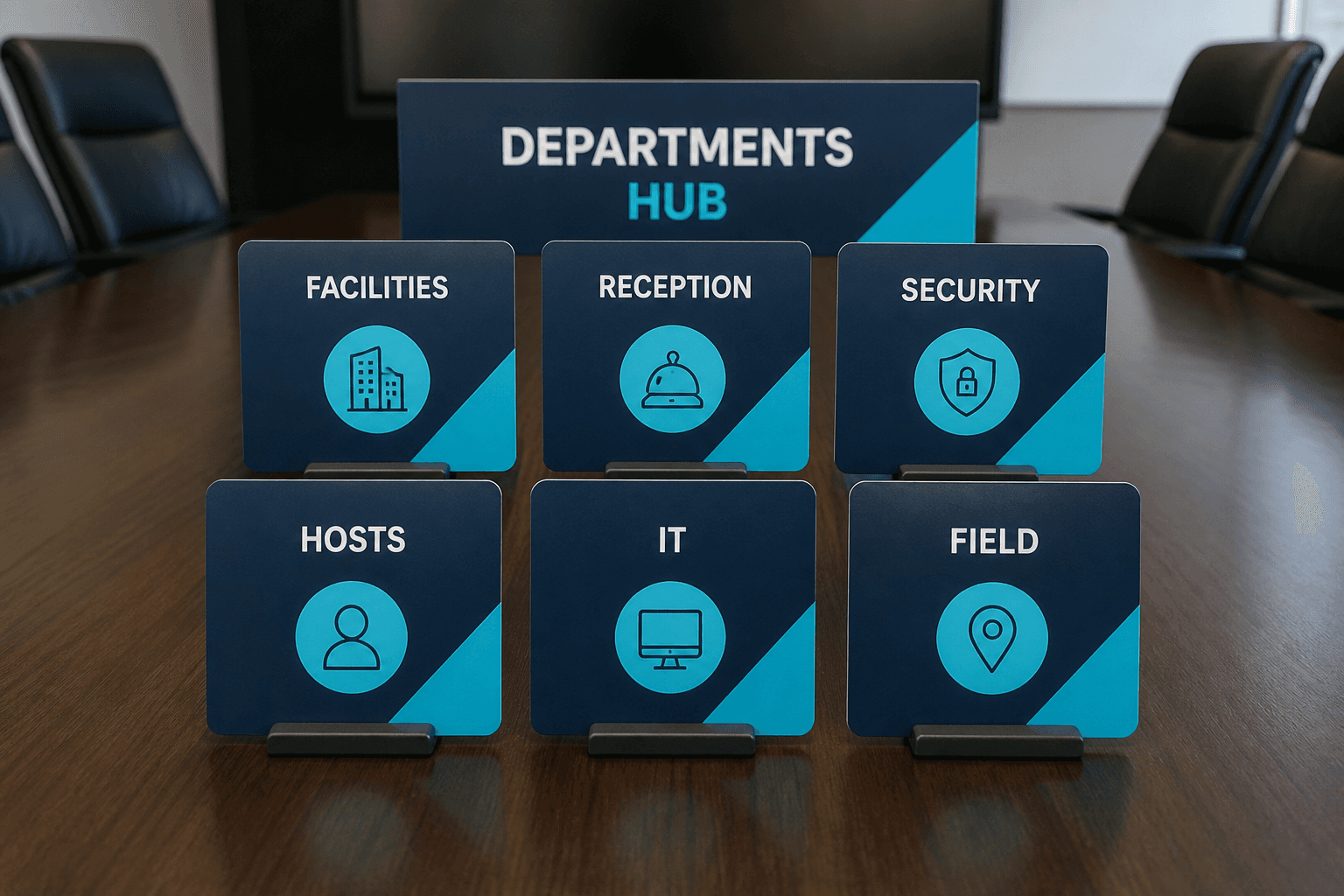
Facilities
Company admins set up departments, locations, hosts, devices, and reports.
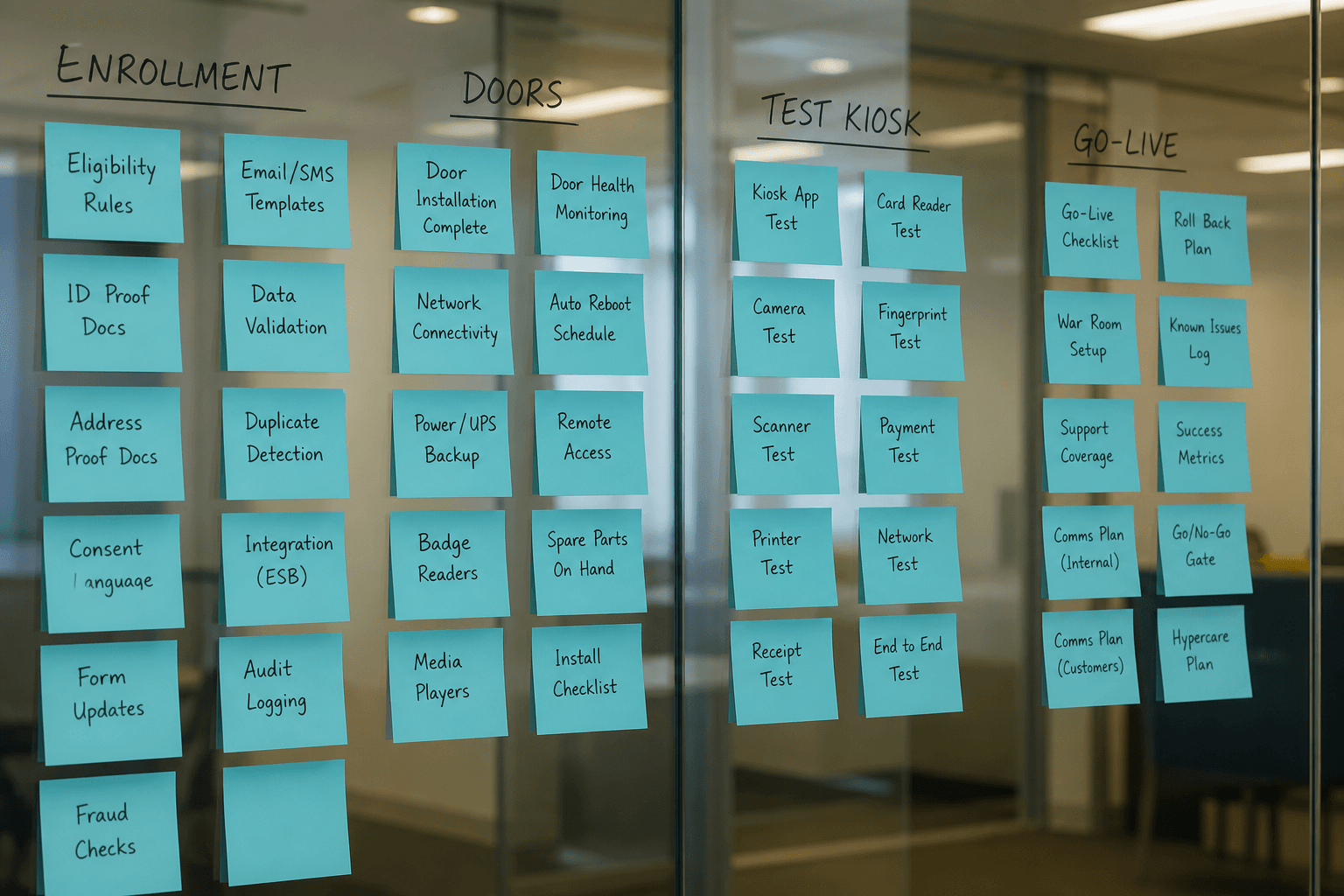
Reception
Add and edit visitors, download QR passes, and keep the lobby moving.

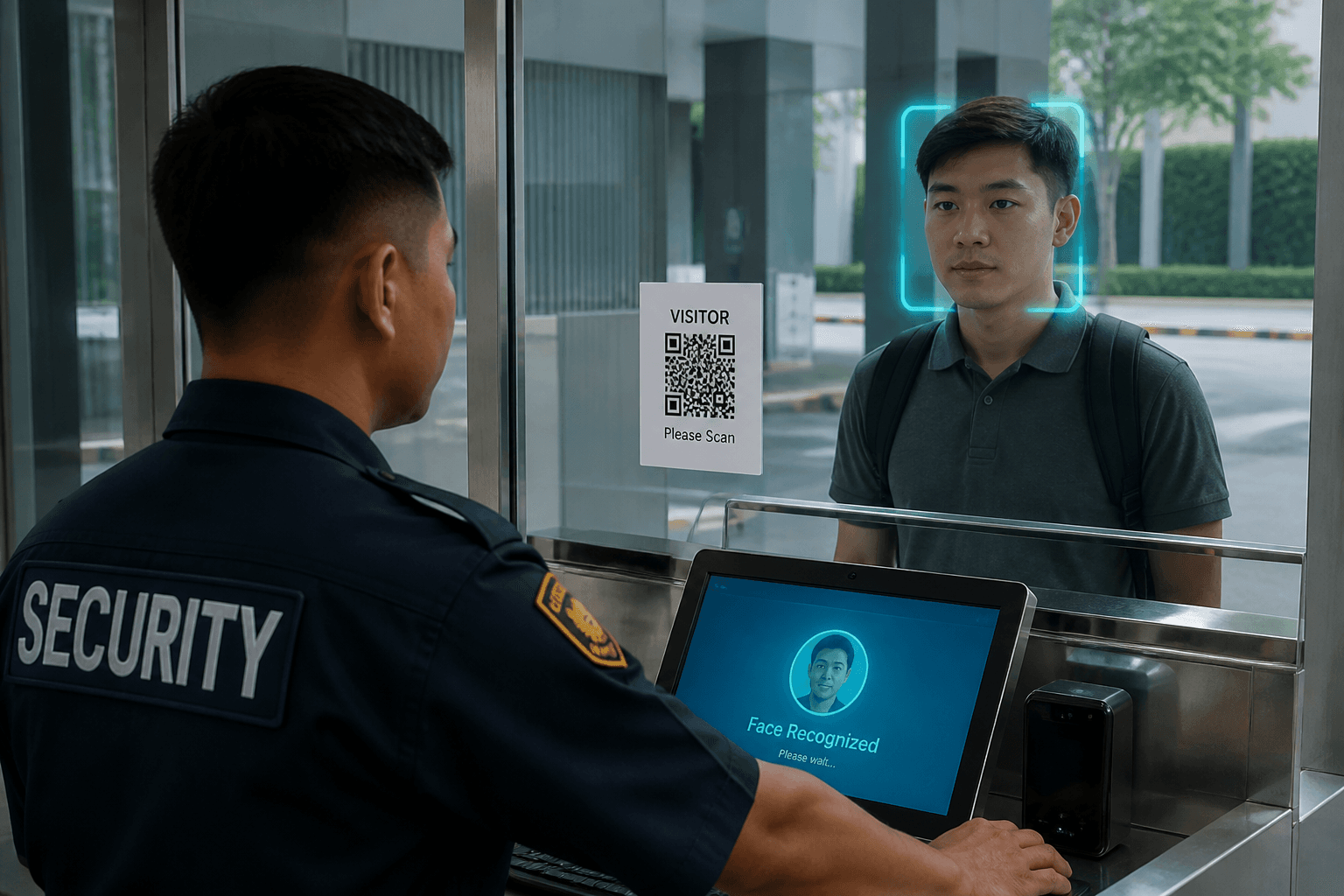
Security & Gate
Face or QR check-in and checkout at the Windows gate kiosk.
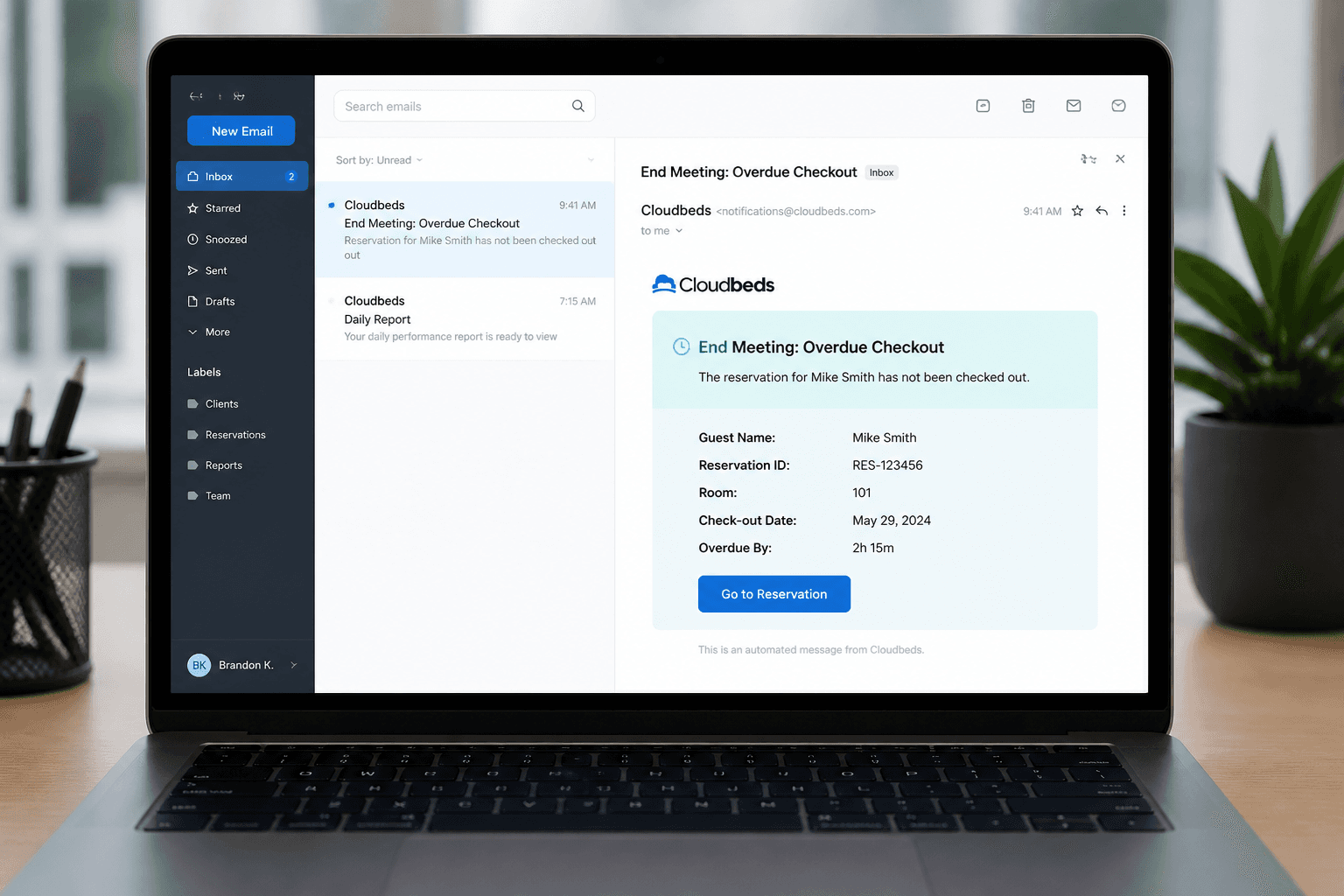
HR & Hosts
Host employees receive emails and can end meetings from the check-in notification.
IT & Operations
Multi-tenant SaaS deployment, device visibility, and role separation.
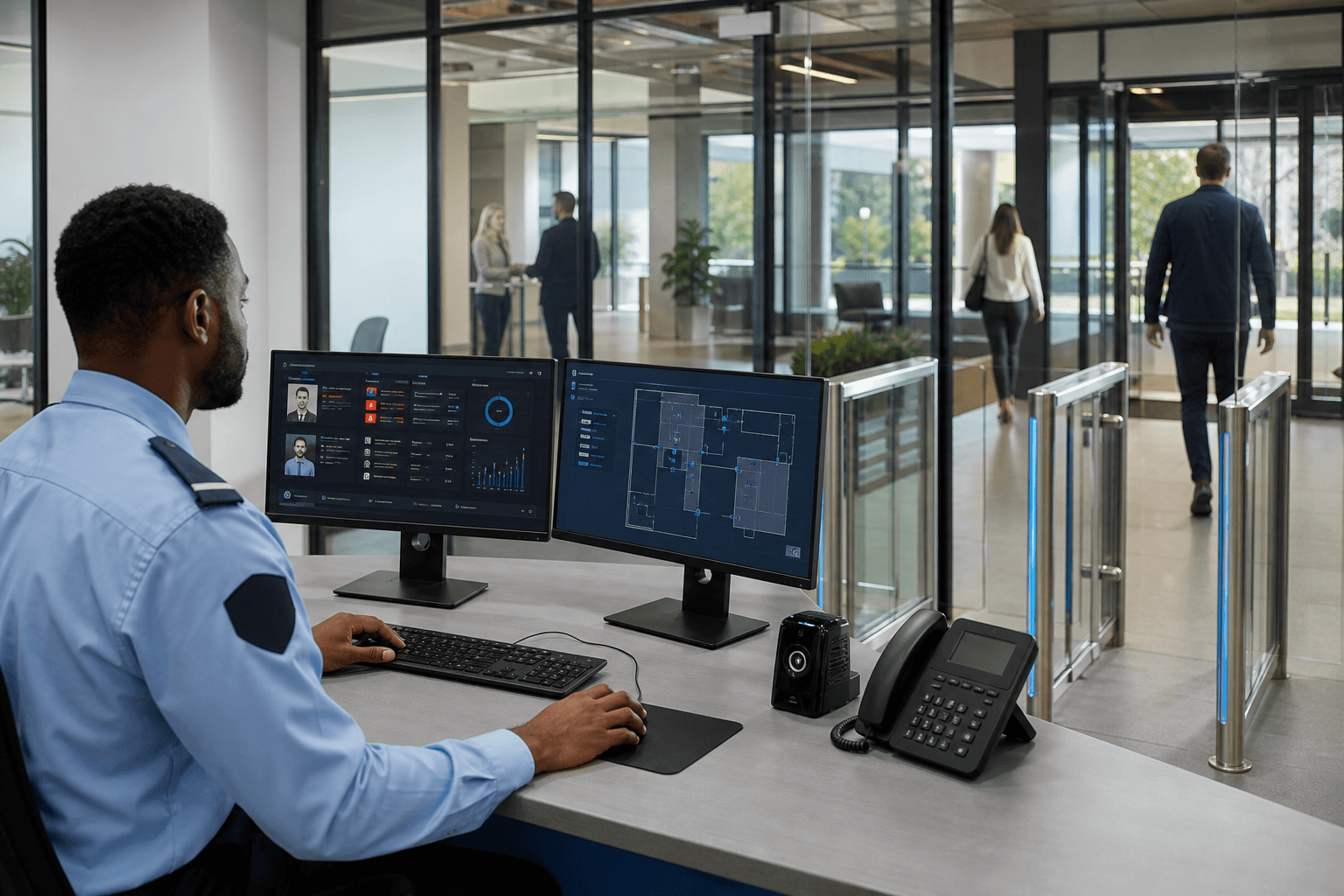
Field staff (Mobile)
Field users manage visitors from the Flutter mobile app with the same company data as web.
Facilities
Company admins set up departments, locations, hosts, devices, and reports.
Learn more →Reception
Add and edit visitors, download QR passes, and keep the lobby moving.
Learn more →Security & Gate
Face or QR check-in and checkout at the Windows gate kiosk.
Learn more →HR & Hosts
Host employees receive emails and can end meetings from the check-in notification.
Learn more →IT & Operations
Multi-tenant SaaS deployment, device visibility, and role separation.
Learn more →Field staff (Mobile)
Field users manage visitors from the Flutter mobile app with the same company data as web.
Learn more →
Departments & roles
Axix Visitor maps cleanly to company admin, reception, security, hosts, IT, and field staff roles. Admins own go-live and masters; reception and field enroll visitors; security runs the gate. Hosts act through email for meeting end and overdue alerts with valid addresses on file. IT separates credentials, branding, and tenant isolation for safe operations. This hub introduces each department page so buyers can send the right stakeholders to the right story. Roles from the product guide stay the source of truth.
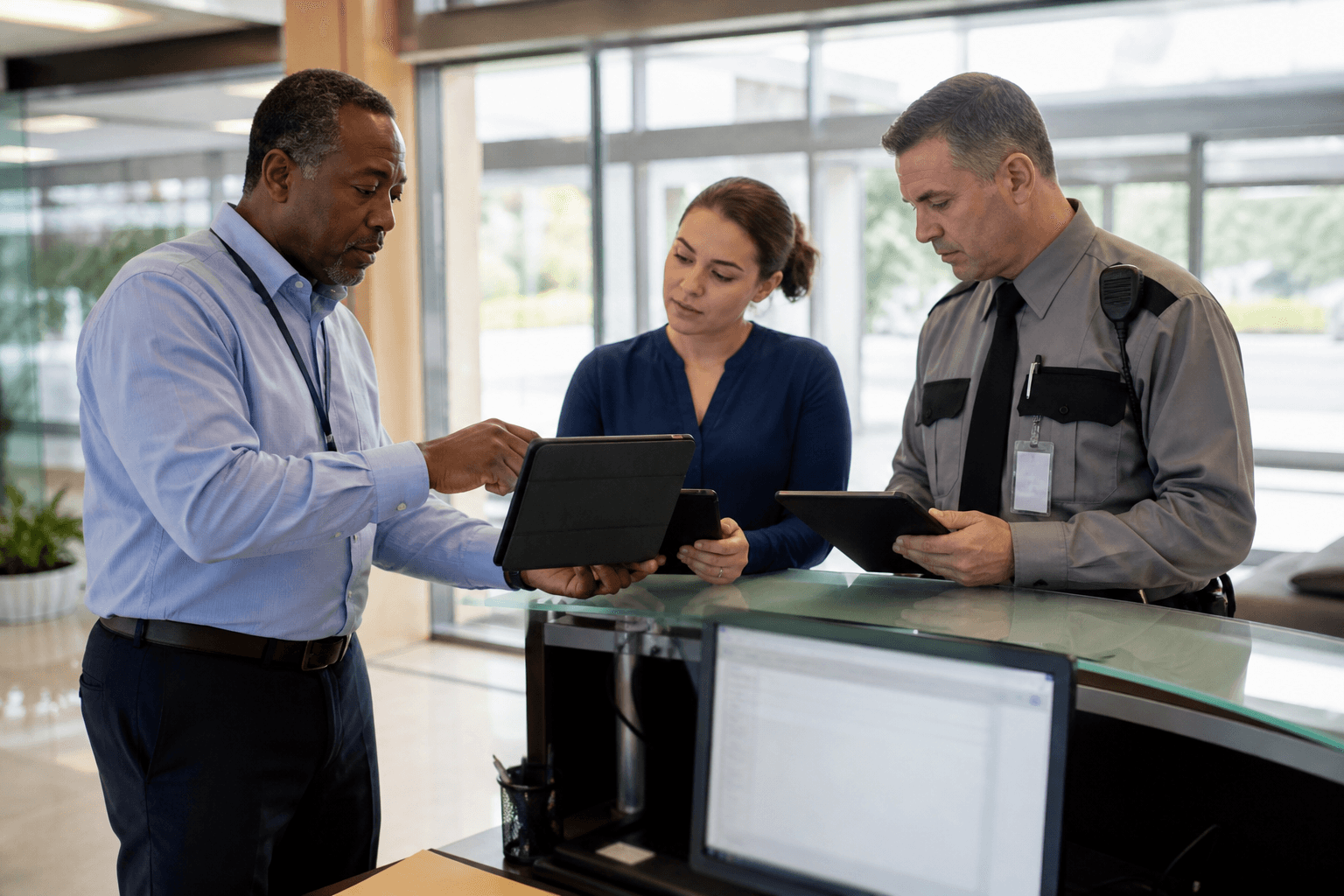
Company Admin
Company admins configure enrollment masters, door devices, and reporting ownership. They drive Journey A go-live from first sign-in through test kiosk check-in. Policy choices like leverage defaults and branding live in their court. Admins also decide who gets Mobile App Login accounts for field work. Without an engaged admin, other roles inherit broken dropdowns and silent emails. Admin ownership is the difference between a pilot and a lasting deployment.
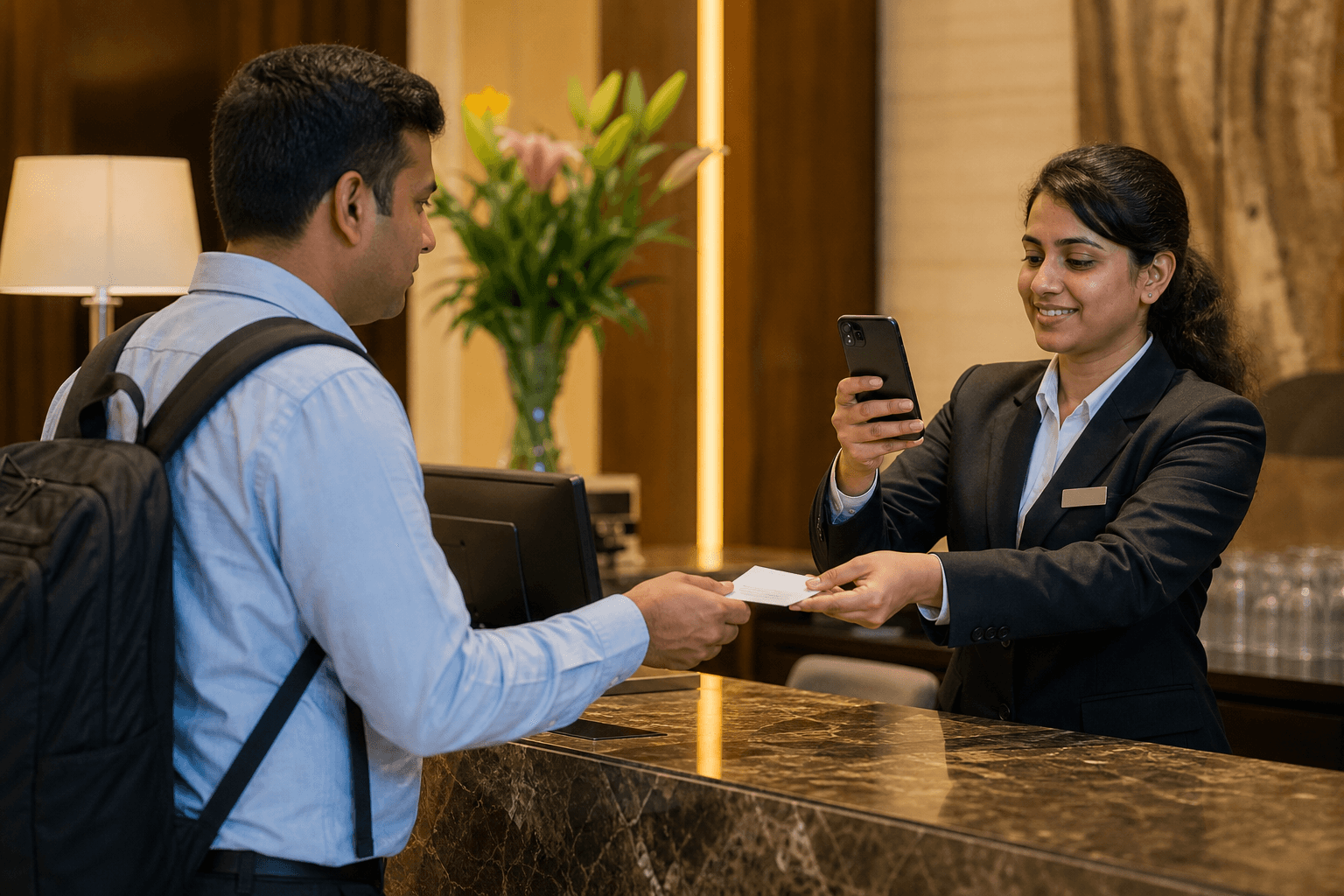
Reception & field
Reception adds and edits visitors, downloads QR passes, and keeps lobby flow moving. Field staff use Mobile App Login when enrollment must happen away from the desk. Both roles search, update status, and clean cancelled visits from the list. They are the human quality control on photos, hosts, and expiry dates. Strong reception habits make gate recognition and host alerts reliable. Reception and field are where most daily clicks happen.
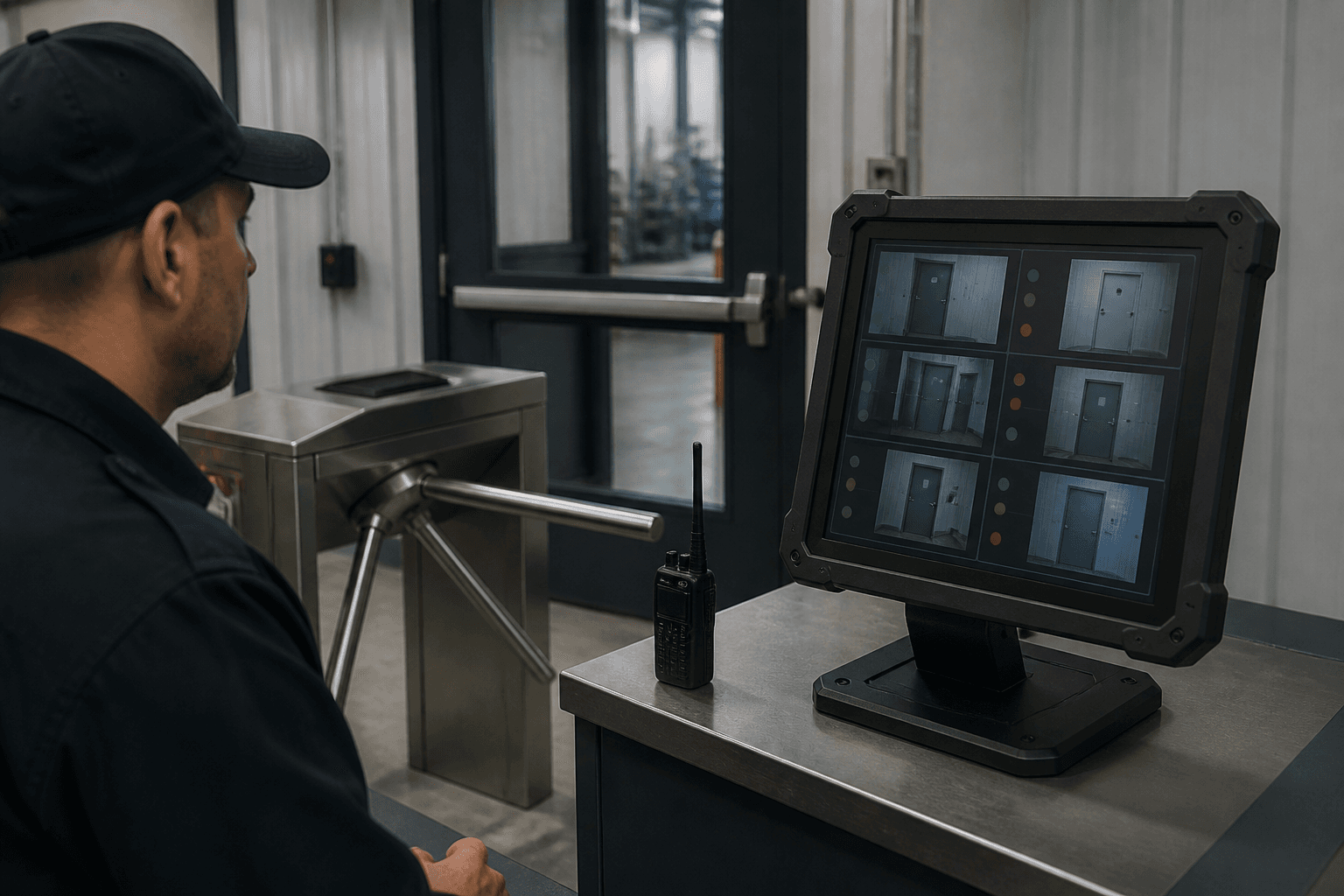
Security / Gate
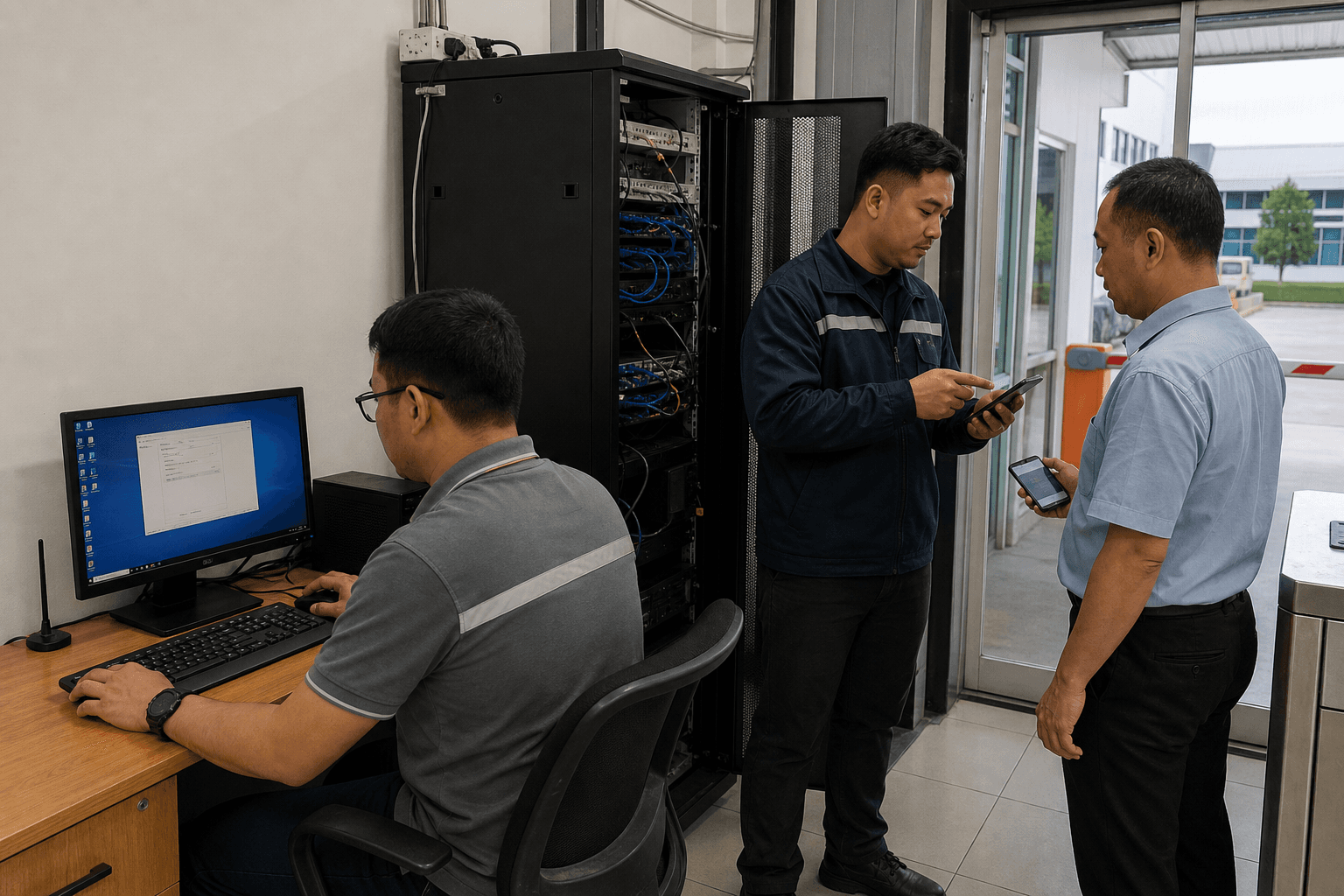
Security operates Face and QR check-in and checkout on the Windows kiosk. They watch Visitor Alert for leverage misses and coordinate with reception or hosts. Door Access status tells them which entrances are healthy before peak traffic. Snapshots and visit records support incident follow-up when needed. Gate staff need predictable behavior more than deep configuration screens. Security success is measured in calm lines and closed visits.
Host Employee
Host employees receive emails when visitors are added, arrive, run late, or check out. End Meeting links let them close meetings and start leverage countdown without admin access. Valid email on the employee record is mandatory for these flows. Hosts are not full system operators; they are accountable owners of visits. Training hosts on one or two email actions unlocks the whole alert model. Host engagement keeps digital visitor control socially enforceable indoors.
Department roles around the gate
Each team owns a different slice of the visitor lifecycle.
Facilities & reception
Enrollment, QR handoff, and lobby experience live with front-of-house teams.
Security & hosts
Gate verification, overdue follow-up, and meeting ownership close the visit safely.
IT & field staff
Devices, tenants, and mobile enrollment keep the system usable away from desks.
How departments collaborate
Visitor management fails when roles do not hand off cleanly.
Reception enrolls, security verifies
Clear ownership avoids double entry and conflicting ACTIVE/BLOCKED decisions.
Hosts close meetings
Without End Meeting habits, security inherits false overdue work.
IT keeps devices online
Door Access and kiosk connectivity are IT hygiene that other teams feel immediately.
Pick your department deep dive
Jump to the role page that matches your job.
Front desk path
Read facilities and reception pages if you own enrollment and guest experience.
Control room path
Read security and hosts if you own gate verification and overdue response.
Next step
See this flow in a live demo
Transform your front desk with secure visitor management.
Register guests, check them in with face or QR, alert hosts by email, and export complete visitor reports.