
Features
Smart enrollment
Register visitors with photo, host, department, reason, QR expiry, card number, and leverage time — on web or mobile.
Visitor lifecycle fields
Capture the details your gate and hosts need before arrival.
- Name, email, contact, visiting reason, department, and host employee
- Photo enrollment for face recognition
- Auto QR PNG generation with expiry date/time
- Physical card number (badge / access card ID)
- Leverage time grace minutes after meeting end
- ACTIVE / BLOCKED status, edit, delete, bulk delete, and search
On save
The system generates the QR pass, trains the face index, and can email the host that a visitor was added.
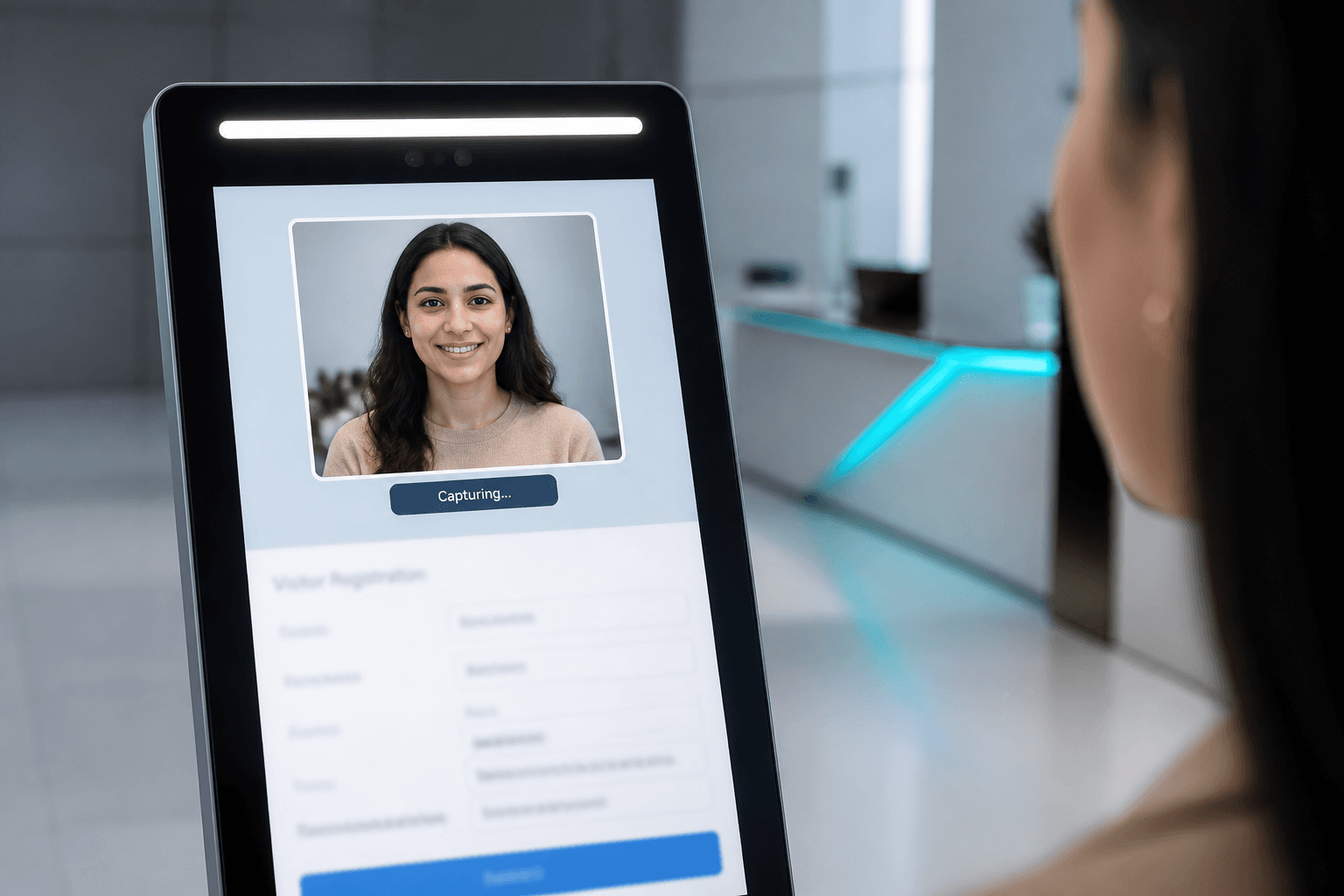
Smart enrollment on web or mobile
Enrollment is where Axix Visitor captures identity and visit rules before the guest reaches any gate. Staff add a photo, assign a host, pick department and reason, and set QR expiry plus leverage minutes. The same fields work on Web Admin and the Flutter mobile app so reception is never stuck at one desk. Saving the record prepares face indexing and QR generation for immediate gate readiness. Hosts can be notified as soon as a visitor is created. Strong enrollment is the difference between a calm lobby and a rushed paper form at the door.
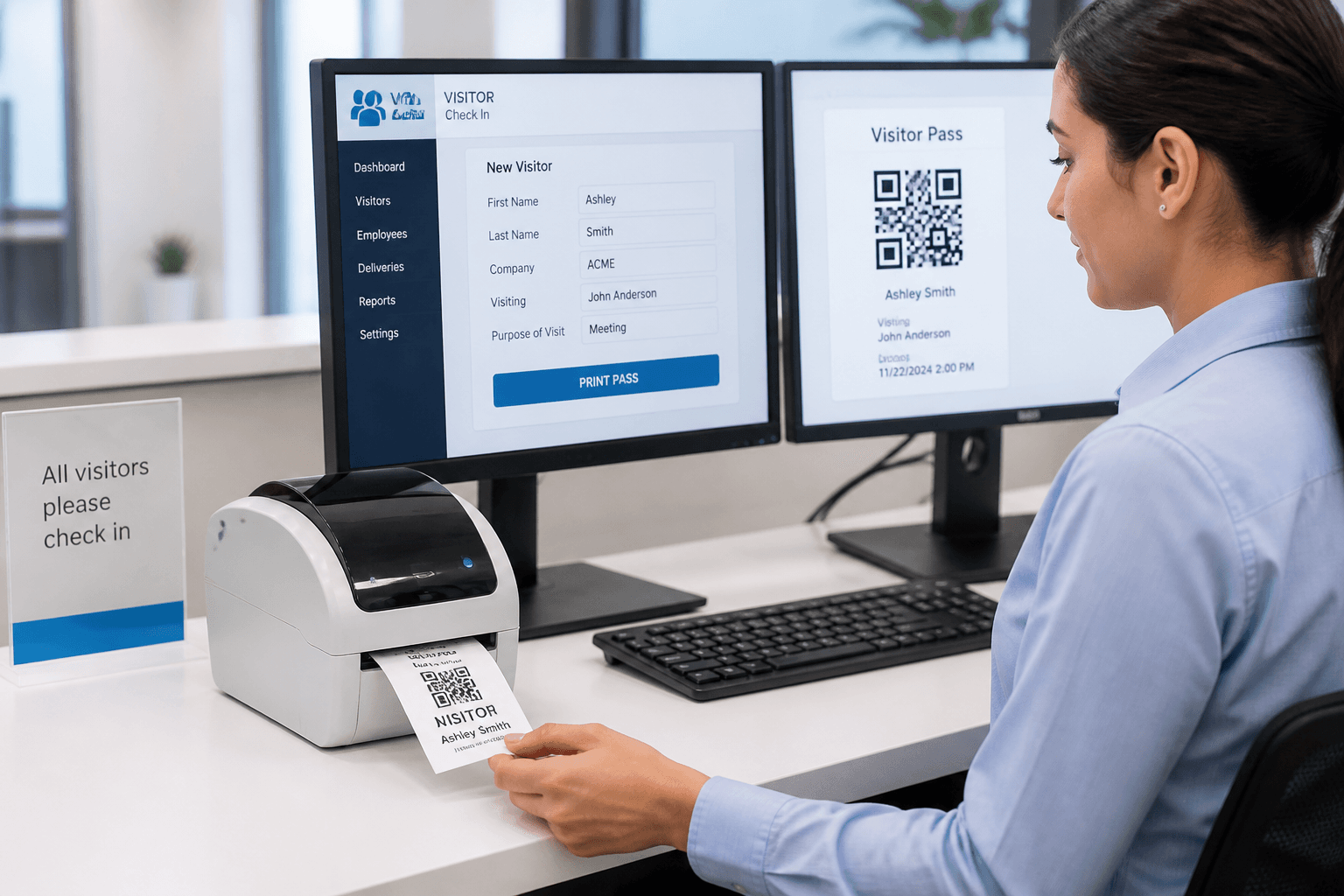
Typical visitor fields
Each visitor record carries an ID, full name, and contact details for search and follow-up. Card number stores optional physical badge identifiers beside digital Face and QR credentials. Visiting reason and department explain why the guest is on site for security and host context. Host employee links the visit to the person who will receive emails and end the meeting. QR expiration and leverage time define how long access remains valid after enrollment and after meeting end. Photo completes the record so the gate can train and match the face later.
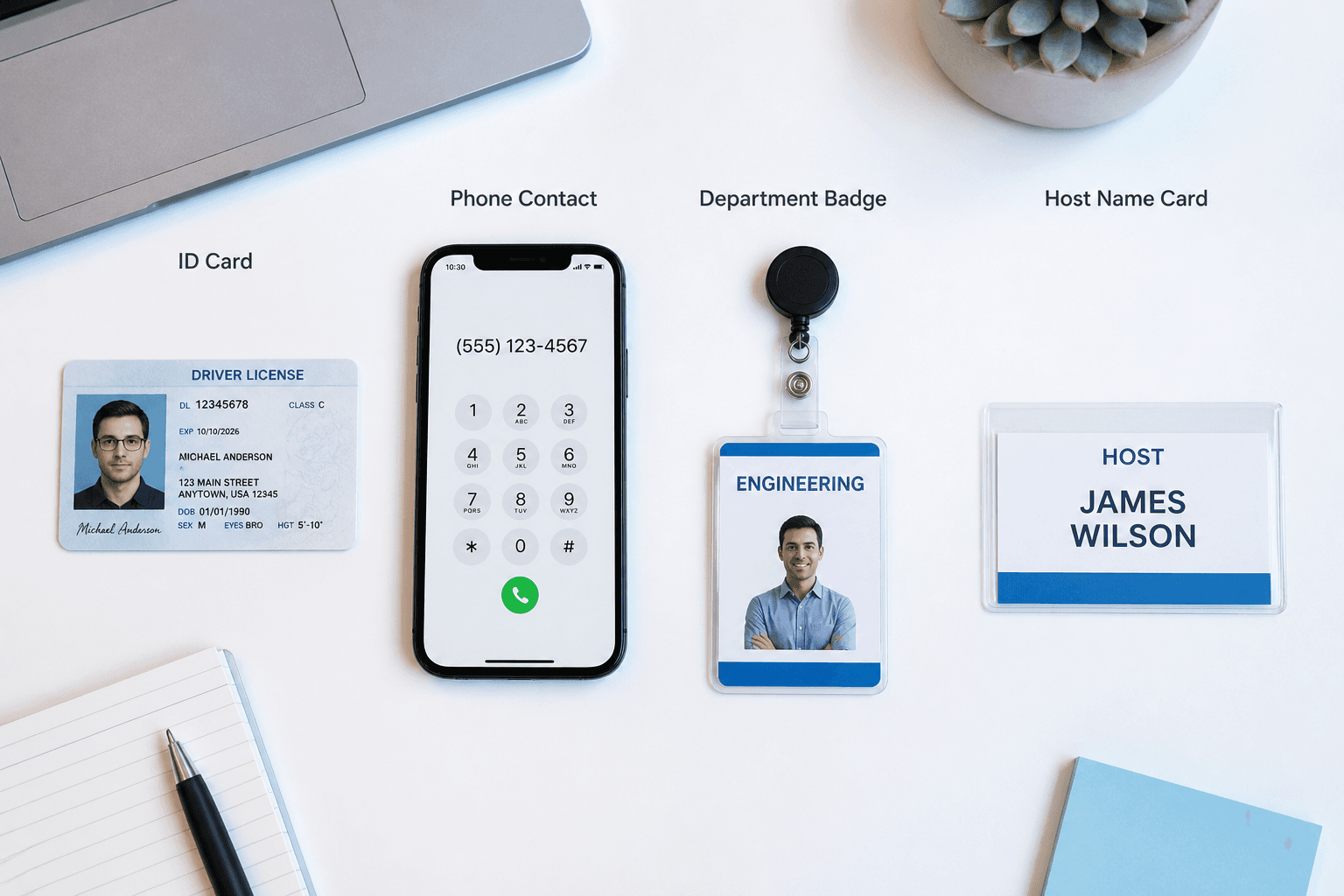
Actions reception uses daily
Reception teams add new visitors throughout the day as appointments and walk-ins appear. Edit keeps host, expiry, and leverage accurate when plans change. Delete and bulk delete clear cancelled visits without leaving stale ACTIVE records. Download QR hands the guest a pass to print or share on a phone. Search by name, email, ID, or contact finds people fast during peak lobby hours. Status control between ACTIVE and BLOCKED gives security an immediate gate decision switch.

What happens on save
On save the system generates a downloadable QR PNG tied to that visitor’s access window. Face data is trained into the FAISS index so the kiosk can recognize the guest at check-in. Optional email notifies the host that a visitor was added to their schedule. The record becomes available to web, mobile, and gate channels under the same tenant. No separate sync job is required for staff to see the new visitor elsewhere. Save is the moment enrollment becomes gate-ready.
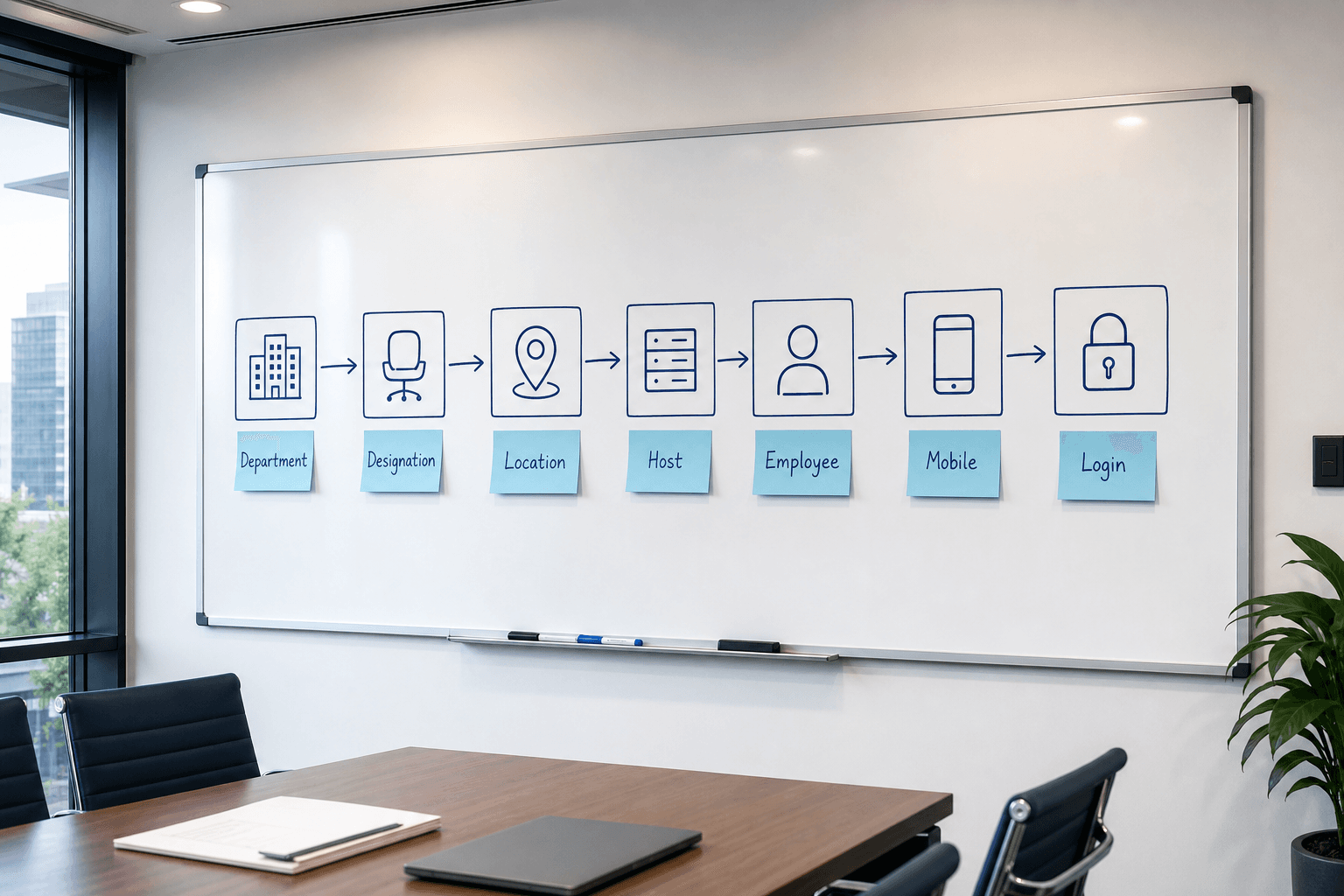
Enrollment order matters
Organization masters should be ready before the first visitor is created. Departments, designations, and locations form the structure hosts and visitors attach to. Host employees must exist with valid email addresses or alert flows will fail silently. Mobile App Login accounts are optional but needed if field staff will enroll away from the desk. Skipping this order leads to broken host routing and incomplete gate records. Follow the sequence so every later feature has clean data to work with.
Enrollment decisions that stick
Choices reception and admins make once, then reuse on every visitor.
Capture identity once
Photo, host, department, reason, QR expiry, card number, and leverage time live on the visitor record.
Train face on save
Saving enrollment updates the FAISS face index so the gate can recognize the guest later.
Notify host early
Optional visitor-added email tells the host someone is expected before they arrive at the door.
Reception workflows that scale
Daily actions that keep the visitor list accurate without rework.
Search before you create
Look up name, email, ID, or contact first to avoid duplicate enrollments on return visits.
Block when needed
ACTIVE/BLOCKED status stops gate access without deleting history needed for audits.
Download QR on demand
Share or print the PNG pass after enrollment so guests can present it at the kiosk.
Master data before the first guest
Enrollment quality depends on organization setup being ready.
Hosts need email
Employee hosts must have valid email addresses or arrival alerts never leave the system.
Order of setup
Department → designation → location → employee host → optional mobile login keeps data clean.
Next step
See this flow in a live demo
Transform your front desk with secure visitor management.
Register guests, check them in with face or QR, alert hosts by email, and export complete visitor reports.