
Departments
Field staff (Mobile)
Field users manage visitors from the Flutter mobile app with the same company data as web.
Create Mobile App Login users in web enrollment, then enroll and update visitors on site — including QR and CSV download.
- Secure mobile login
- Add / edit / delete / bulk delete visitors
- QR and check-in/out CSV download
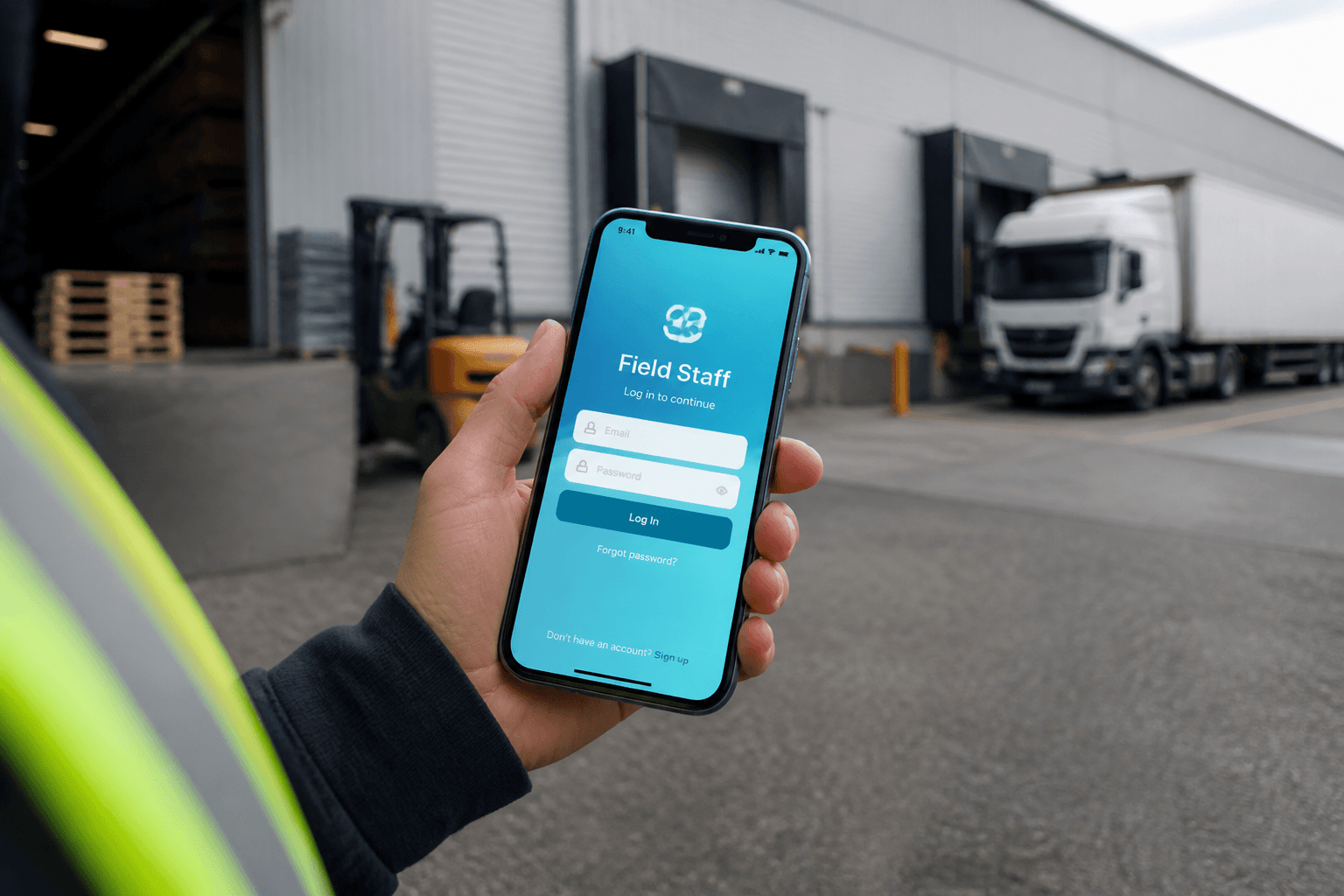
Field staff (Mobile)
Field staff use the Flutter app to run visitor ops on site against the same company data as web. Admins create Mobile App Login users under Enrollment, then field teams add, edit, and download QR passes. Search and bulk actions keep contractor lists current without returning to a desk PC. Check-in CSV downloads help supervisors share activity from the yard. The Windows kiosk remains the primary gate device for Face and QR. Mobile is enrollment and field maintenance, not a pocket turnstile.
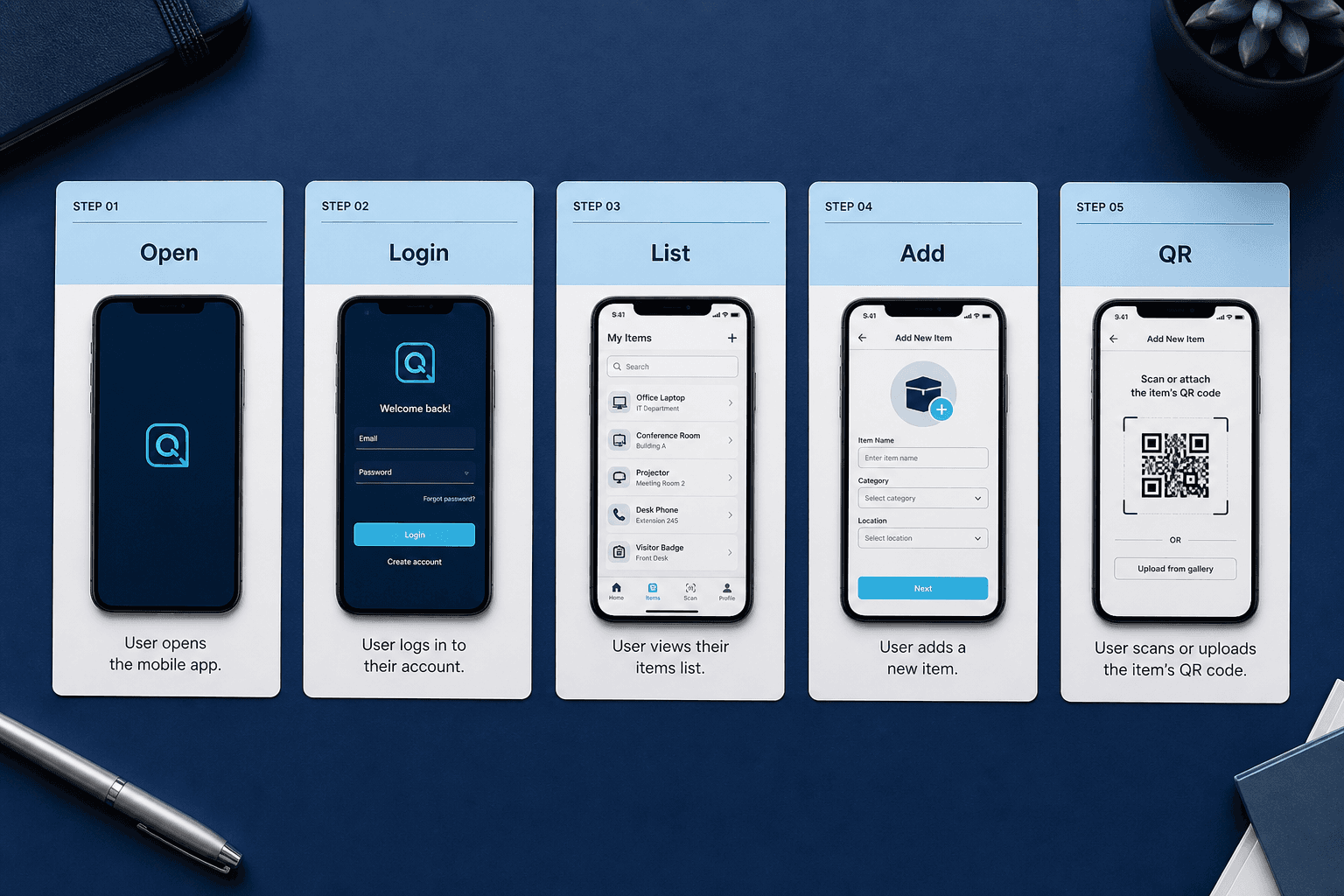
Mobile user journey
Open the app and sign in with Mobile App Login credentials. Browse the visitors list and search when the yard gets busy. Add or edit records with the same core fields reception uses on web. Download QR for the guest and optionally pull CSV for supervisors. The journey stays short so field staff actually use it. Mobile user journey is Axix Visitor when the desk is nowhere nearby.
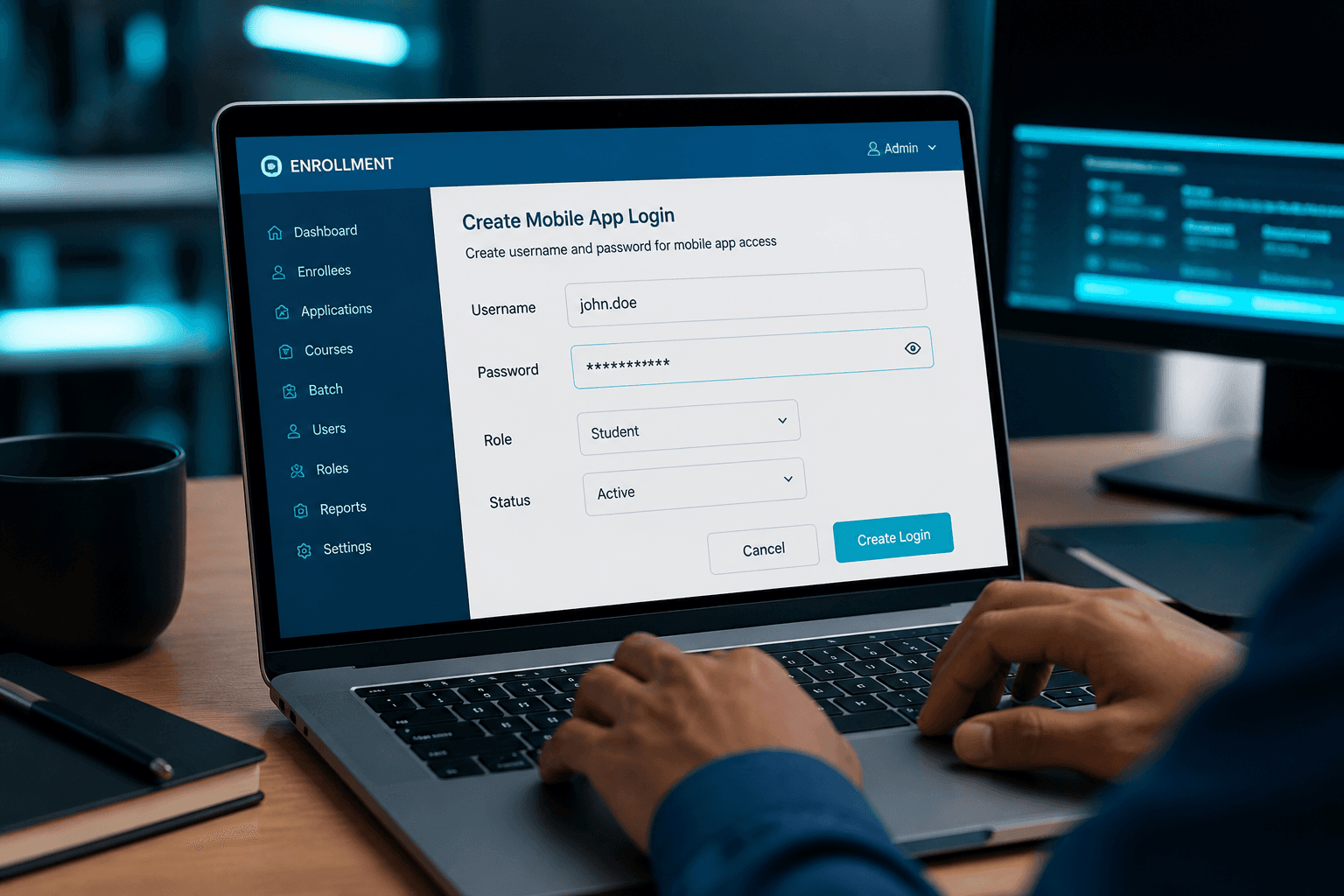
Admin creates logins
Web admins open Enrollment and create Mobile App Login users. Username and password are issued for field staff, not borrowed admin accounts. Scope stays inside the company tenant those users belong to. Revoke access when temporary staff finish their contract. Admin-created logins keep security and audit trails intact. Without this step, field enrollment cannot start safely.
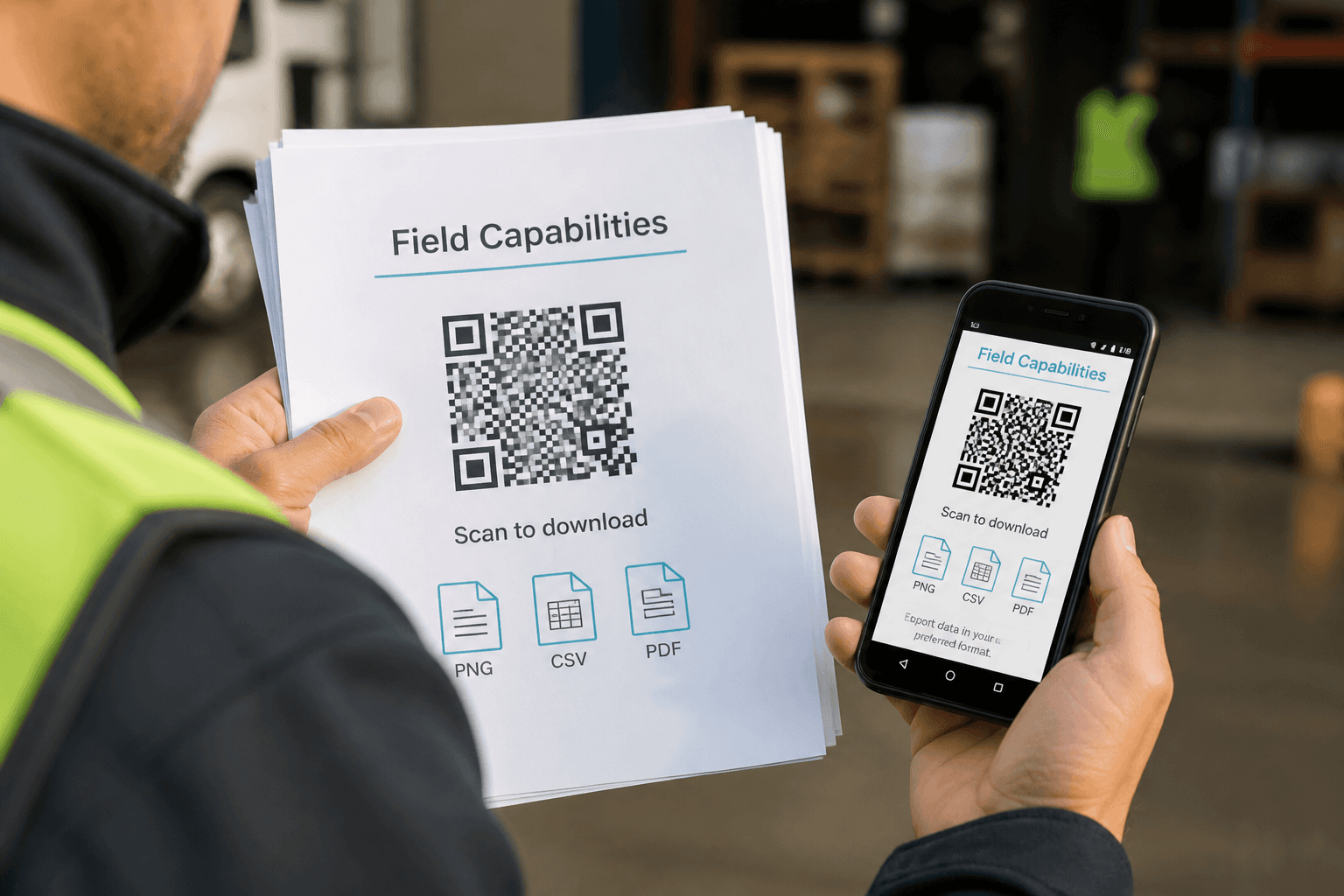
Capabilities
Field users can search, add, edit, delete, and bulk delete visitors. QR PNG download supports print or share workflows in the field. Check-in and checkout CSV download helps local reporting without full web access. Capabilities intentionally stop short of deep door administration. That focus keeps the app fast and appropriate for phones. Capabilities match the jobs field staff are hired to do.
Not the gate device
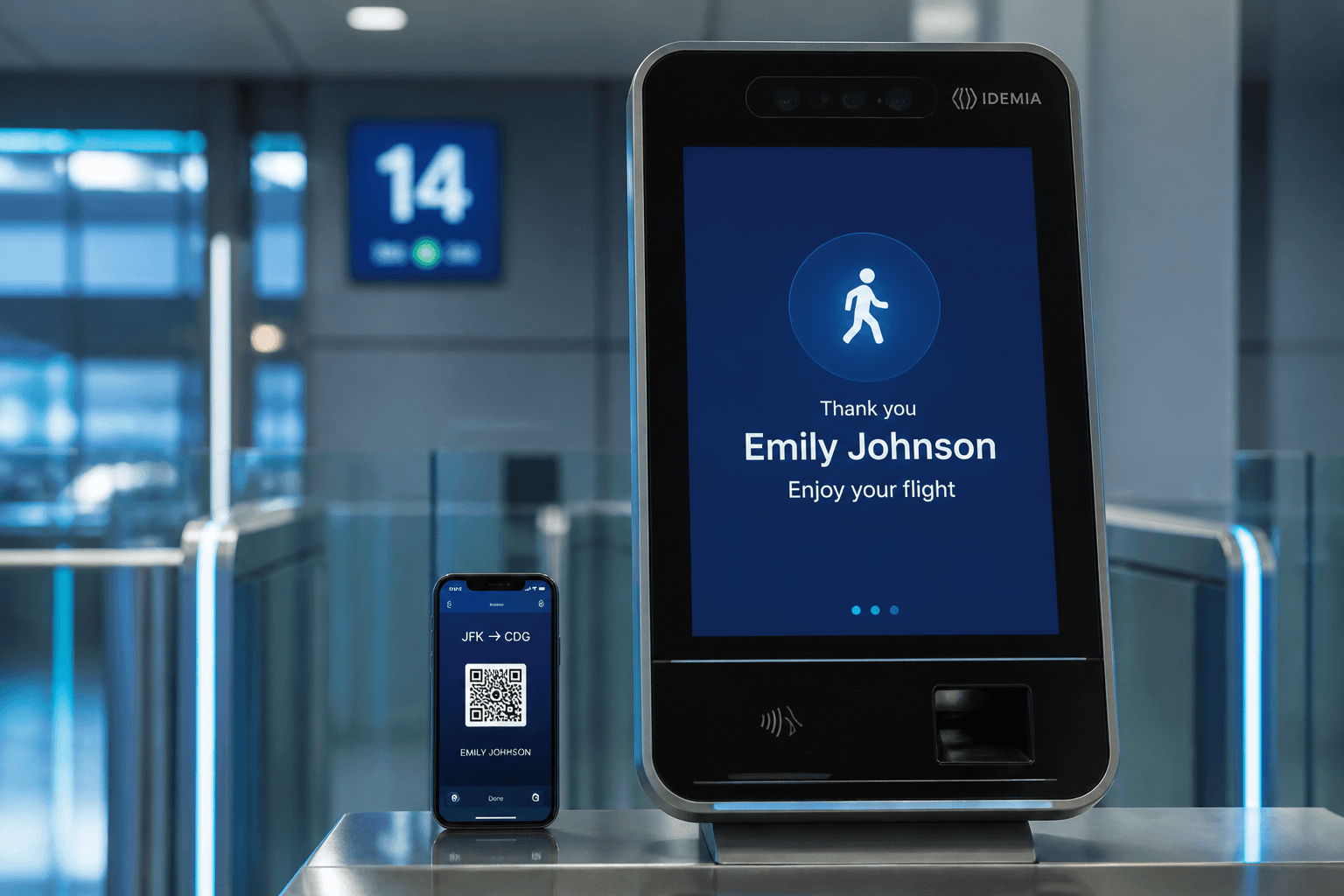
Primary Face and QR check-in still belongs on the Windows kiosk EXE. Phones are poor substitutes for fixed cameras and supervised gate lanes. Positioning mobile correctly prevents failed biometric demos on a handheld. Field staff enroll and update; gate staff verify arrival and exit. Splitting those duties matches real plant and campus operations. Not the gate device is a clarity sentence worth repeating in training.
Field staff visitor jobs
Mobile-first work when the visitor is already on site.
Enroll at the point of need
Add walk-ins with photo and host without walking back to a desktop.
Issue QR immediately
Download and share the pass so the gate can verify without delay.
Export for shift handoff
CSV pulls help supervisors see who field teams registered that day.
Field quality standards
Mobile speed should not sacrifice gate readiness.
Take usable photos
Face match fails when field photos are dark, cropped, or of the wrong person.
Pick the real host
Assign the employee who will actually receive the guest — not a generic inbox.
Set realistic expiry
QR windows should cover the visit without leaving forever-valid codes behind.
Field collaboration cues
Know when to hand work back to reception or security.
Blocked visitor appears
Do not improvise access — escalate to security with the mobile record open.
Gate offline in the field
Report Door Access issues to IT instead of creating duplicate paper logs.
Next step
See this flow in a live demo
Transform your front desk with secure visitor management.
Register guests, check them in with face or QR, alert hosts by email, and export complete visitor reports.