
Departments
Security & Gate
Face or QR check-in and checkout at the Windows gate kiosk.
Security and gate staff run the kiosk EXE — verify identity, capture snapshots, and follow up on Visitor Alerts for late checkouts.
- Face match or QR verify at the door
- Check-in snapshot for audit trail
- Visitor Alert page for overdue visitors
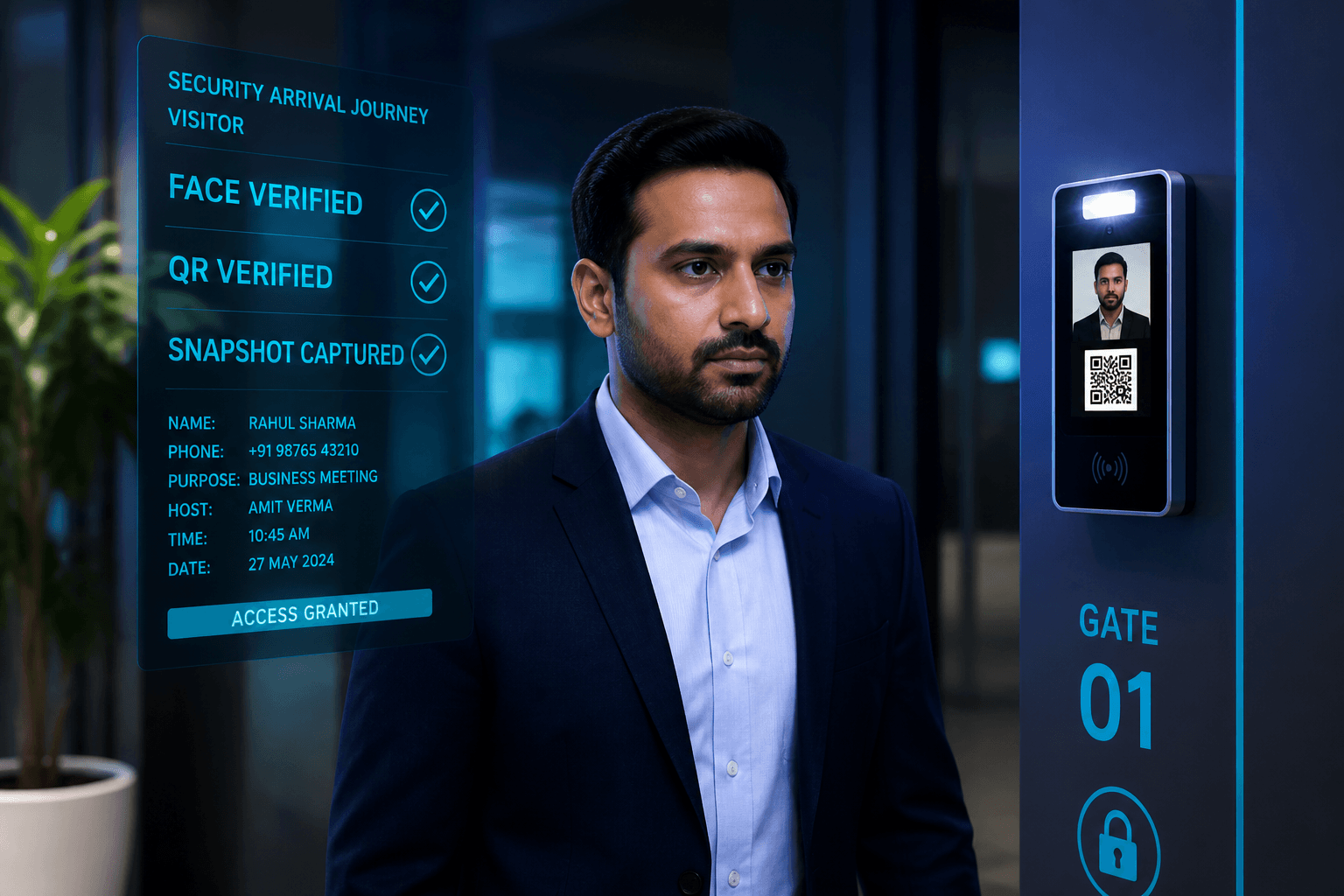
Security & Gate staff
Security and gate staff run Face or QR check-in and checkout on the Windows kiosk. Successful arrival writes the visit, can capture a snapshot, and emails the host. Checkout closes the open visit and completes confirmation flow for that guest. Visitor Alert guides follow-up when leverage windows are missed after meeting end. Door Access status keeps teams aware of which gates are online. Security’s job is calm verification plus clean exception handling.
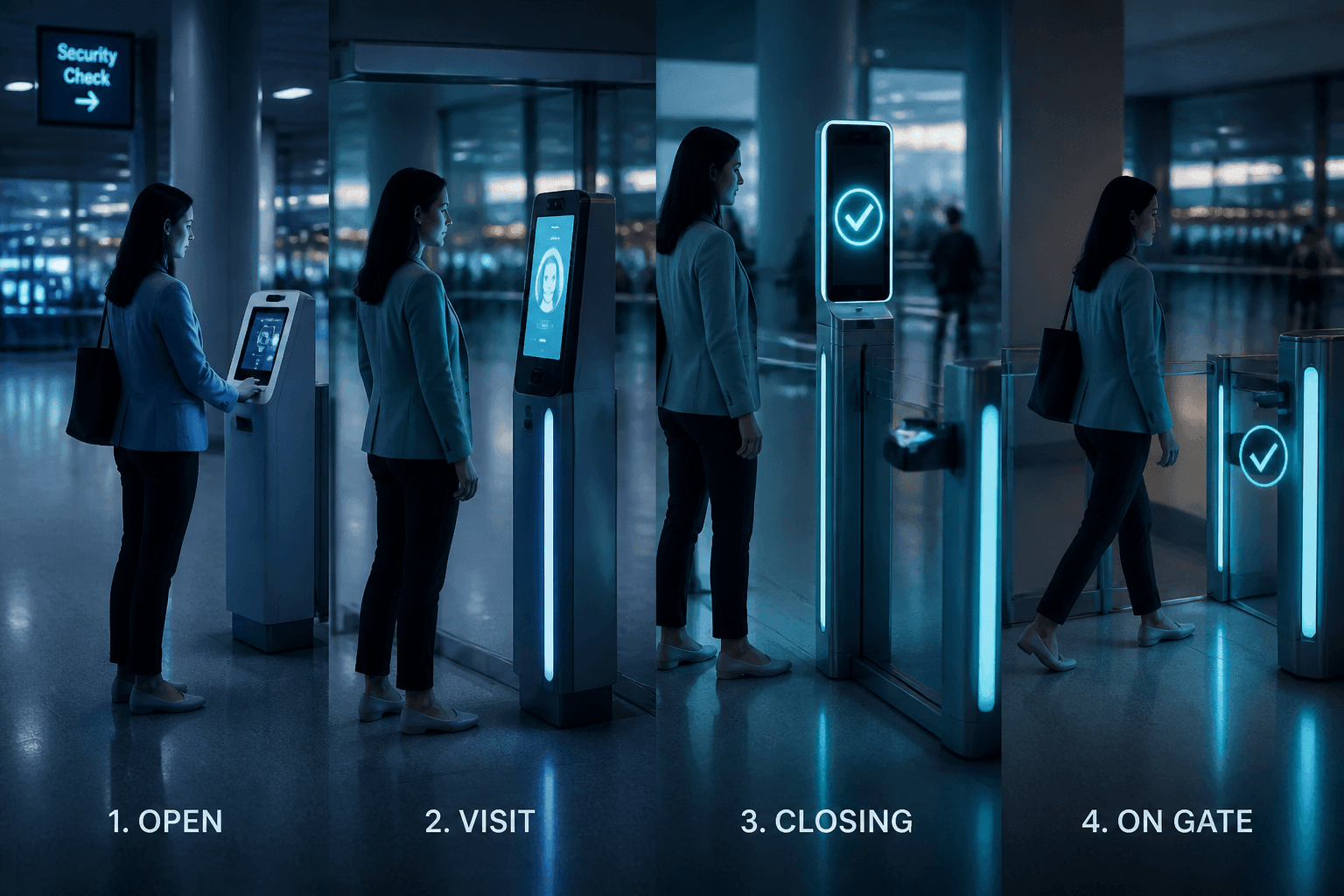
Arrival journey
The visitor approaches the camera or presents a QR pass at the kiosk. Face match or QR verify confirms identity against ACTIVE and expiry rules. Check-in saves the visit and can upload a snapshot for evidence. Host email fires so the indoor owner knows the guest has arrived. Failed expired or BLOCKED attempts stop at the gate with a clear deny. Arrival journey is security’s primary daily rhythm.
Checkout journey
An open visit returning to the kiosk drives checkout instead of a second check-in. Closing the visit updates live counts and report rows. Confirmation flow completes according to configured host messaging. Overdue pressure clears once checkout succeeds. Security should treat exit with the same seriousness as entry. Checkout journey is how sites prove people left, not only that they entered.
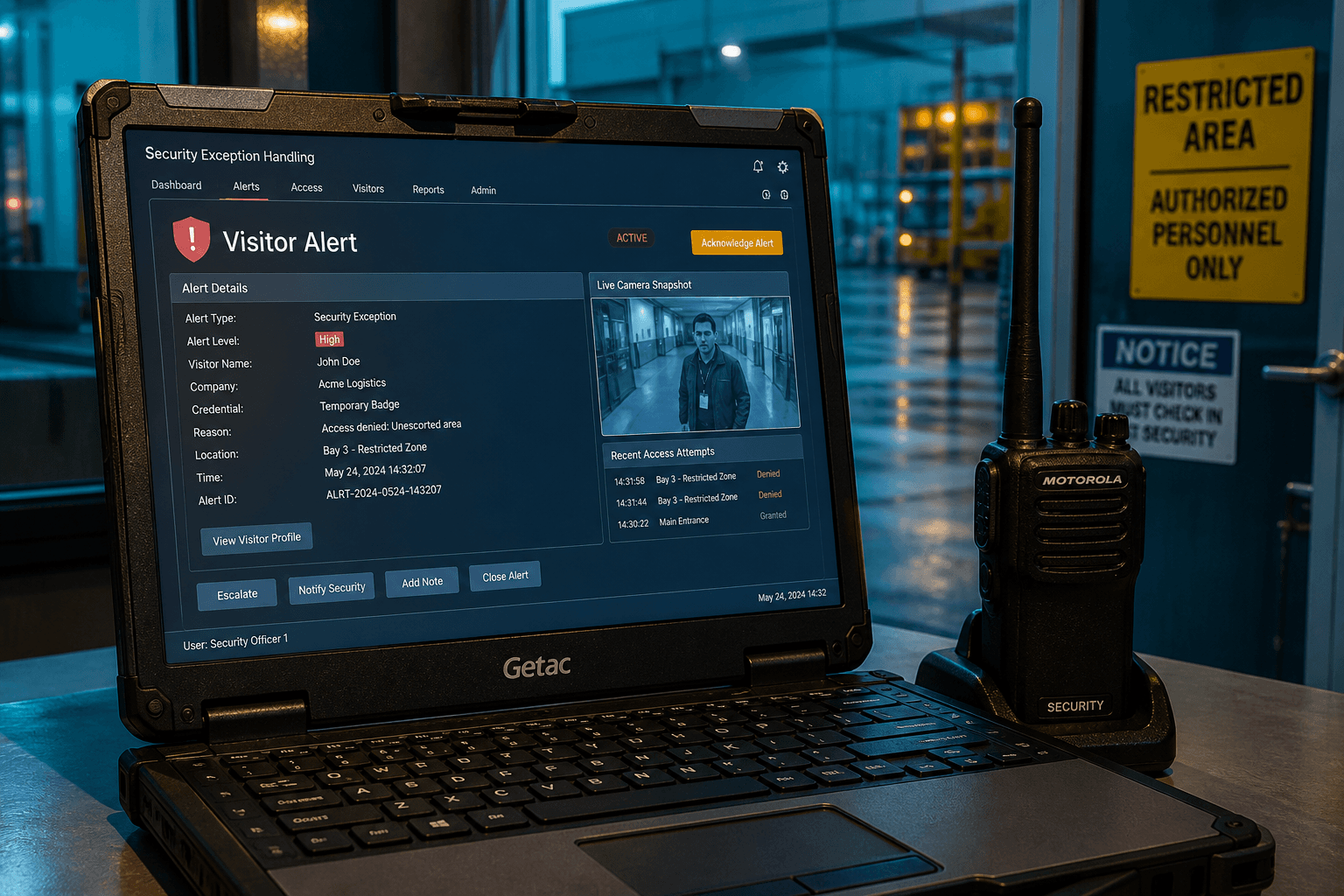
Exception handling
Visitor Alert lists leverage misses that need human chase. Security coordinates with reception and hosts until the guest checks out. Refreshing the alert page keeps status current during an active incident. Exceptions are closed by gate checkout, not by deleting the alert alone. Training should include both the happy path and the overdue path. Exception handling is where professional gate teams separate from paper logs.
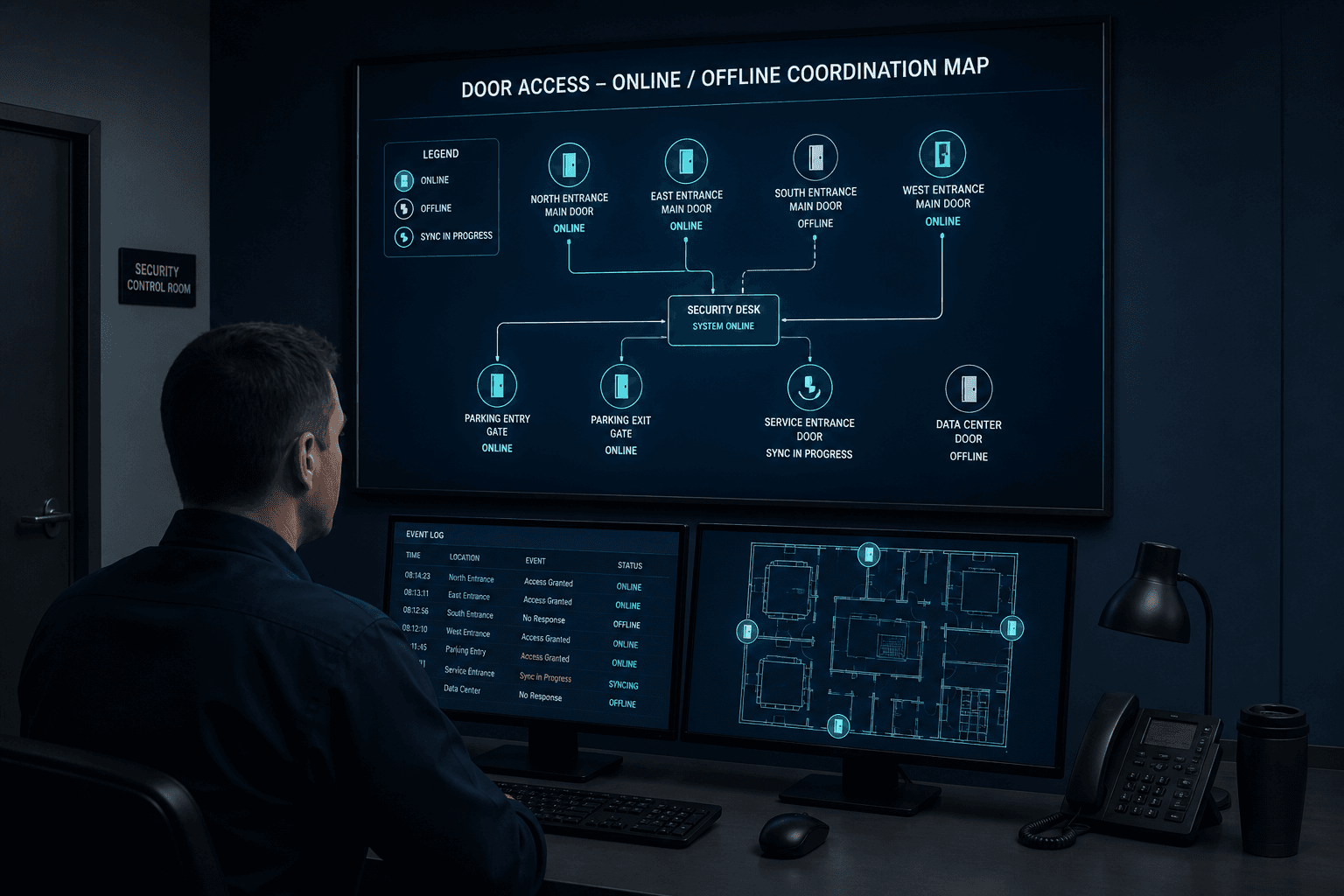
Device awareness
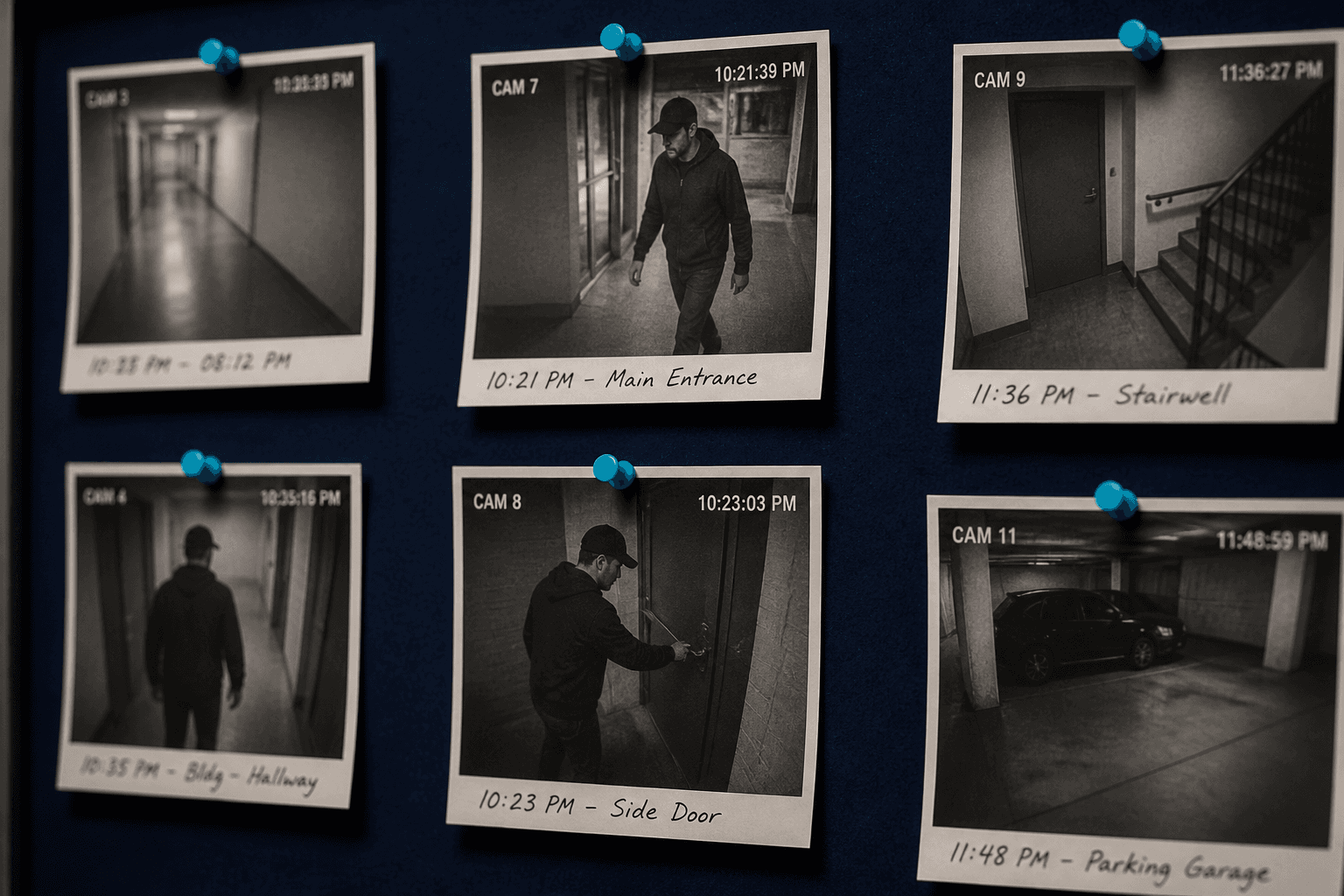
Coordinate with Door Access to know which gates are online or offline. Redirect traffic early when a camera PC fails rather than discovering it in a queue. Named devices speed IT tickets when hardware needs attention. Device awareness is shared work between security and facilities. Pair it with dashboard load to decide staffing at each entrance. Awareness prevents avoidable chaos at the perimeter.
Security’s control points
Gate verification, overdue response, and blocked visitors sit with security.
Own the kiosk moment
Face or QR check-in is the authoritative entry event security trusts.
Drive overdue clearance
Visitor Alert plus host contact closes late visits before they become incidents.
Apply BLOCKED carefully
Status changes should be logged in process so reception cannot silently reverse them.
Security device awareness
Door Access is part of security posture, not just IT telemetry.
Offline gate is a risk
Treat prolonged offline status like an unattended entrance until fixed.
Snapshot review
Check-in snapshots support investigations when identity is disputed after entry.
Export for incidents
PDF/CSV packs provide chronological visitor evidence after a security event.
Security training focus
Train guards on exceptions, not only happy-path scans.
Failed face match path
Know when to fall back to QR and when to escalate rather than wave people through.
Checkout insistence
Exit scans keep on-site counts honest during evacuations and shift change.
Next step
See this flow in a live demo
Transform your front desk with secure visitor management.
Register guests, check them in with face or QR, alert hosts by email, and export complete visitor reports.