
Features
Face & QR gate kiosk
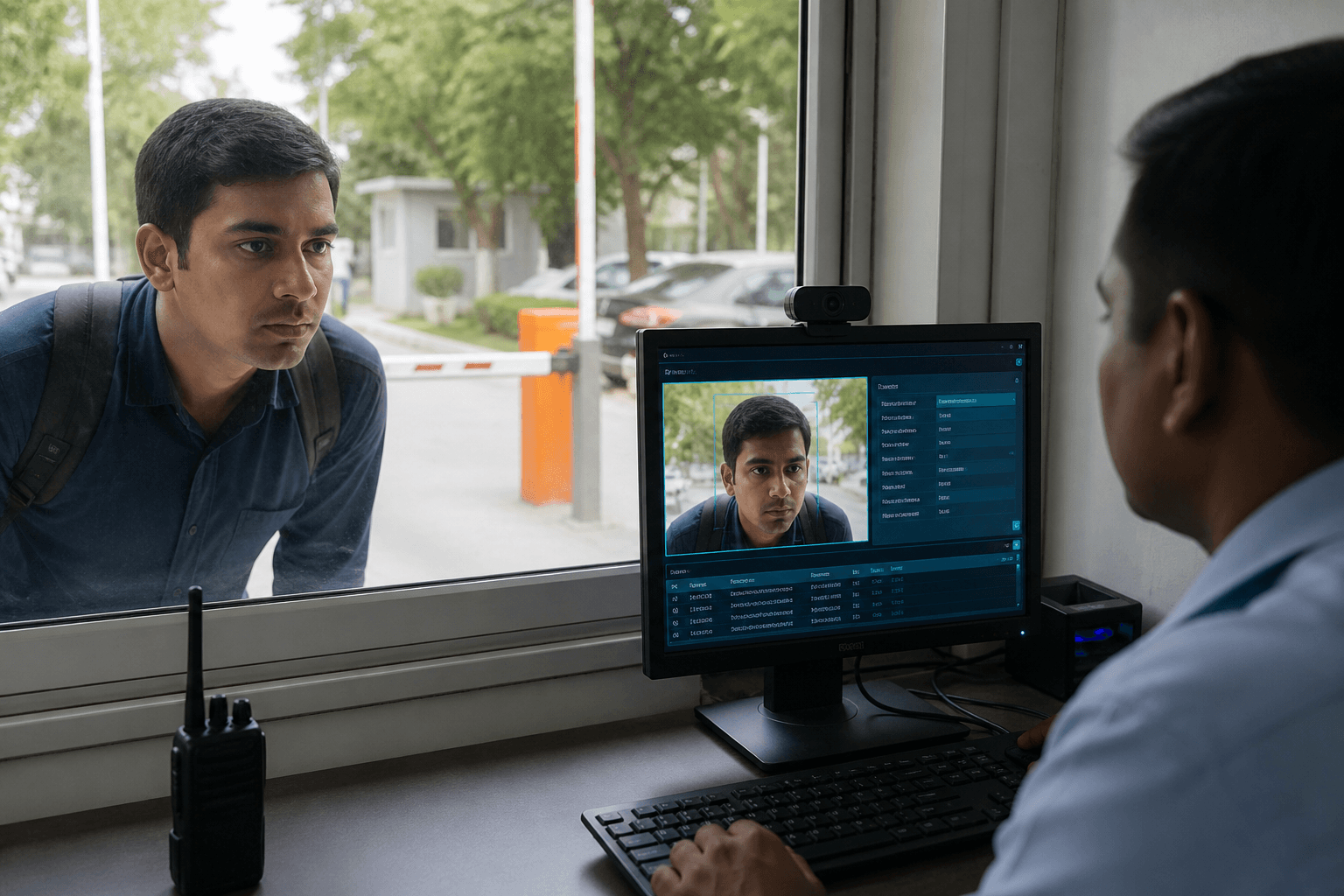
Windows PC + camera kiosk for live face recognition or QR scan check-in and checkout at the door.
Gate behavior
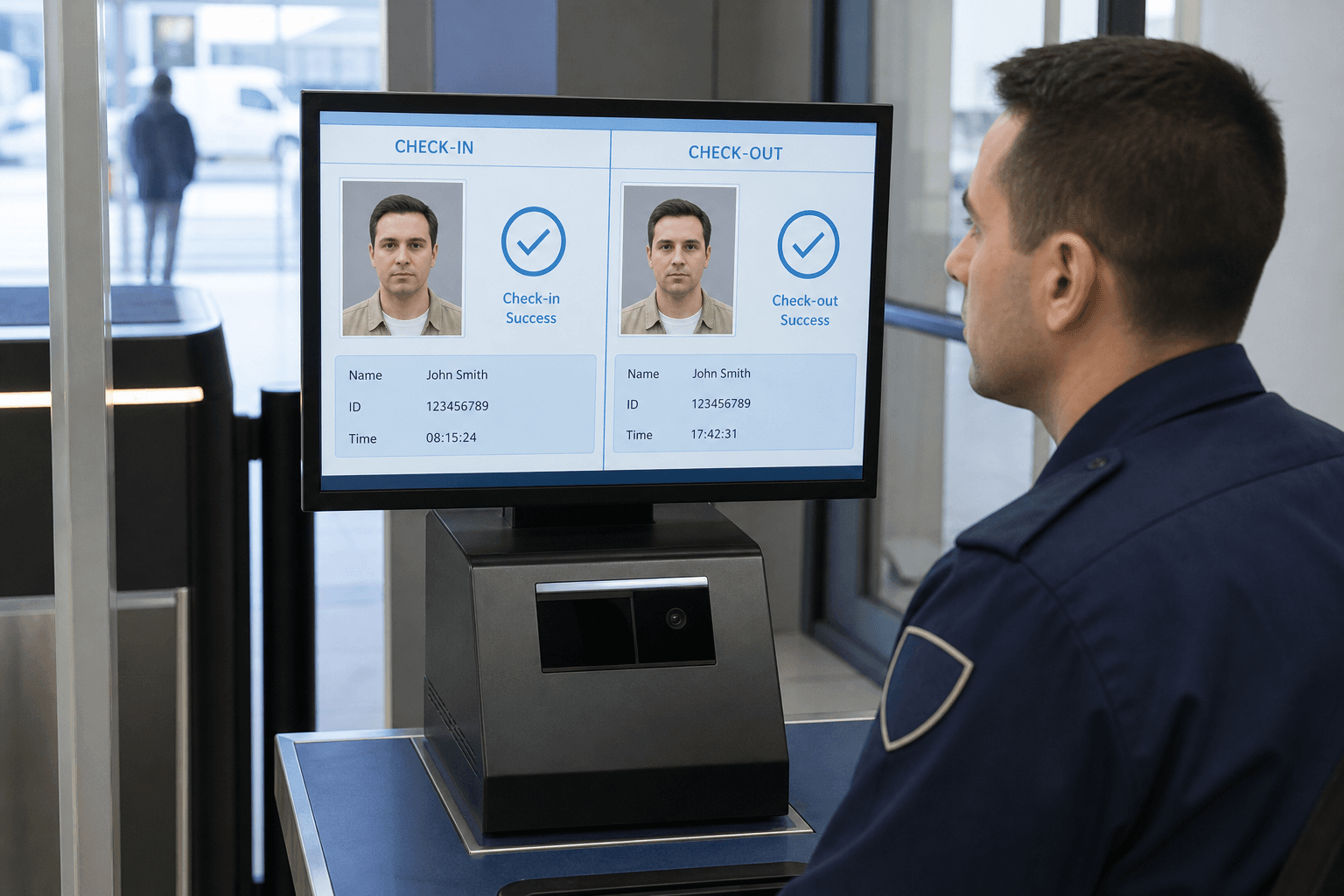
The kiosk decides check-in vs checkout from the open visit state.
- No open visit → check-in
- Open visit already → checkout
- Face match success → identity verified, record + snapshot
- Valid ACTIVE QR → identity verified
- Expired QR or BLOCKED visitor → access fail
After check-in
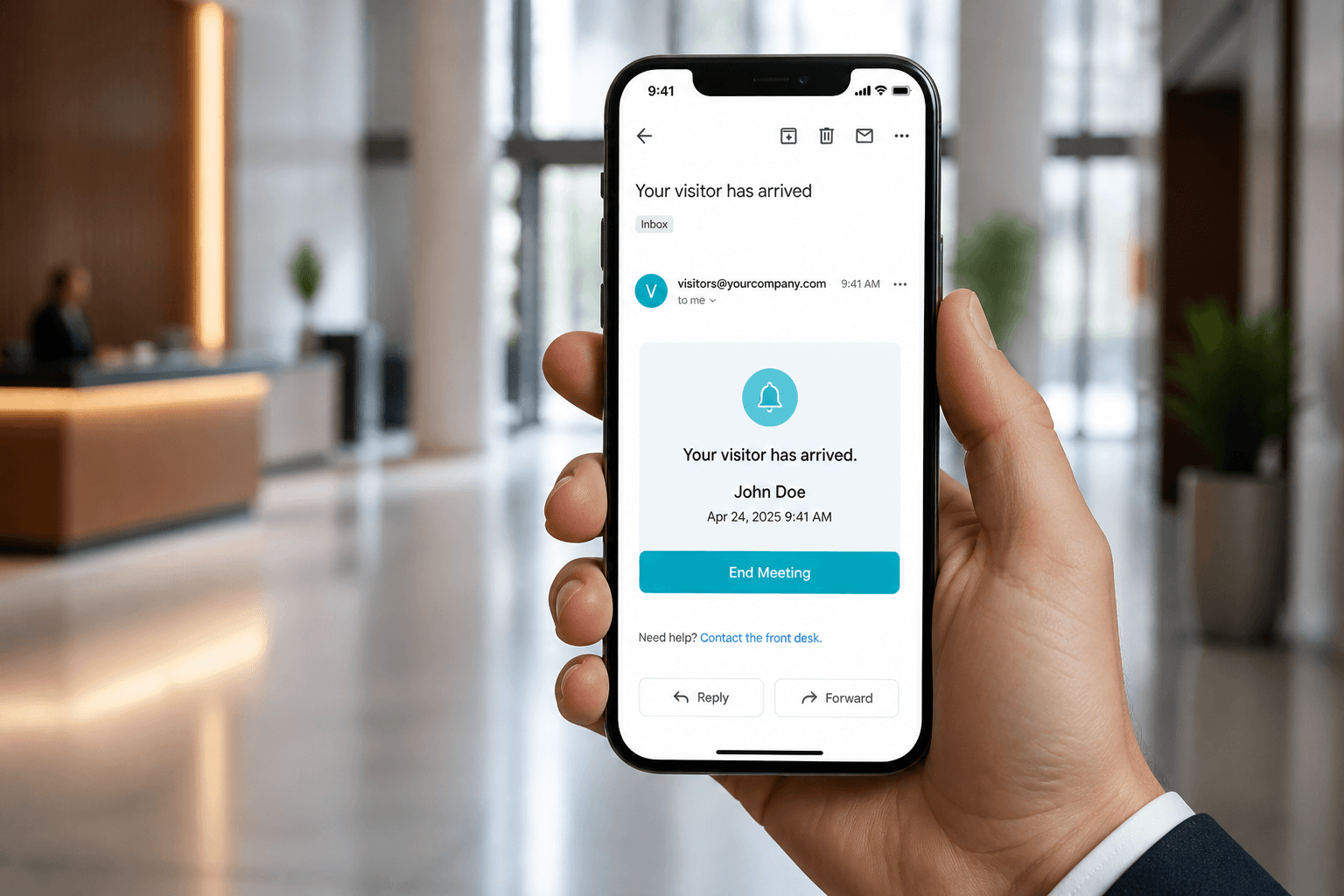
Record saves to the API, check-in photo uploads, and the host receives a visitor-arrived email with an End Meeting link.
Face & QR gate kiosk
The Windows gate kiosk running v4visitor.exe is the main check-in channel for factories and offices. A PC and camera at the door verify visitors with face recognition or a scanned QR pass. Successful check-in saves the visit, uploads a snapshot, and emails the host with an End Meeting action. Checkout closes the open visit and completes the confirmation path for that arrival. Door devices stay tied to the same cloud or server API as web and mobile. This page explains how the physical gate behaves from arrival to exit.
Gate behavior matrix
If no open visit exists, a successful Face or QR verify starts check-in for that visitor. If an open visit already exists, the same successful verify drives checkout instead. Face match success writes the event and attaches a check-in snapshot when configured. Expired QR or BLOCKED status fails access before any visit state changes. The matrix keeps lobby and plant doors predictable for security staff. Operators learn one rule set rather than separate apps for entry and exit.
- Face match success → record + snapshot
- QR expired / BLOCKED → access fail
After check-in
Check-in posts the visit record to the API so dashboards and reports update immediately. A check-in photo can upload as visual proof of who arrived at the gate. The assigned host receives a visitor-arrived email with an End Meeting button. That email is how meeting close and leverage timing typically begin. Reception and security can see the active visit without calling the host. After check-in, the site has a live, attributable visitor on premises.

After checkout
Checkout closes the open visit so the person is no longer counted as on site. Host confirmation flows can follow according to the configured email path. Reports later show both check-in and checkout for the same visit row. Overdue alert pressure clears once checkout completes successfully. Gate staff get a clear end state instead of ambiguous paper sign-out sheets. Closing the visit is what keeps live dashboards trustworthy.
Typical site setup
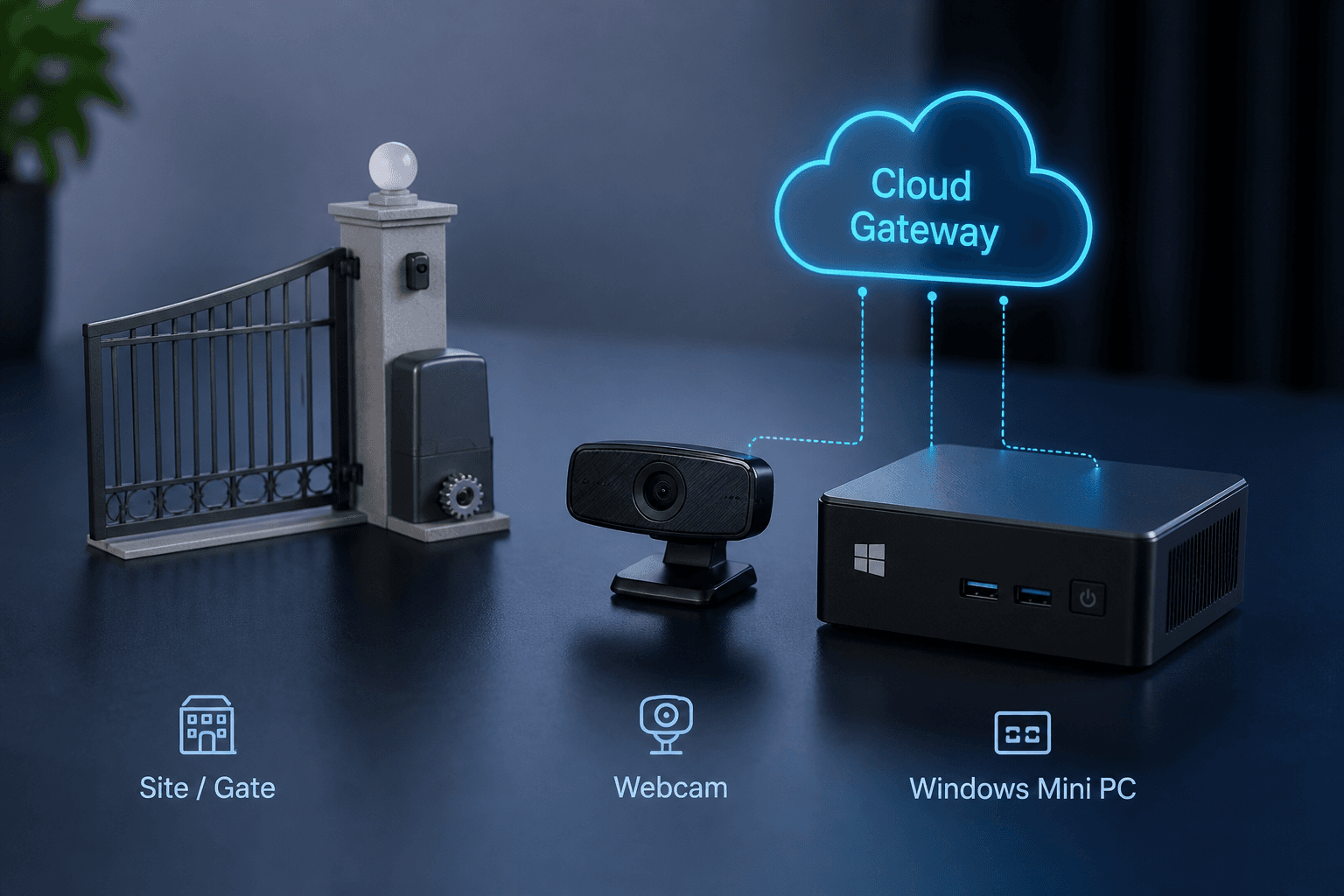
Sites map each physical gate or door to a Windows PC with a camera. The v4visitor.exe kiosk app becomes the operator interface for Face or QR. Events stream to the cloud or on-prem server API for that tenant. Emails, dashboard cards, and report exports consume those same events. IT verifies device online status in Door Access before production traffic. This stack is the standard plant and office deployment pattern for Axix Visitor.
What the Windows kiosk owns
The gate EXE is the physical control point for face and QR check-in.
Dual verify path
Operators can complete entry with face match or QR scan on the same Windows station.
Snapshot on check-in
Optional capture stores a visual record of who stood at the gate when access was granted.
Anti-spoof option
Sites that need stronger assurance can enable anti-spoof checks on the kiosk flow.
Checkout is part of gate access
Entry without exit tracking breaks overdue alerts and reports.
Same methods on exit
Face or QR checkout closes the visit so leverage timers and host emails stay accurate.
Offline awareness
Door device visibility helps security know when a gate station is unreachable.
No iPad dependency
Any suitable Windows PC with webcam can run the kiosk without proprietary tablet hardware.
Gate readiness checklist
Confirm these before inviting the first production visitor.
Webcam and lighting
Face check-in needs a clear 720p+ camera and stable lighting at the verification height.
Network to tenant API
The EXE must reach the same backend the Web Admin and Mobile App use for that company.
Next step
See this flow in a live demo
Transform your front desk with secure visitor management.
Register guests, check them in with face or QR, alert hosts by email, and export complete visitor reports.