
Resources
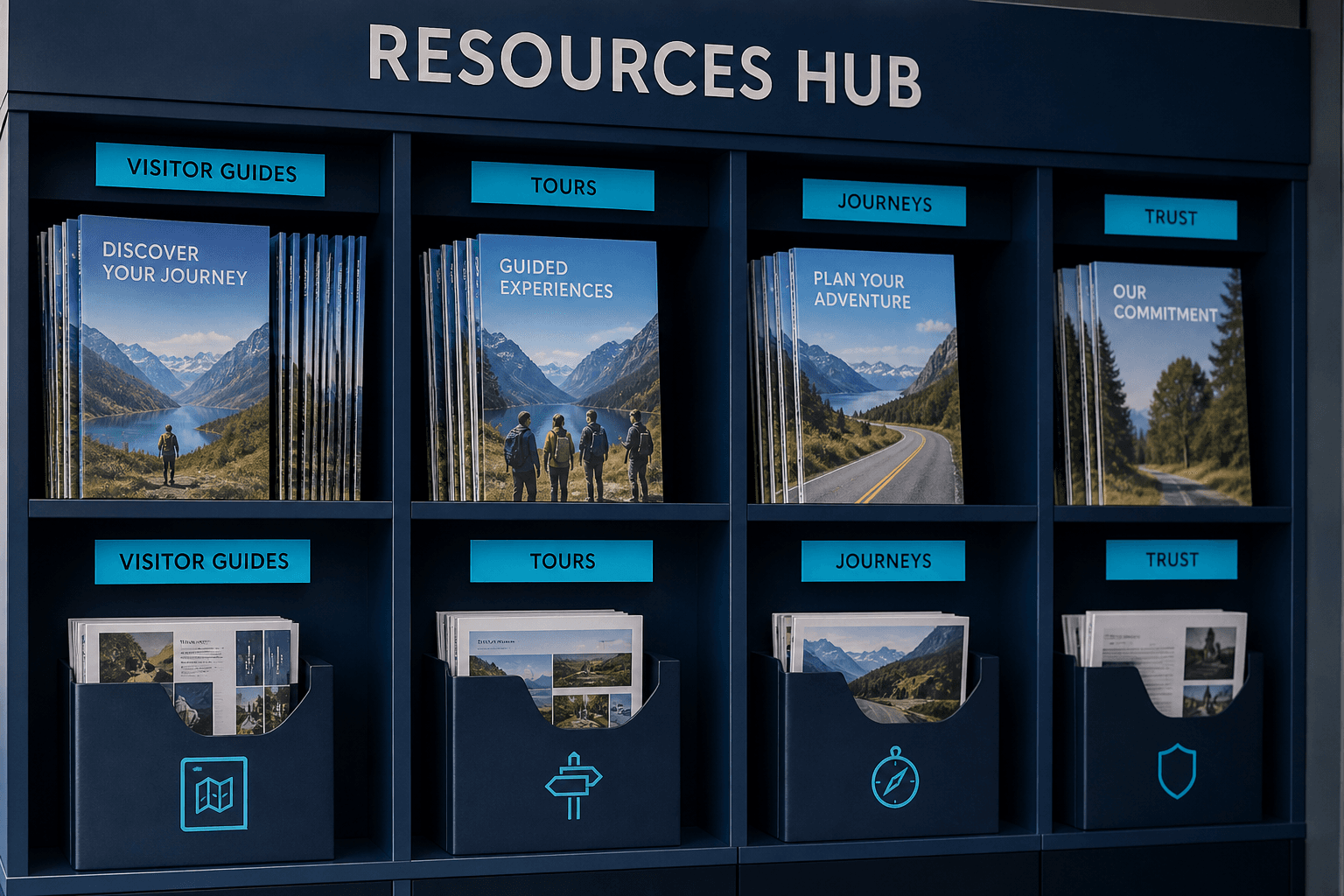
Guides, journeys, and trust
Product FAQ, how-it-works tours, go-live journeys, and security controls — all from the Axix Visitor product guide.
FAQ
Open this resource from the Axix Visitor guide.
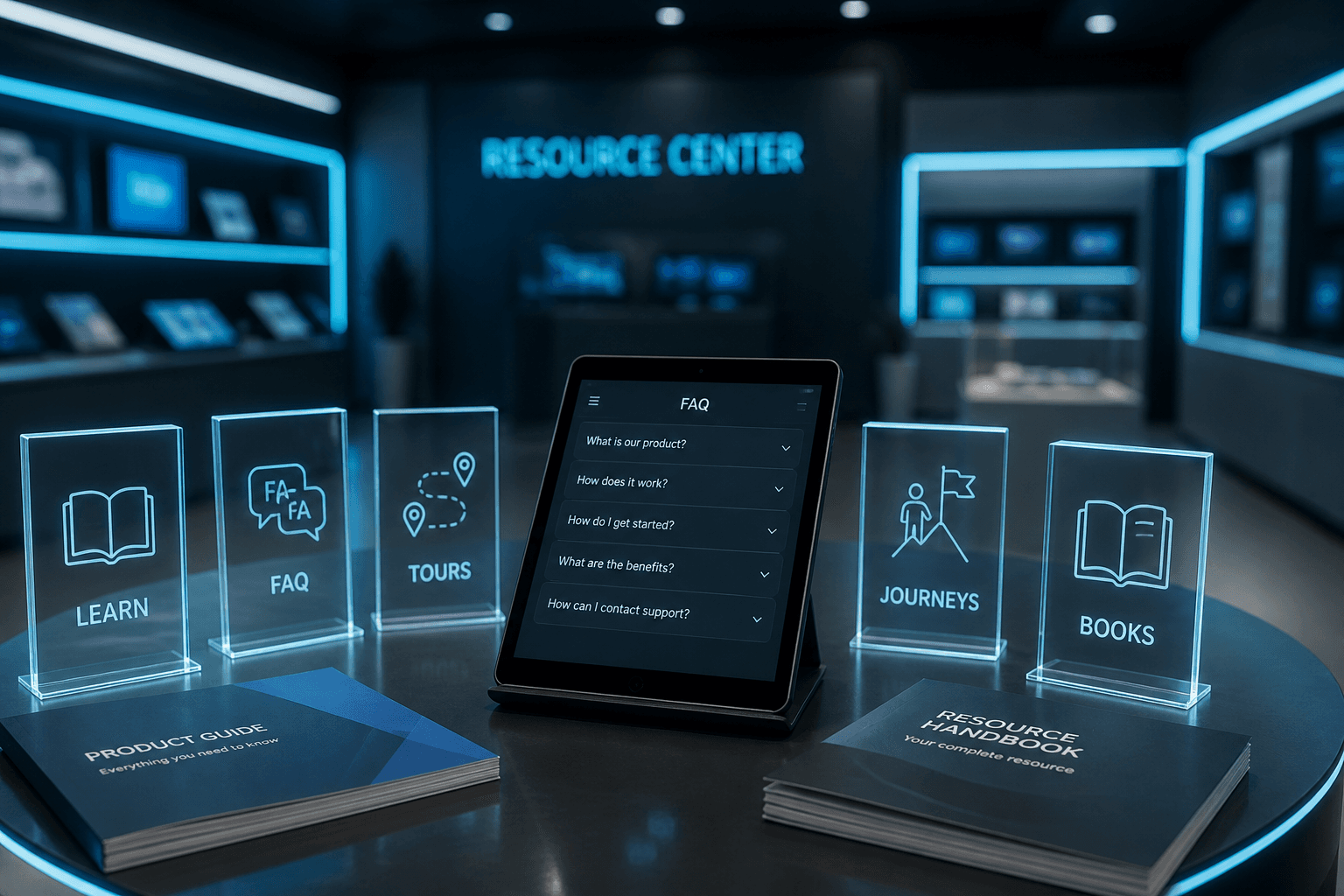
How it works (Tours)
Open this resource from the Axix Visitor guide.

Case studies / journeys
Open this resource from the Axix Visitor guide.
Trust Center
Open this resource from the Axix Visitor guide.
Support
Open this resource from the Axix Visitor guide.
Product overview
Open this resource from the Axix Visitor guide.
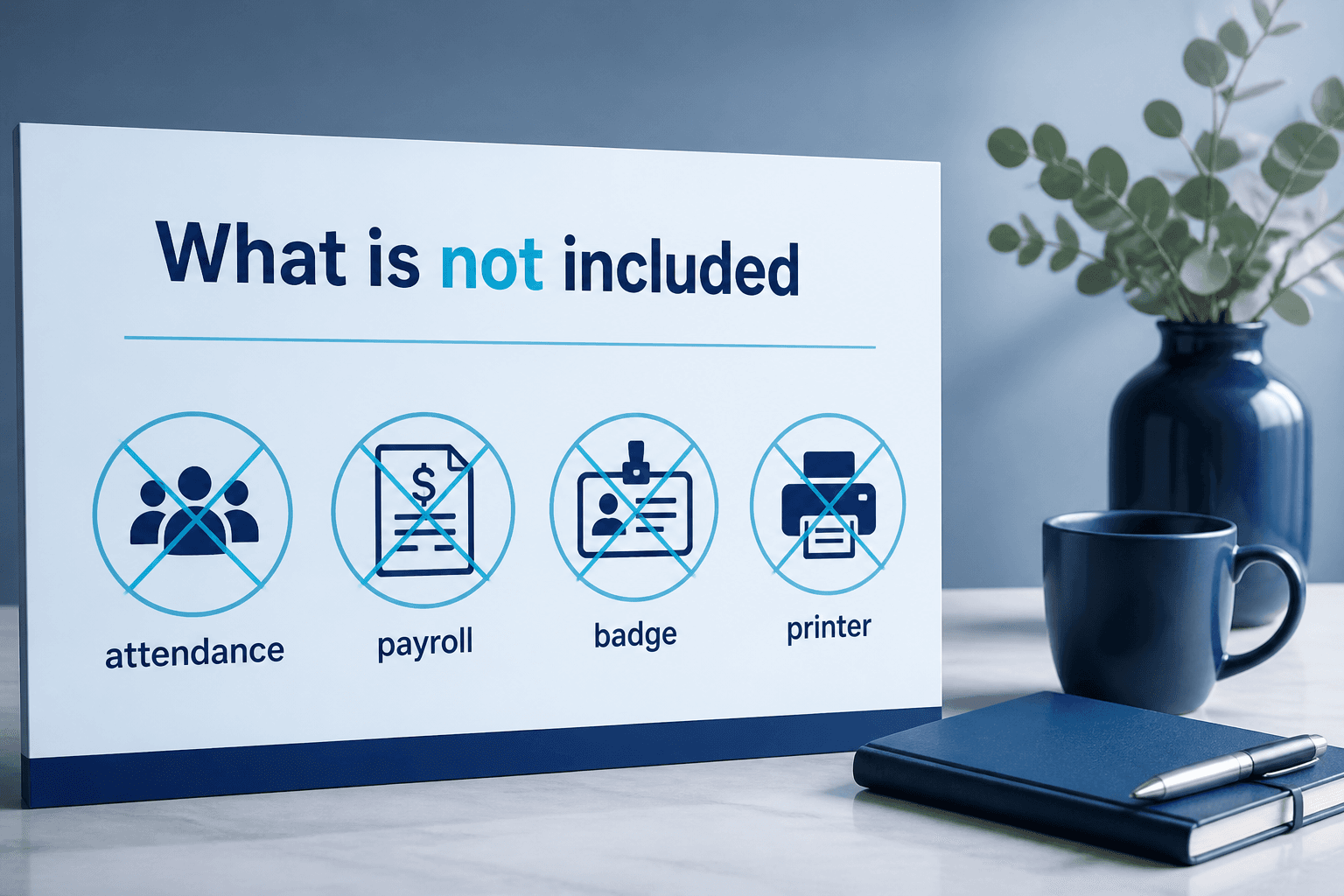
What is NOT included
Keep website copy accurate — Axix Visitor is visitor-only.
- Employee attendance / payroll (that is 360 FaceVision)
- Full badge printer suite (Card Number + QR pass available)
- Public self-registration portal (admin / reception / mobile enroll)
- Dedicated appointment booking module (pre-register + QR expiry is closest)

Resources
Resources gather FAQ, tours, journeys, trust materials, and support entry points in one place. Learn the lifecycle visually, answer crisp questions, and follow go-live paths without hunting the whole site. Trust Center pages explain isolation, QR expiry, face index, snapshots, and roles. Honest scope notes call out attendance, badge printers, self-reg portals, and appointment modules that are not included. Contact and demo CTAs turn reading into a live walkthrough. Use Resources when buyers want knowledge before a sales call.

Learn the product
Tours explain the end-to-end lifecycle for mixed audiences quickly. FAQ pages answer sharp questions without forcing a full demo. Journeys A through F map go-live, arrival, meeting close, late checkout, and audit. Learning paths reduce repeated sales engineering for common confusion. Stakeholders can self-serve before the meeting and go deeper live. Learn the product here, then validate on a gate walkthrough.

Trust & security
Trust Center content covers tenant isolation and gate control primitives. QR expiry, face embeddings, and check-in snapshots are explained as shipped controls. Role separation between web, mobile, and host email actions is part of the story. Buyers doing security review should start here before architecture deep dives. Trust pages keep claims aligned with section twelve of the product guide. Security confidence is a resource, not a vague slogan.

What is NOT included
Attendance and payroll belong to FaceVision, not Axix Visitor. A full badge printer suite is outside this product’s modules. There is no public self-registration portal for anonymous walk-ups. Dedicated appointment booking calendars are also out of scope. Stating exclusions early prevents painful procurement mismatches. What is not included protects implementations from imaginary features.

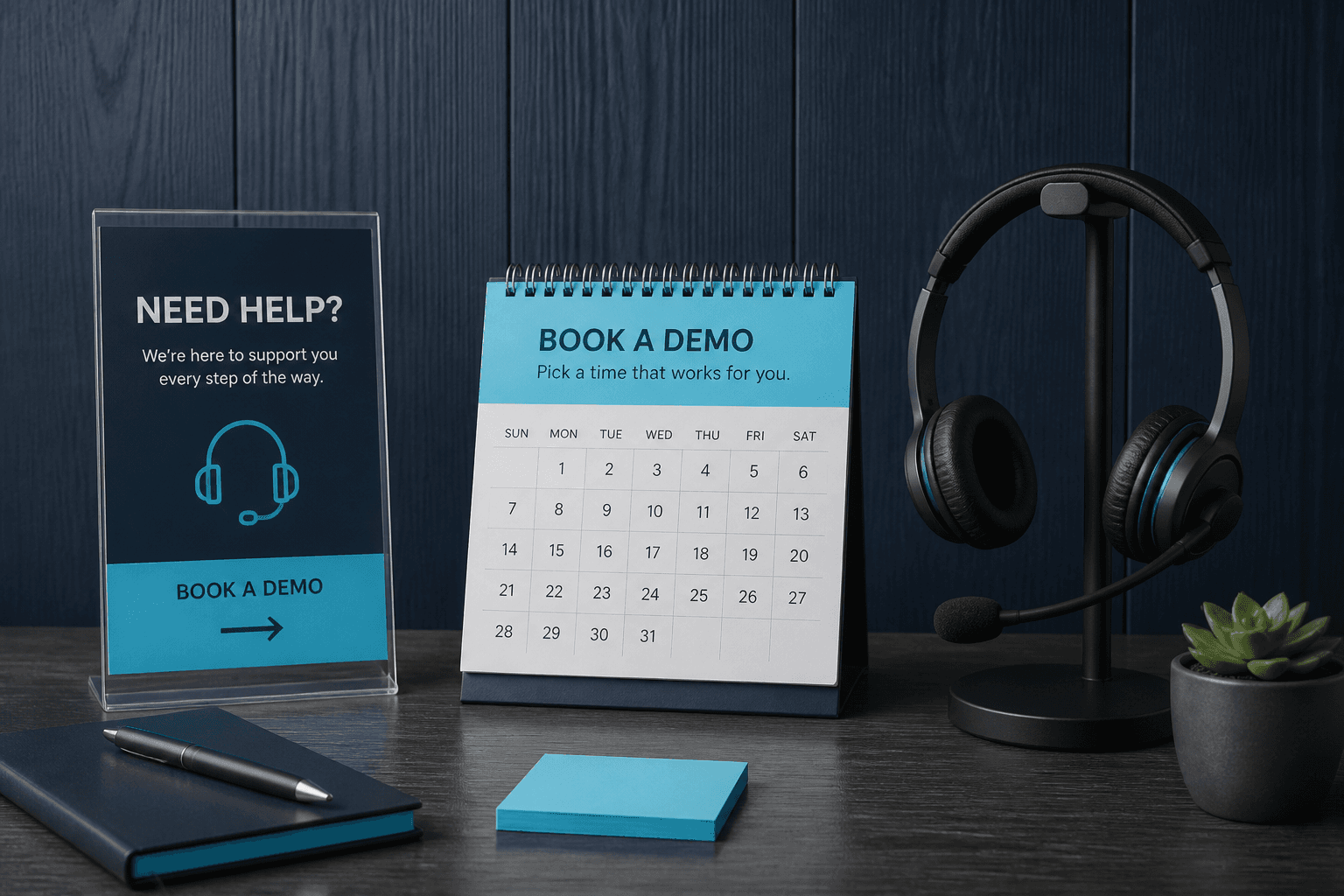
Get help
Contact and Book a Demo paths open a live enrollment plus gate session. Bring site layout and Windows PC notes so the agenda stays practical. Support conversations work best after stakeholders skim tours and FAQ. Help is not only troubleshooting; it is guided discovery of fit. Axix Technologies can walk the same journeys documented on the site. Get help when reading is no longer enough to decide.
Resource map for evaluators
Use resources to deepen understanding after the feature catalog.
Journeys for process owners
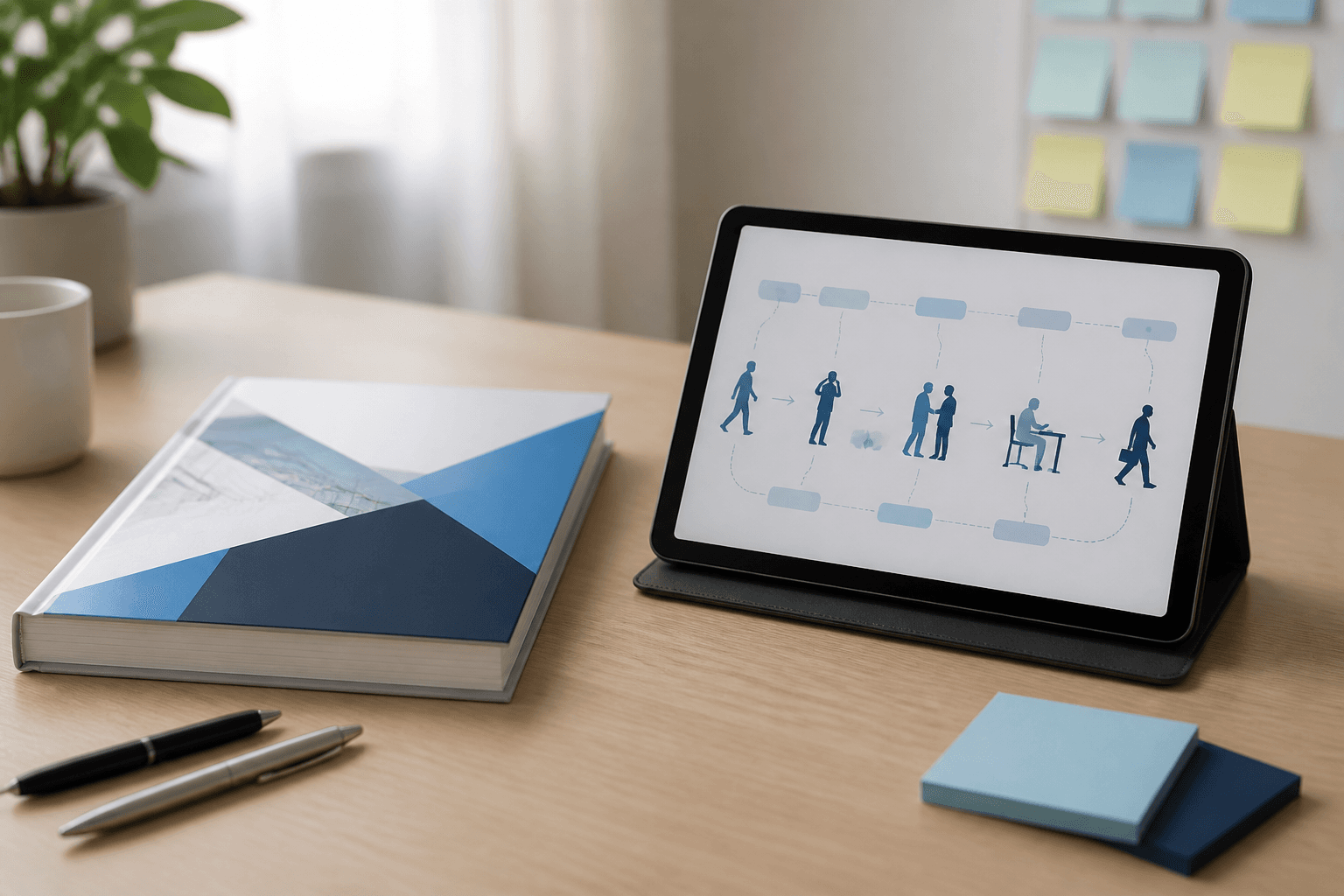
Step flows show enroll → gate → host → checkout → report without UI screenshots.
Trust for security reviewers
Tenant isolation, gate controls, and deploy posture live in the trust center.
FAQ for quick objections
Scope, hardware, and sibling-product questions clear before a sales call.
Suggested resource path
A short reading order for busy buyers.
Start with journeys
See how a visitor moves through the system before debating edge features.
Then trust controls
Validate isolation and gate security once the flow makes sense.
Finish with FAQ
Resolve remaining objections, then open pricing or free trial on the SaaS site.
What resources are not
Set expectations so readers do not look for the wrong artifacts here.
Not a knowledge base dump
These pages explain product journeys and trust — not every API endpoint.
Not pricing detail
Per-visitor plans live on the commercial SaaS site pricing section.
Next step
See this flow in a live demo
Transform your front desk with secure visitor management.
Register guests, check them in with face or QR, alert hosts by email, and export complete visitor reports.