
Features
Door access monitoring
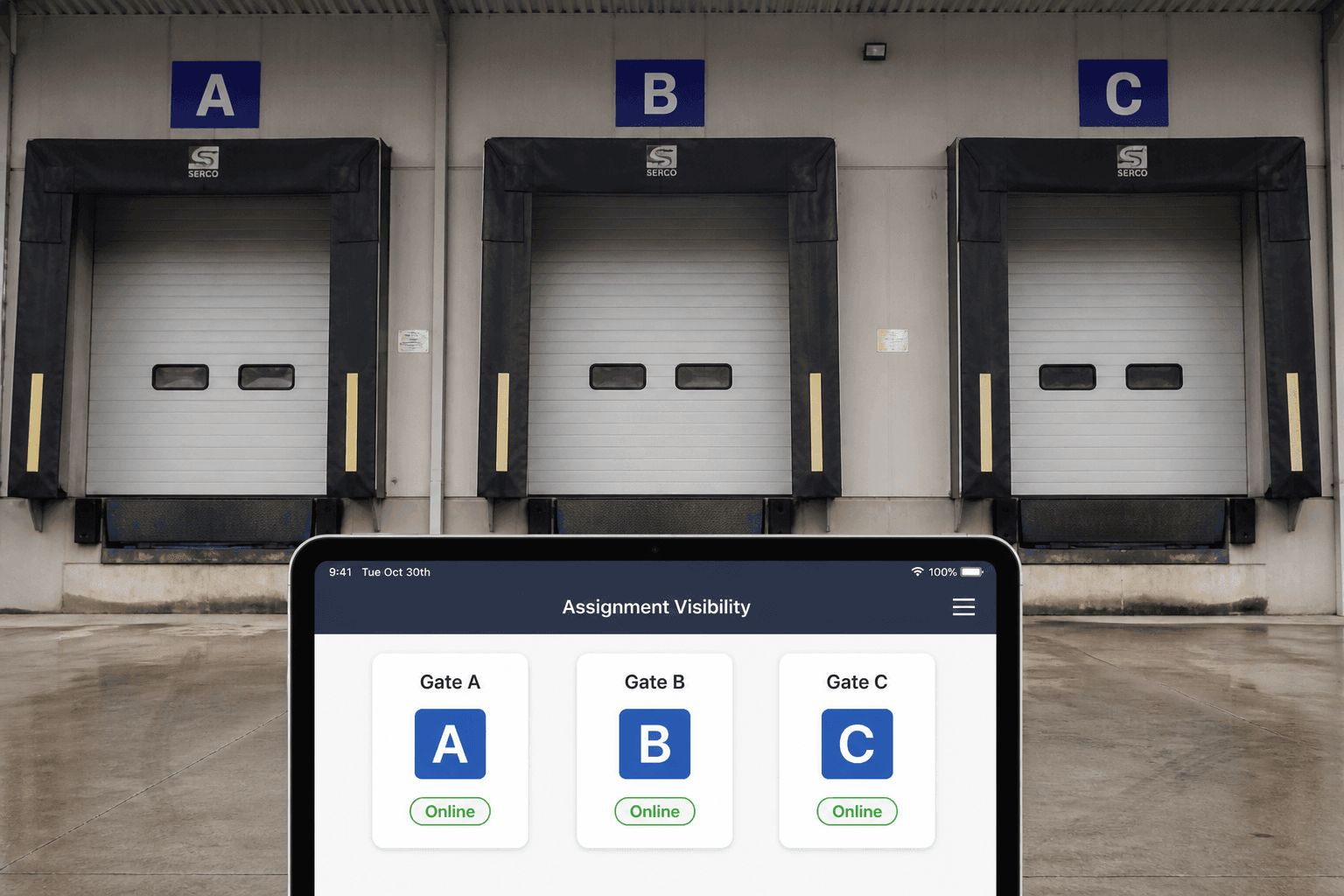
See which gate and kiosk devices are online or offline from the web admin Door Access module.
Device visibility
Gate / kiosk devices are listed for assignment visibility. Physical check-in and checkout happen on the Windows EXE at the door.
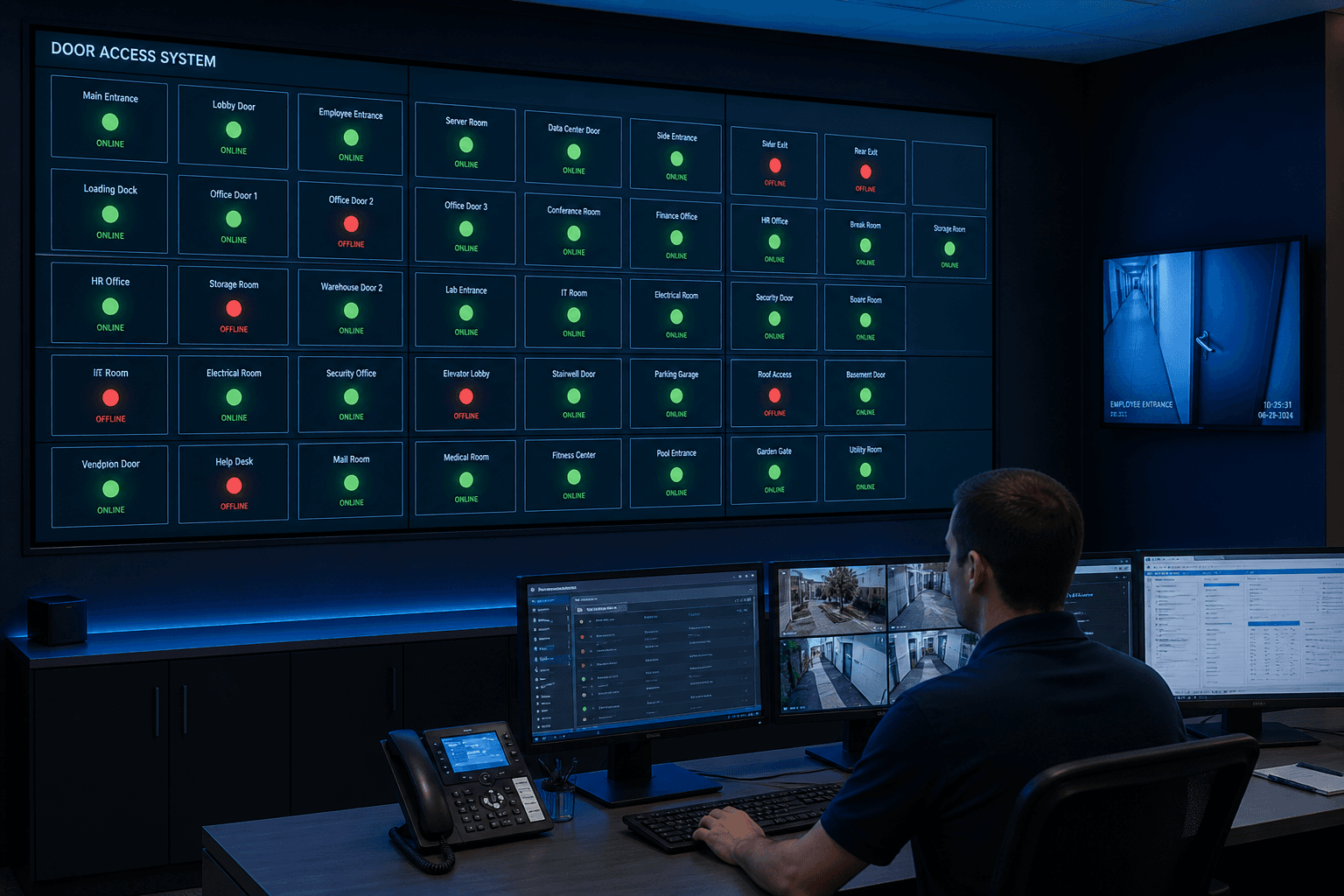
Door Access module
Door Access is the Web Admin view of gate and kiosk devices across your site. Operations can see which doors look online or offline before the morning rush. Assignment visibility helps admins know which device belongs to which entrance. Physical check-in still happens on the Windows EXE; this module is about readiness and monitoring. Pair it with Visitor Alert and the live dashboard for full gate awareness. Treat Door Access as the health panel for every visitor checkpoint you deploy.
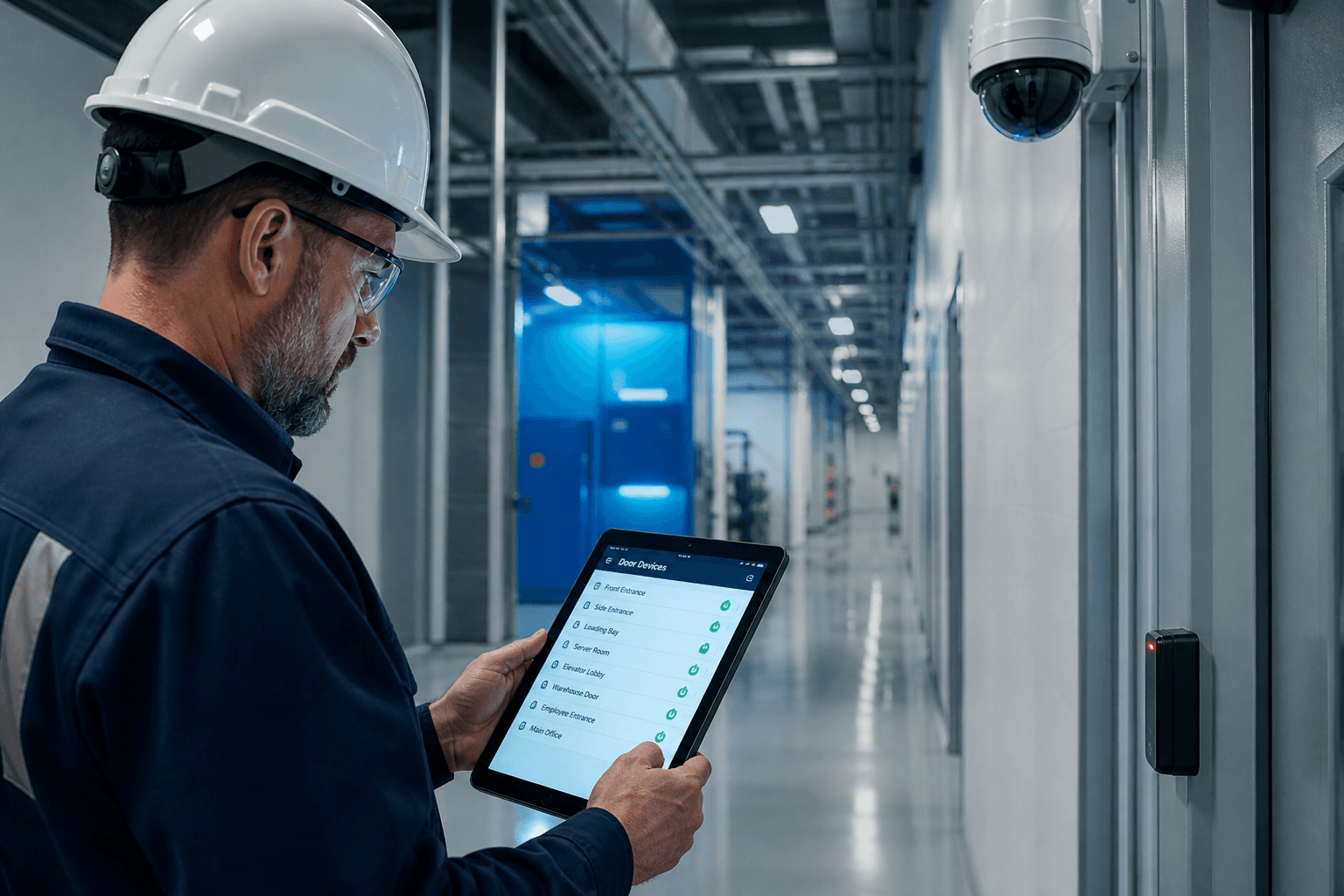
Device monitoring
Web Admin lists gate and kiosk devices so staff are not guessing about hardware status. Online and offline states help prioritize which entrance needs IT attention first. Monitoring reduces surprise failures when contractors arrive in a surge. Facilities teams can check Door Access as part of opening routines. Device names and assignments make multi-gate campuses readable at a glance. Monitoring is prevention, not a replacement for the kiosk itself.
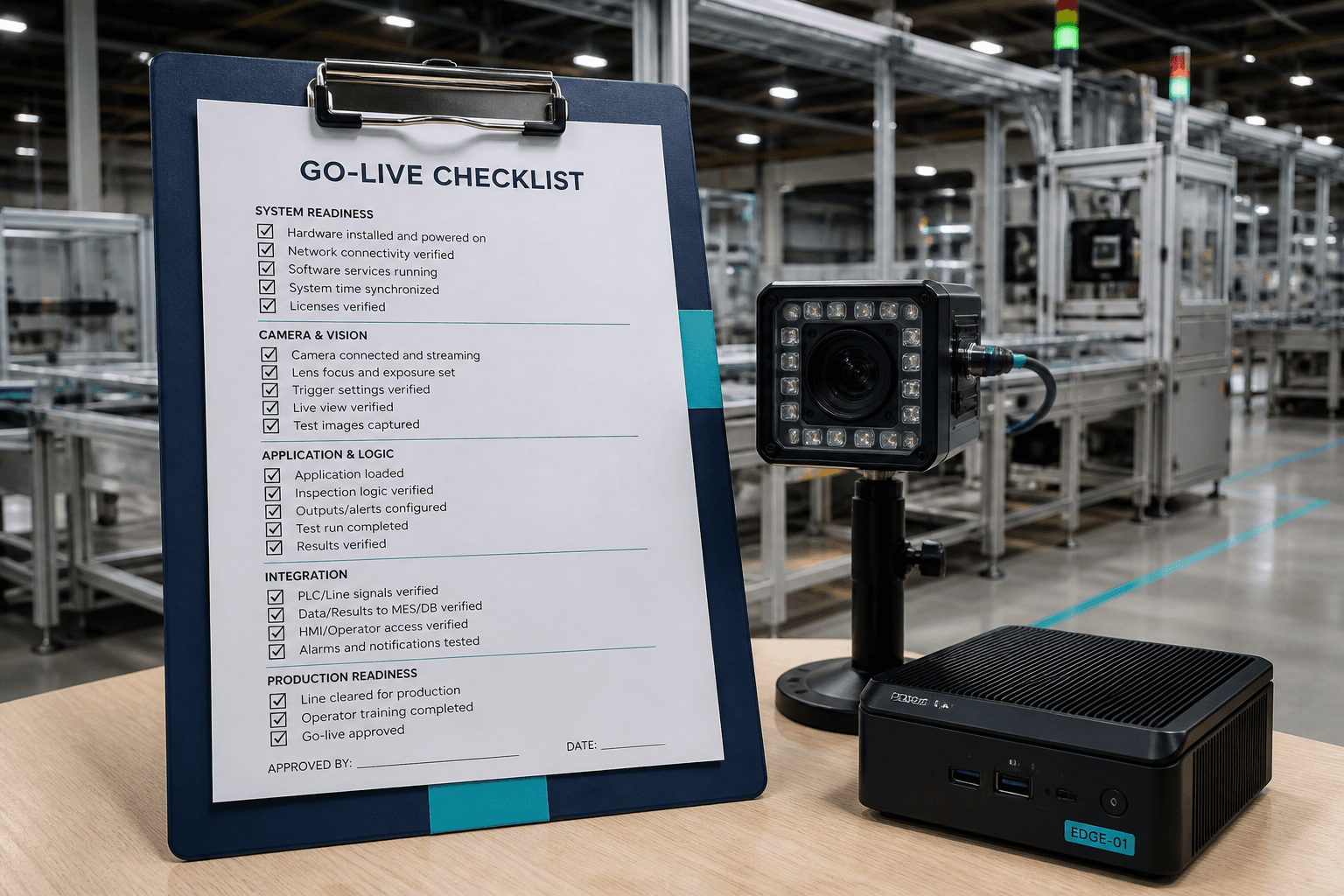
Where check-in happens
Actual Face and QR check-in still runs on the Windows kiosk EXE at the door. Door Access does not replace that physical verification channel. Instead it gives web visibility into whether those devices are reachable. Reception can escalate offline doors before guests queue up. Security knows which gate to redirect traffic toward during an outage. Keep the split clear so buyers do not expect browser-based biometric check-in here.
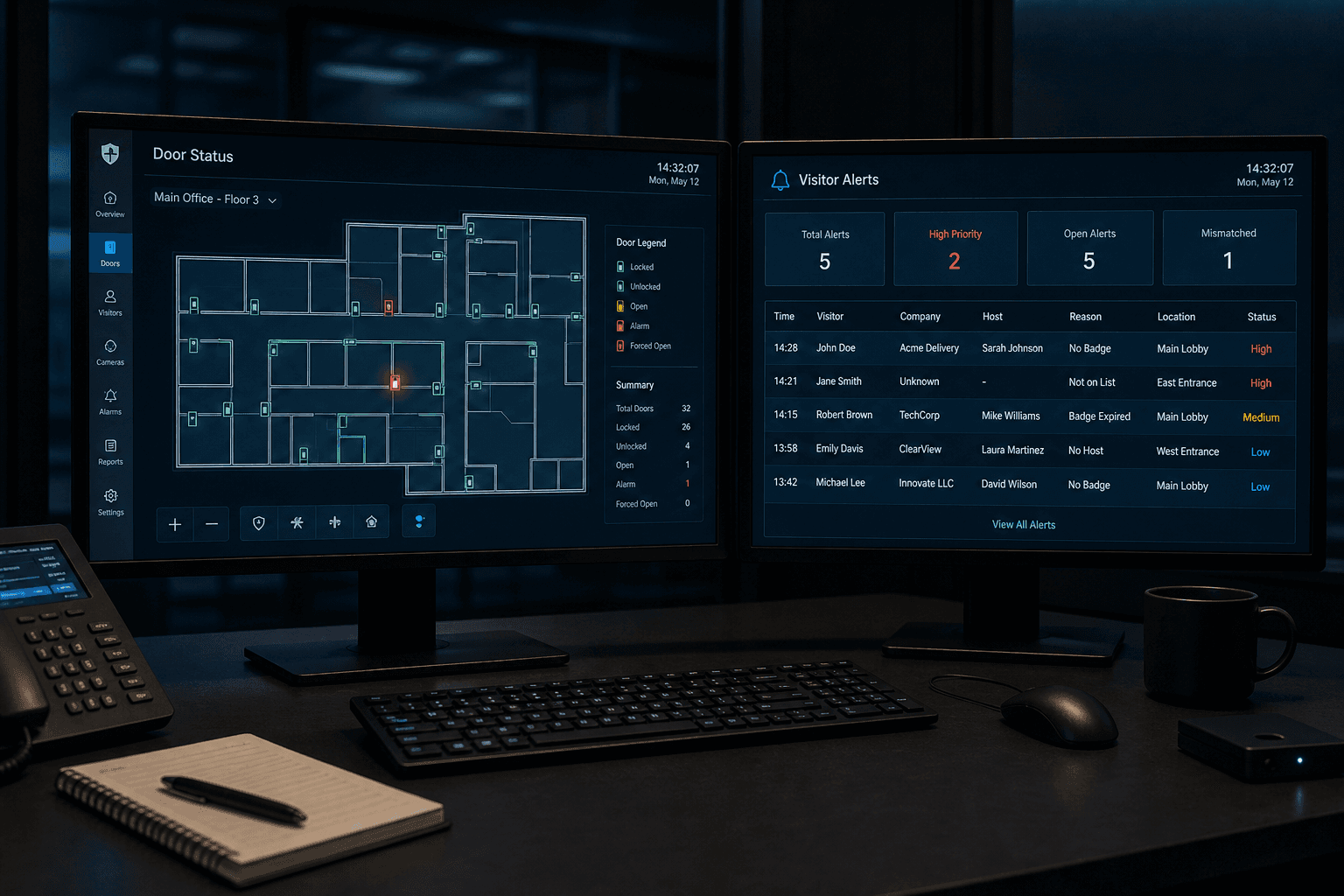
Go-live checklist
Before production, verify every door and gate device appears correctly in Door Access. Run a test visitor through Face or QR on each kiosk you plan to use. Confirm online status after network changes or PC restarts. Document which Windows machine maps to which physical entrance. Fix offline devices before inviting real contractor traffic. A short checklist here prevents embarrassing day-one gate failures.
Security ops
Combine Door Access with the live dashboard to see both device health and visitor load. Visitor Alert adds overdue checkout cases that need human follow-up. Security supervisors can triage hardware issues and late visitors from one operational posture. Morning and shift-change reviews become faster with all three views. Ops discipline turns the module from a static list into a readiness habit. Gate readiness is a process, not a one-time install.
Door monitoring vs door unlock
Understand what Door Access shows operators day to day.
Online / offline status
See whether gate devices are reachable so security can respond before visitors queue.
Tied to check-in events
Door views sit next to visitor flows so device health is not a separate spreadsheet.
Site-owned hardware
Optional relays you operate on-site are separate from the monitoring view in Door Access.
When door status matters most
Situations where facilities and security lean on device visibility.
Morning shift start
Confirm kiosk and door endpoints are online before the first contractor wave arrives.
Multi-gate campuses
Watch several entry points from one admin console instead of calling each guard post.
Incident follow-up
Device offline history helps explain gaps if a visitor event did not register at the door.
Operational habits for door teams
Keep device health as routine as visitor enrollment.
Name devices clearly
Use gate labels that match the site map so offline alerts point to the right location.
Escalate offline early
Treat prolonged offline status like a blocked entrance — fix before lunch rush.
Next step
See this flow in a live demo
Transform your front desk with secure visitor management.
Register guests, check them in with face or QR, alert hosts by email, and export complete visitor reports.