
FAQ
Questions about Axix Visitor
Answers from the product guide — check-in, mobile, emails, leverage time, QR, and what is not included.
Axix Visitor aur FaceVision mein farq?
Axix Visitor sirf visitors manage karta hai. 360 FaceVision employee attendance / payroll pe focused hai.
Check-in kaise hota hai?
Gate kiosk pe face recognition ya QR scan.
Mobile app se kya ho sakta hai?
Visitors add/edit/delete, search, QR download, CSV download — same company data jo web pe hai.
Host ko kab email milti hai?
Visitor add, check-in, meeting end, late checkout, aur checkout confirmation pe (flow ke mutabiq).
Leverage time kya hai?
Meeting end ke baad checkout ke liye grace minutes. Late hone par alert.
QR expire ho sakta hai?
Haan — enrollment pe QR expiration set hoti hai.
Blocked visitor gate use kar sakta hai?
Nahi — ACTIVE status chahiye (effective access ke liye).
Badge printing hai?
Dedicated badge printer module nahi; Card Number + QR PNG digital/physical pass support.
Data companies ke beech mix hota hai?
Nahi — multi-tenant isolation se har company ka data alag.
FAQ from the product guide
These FAQ answers cover how Axix Visitor differs from FaceVision and how check-in works. Learn what mobile can do, how host emails fire, and what leverage time means after meeting end. Access rules explain QR expiry, blocked visitors, and multi-tenant isolation. Answers stay short enough for scanners yet complete enough for evaluators. Use this page beside tours and journeys when buyers want crisp clarification. FAQ content is grounded in the product guide, not marketing improvisation.
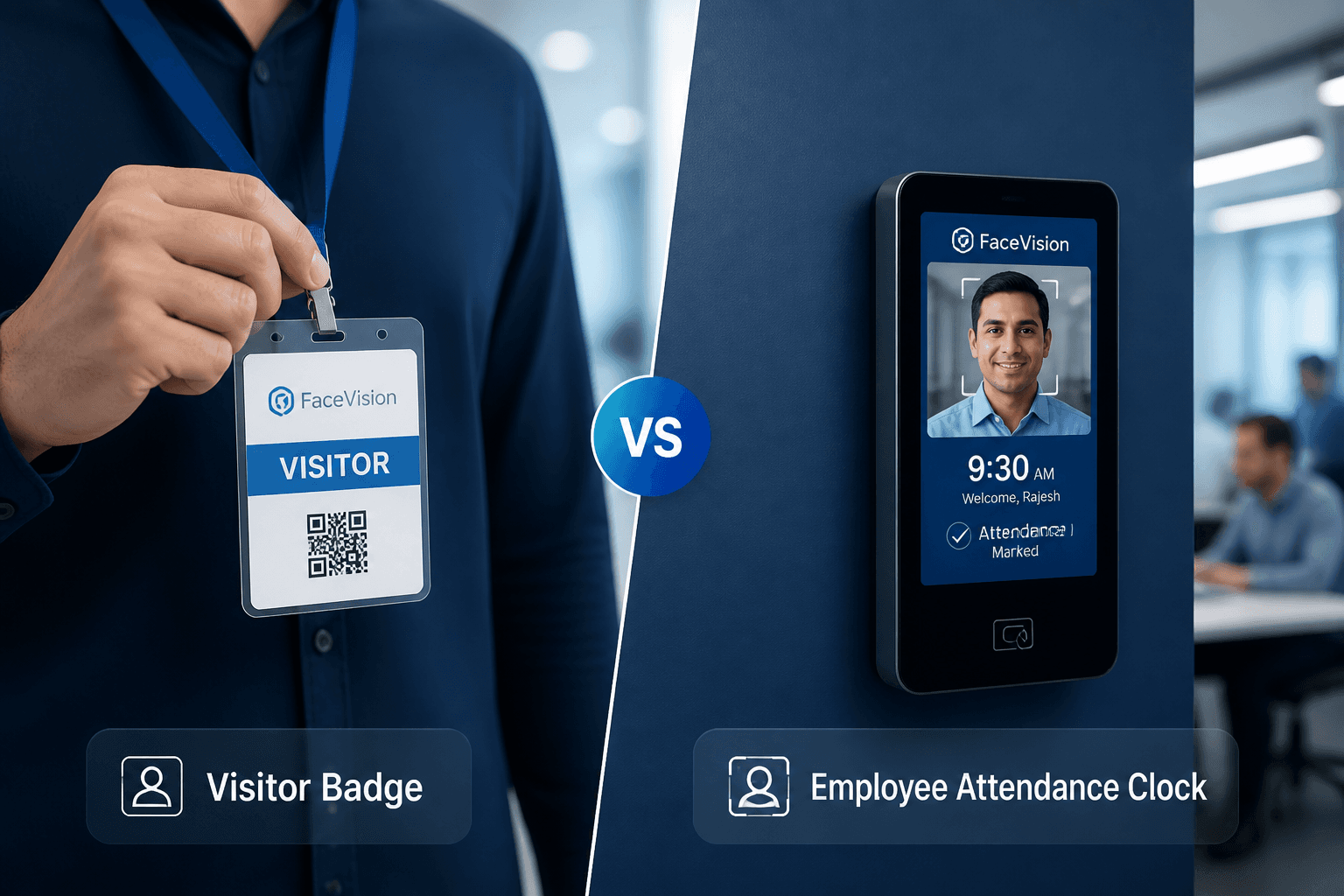
Axix Visitor vs FaceVision
Axix Visitor manages external visitors, contractors, and guests at the gate. FaceVision focuses on employee attendance and payroll style HR face workflows. The products are siblings, not substitutes, inside the Axix family. Buying visitor control does not automatically include attendance modules. Keeping the boundary clear prevents scope fights during implementation. Choose Visitor when the pain is guest entry, not employee timekeeping.
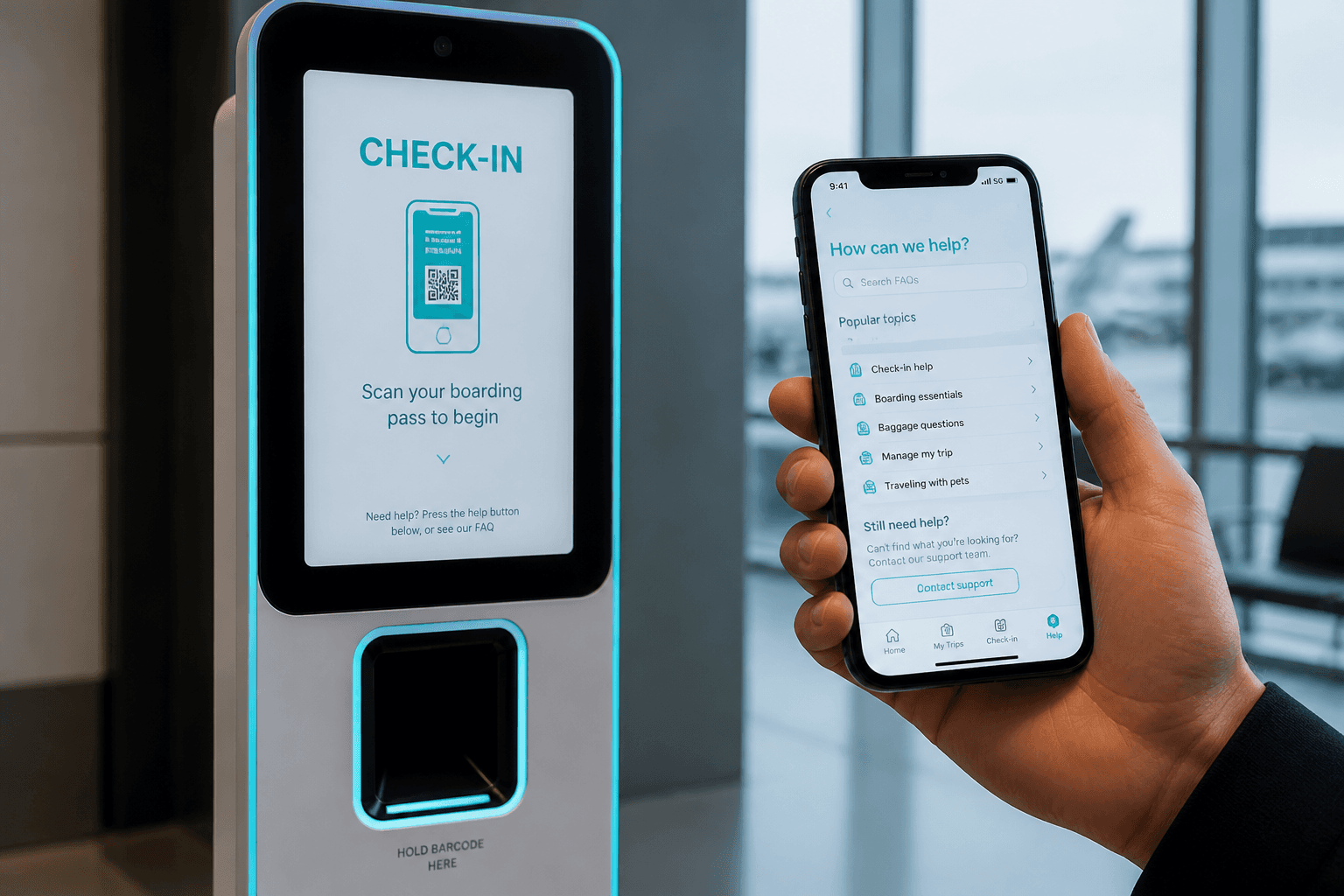
Check-in & mobile
Physical check-in at the gate uses Face recognition or QR validation on the kiosk. Mobile adds, edits, deletes, and downloads QR or CSV against the same company data. Mobile does not replace the Windows gate device for most plants. Web and mobile enrollment both prepare the same visitor for kiosk arrival. Understanding the split stops buyers from expecting phone-based turnstiles. Check-in is gate; mobile is enrollment and field ops.
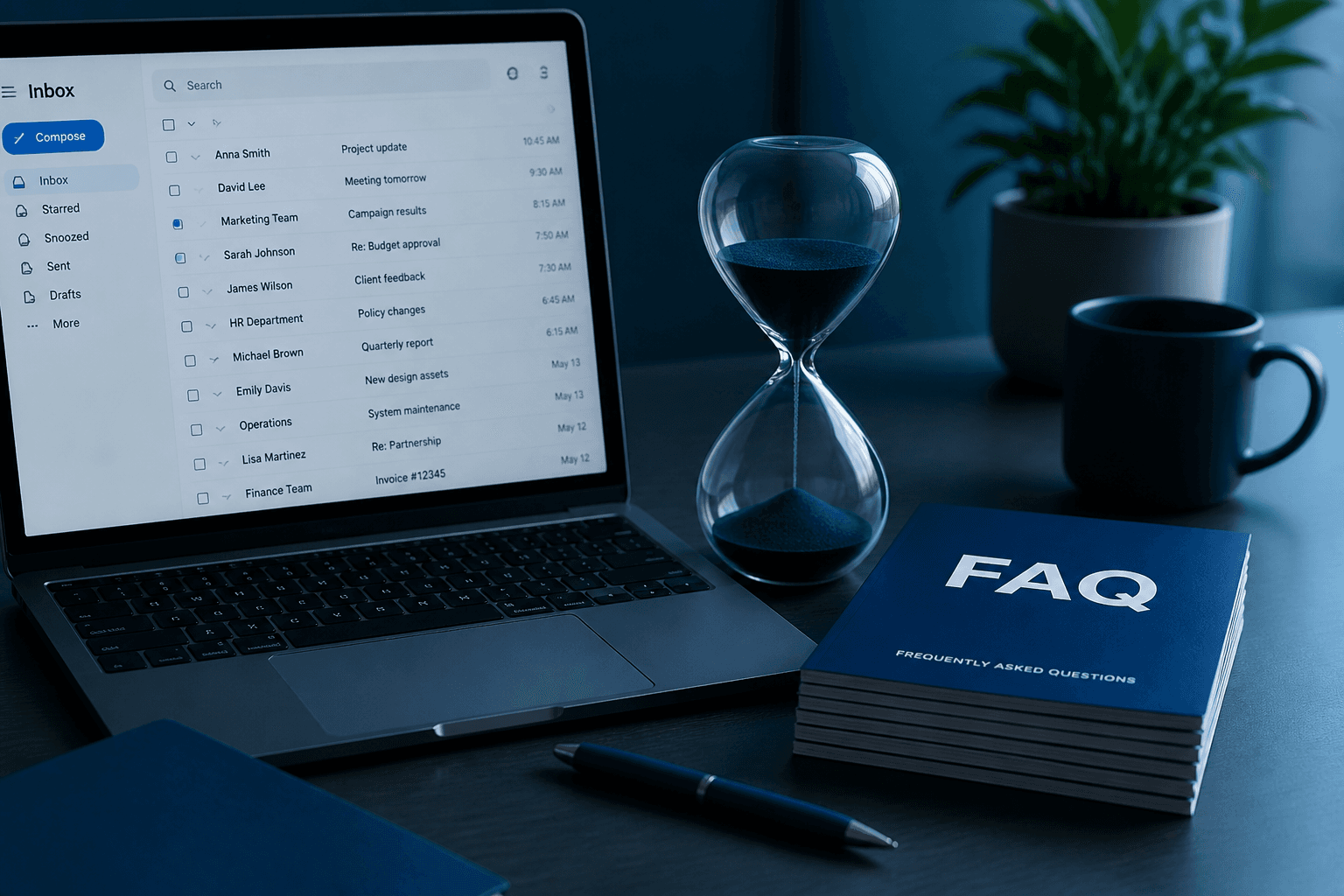
Emails & leverage
Hosts can get email on add, check-in, meeting end, late checkout, and checkout. Leverage time is the grace minutes after meeting end before overdue alerts. End Meeting actions typically start that countdown for the visit. Scheduler jobs keep overdue detection near real time. Valid host email is required or the chain breaks. Emails and leverage together create indoor accountability for gate events.
Access rules
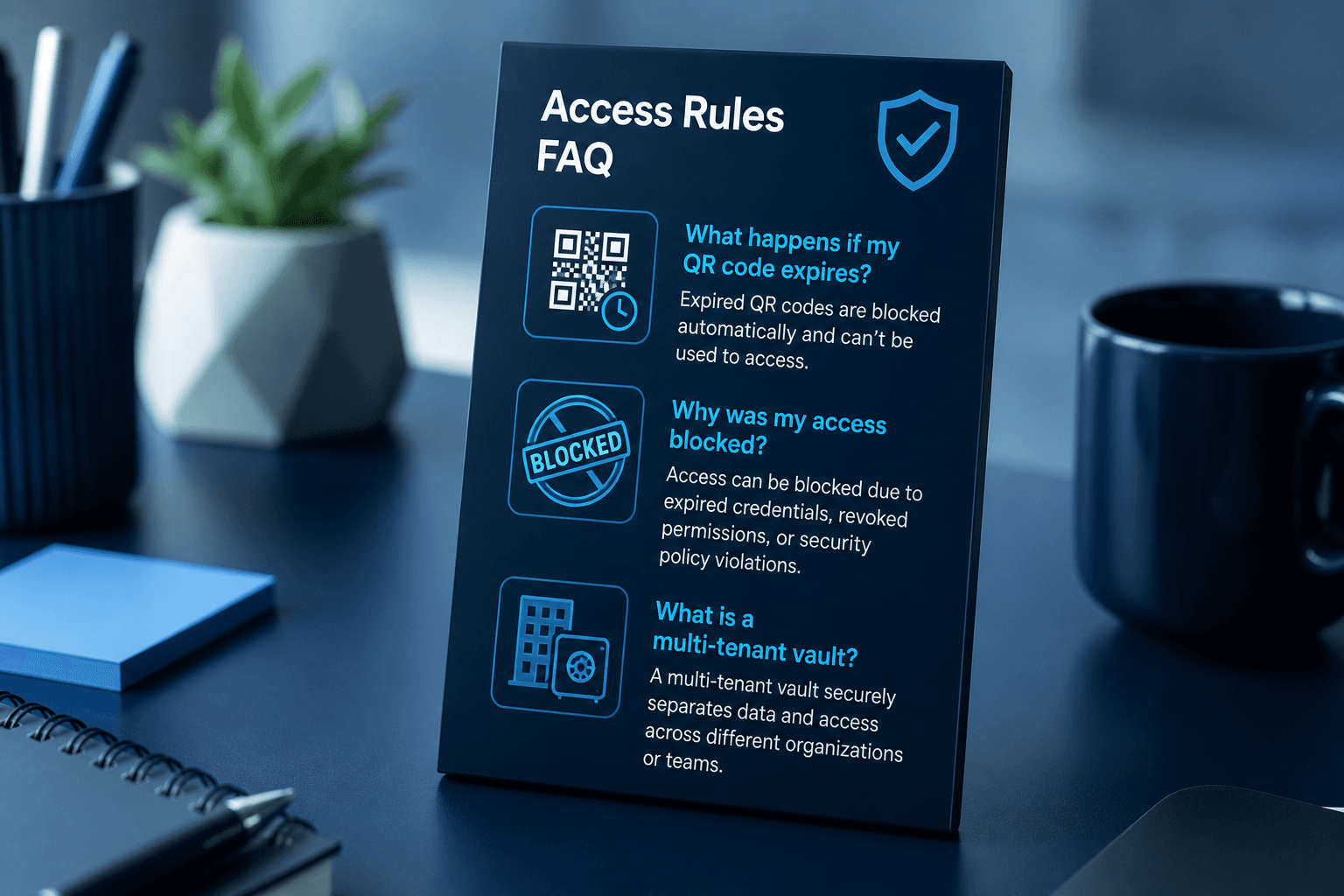
QR passes can expire so old images cannot unlock the gate forever. Blocked visitors are denied even if they still hold a printed code. Tenant isolation ensures one company’s data never mixes with another’s. ACTIVE status remains part of every successful verify path. Access rules are enforced at the kiosk, not only in policy documents. Clear rules make security decisions defensible under audit.
FAQ themes visitors ask most
Group answers before you dig into long-form FAQ entries.
Product scope questions
Axix Visitor covers visitor management — not attendance, payroll, or FaceVision HR modules.
Hardware questions
Windows PC + webcam runs the gate; proprietary iPad lobbies are not required.
Alert & report questions
Host emails, leverage, Visitor Alert, and PDF/CSV exports explain the ops loop.
Sibling product clarity
Buyers often confuse visitor management with workforce attendance.
360 FaceVision is separate
Attendance and payroll live in the sibling product — keep scopes clean in RFPs.
Shared family, different jobs
Both are Axix Technologies products, but visitor gates and employee attendance are not interchangeable.
Evaluate the right demo
Ask for a visitor gate walkthrough if your problem is guests and contractors, not payroll.
How to use this FAQ page
Treat FAQ as a filter before booking a free trial.
Scan scope first
Confirm you need visitor management before comparing pricing plans.
Then open a trial
When FAQ answers fit, continue to the free trial for hands-on enrollment and gate tests.
Next step
See this flow in a live demo
Transform your front desk with secure visitor management.
Register guests, check them in with face or QR, alert hosts by email, and export complete visitor reports.