
Resources
User journeys start to finish
From company go-live to gate arrival, meeting close, late-checkout exceptions, and audit exports.
Company go-live
Sign in → Enrollment masters → Hosts with email → Optional mobile users → Verify doors → Test kiosk check-in.
Pre-register visitor
Reception or mobile adds visitor with photo, host, reason, QR expiry, and leverage — then downloads QR.
Arrival at gate
Face or QR verify → check-in + snapshot → host email with End Meeting.
Meeting close & audit
Host ends meeting → leverage countdown → checkout → daily/weekly/monthly PDF or CSV.
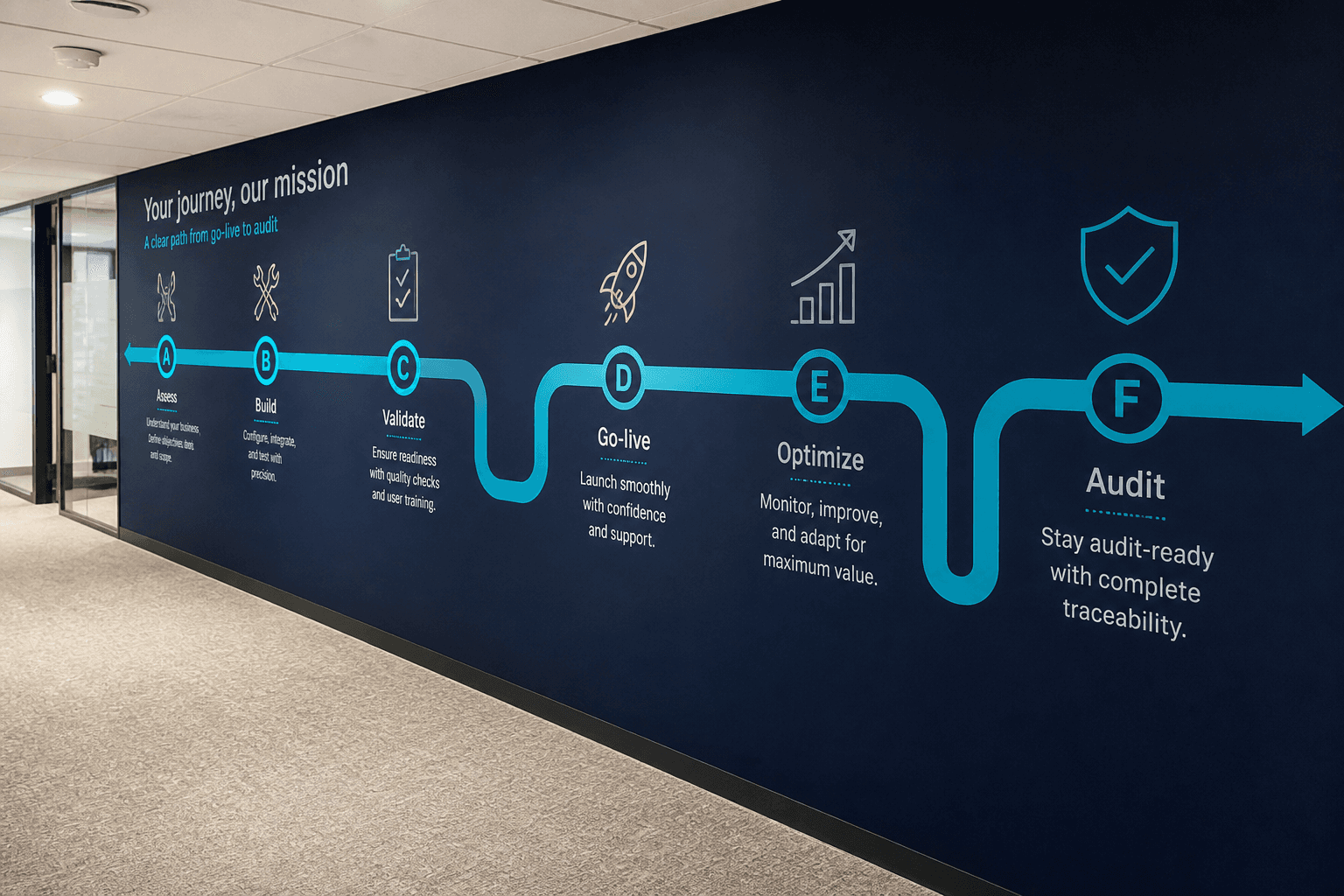
User journeys A–F
Journeys A through F are the product guide’s narrative paths for go-live through audit. Journey A stands up masters, hosts, devices, and a test kiosk check-in. B and C cover pre-registration and gate arrival with host email. D and E cover meeting end, leverage, checkout, and overdue alert handling. Journey F closes the loop with daily, weekly, and monthly report confirmation and exports. Use journeys when buyers ask how real teams will actually work day to day.
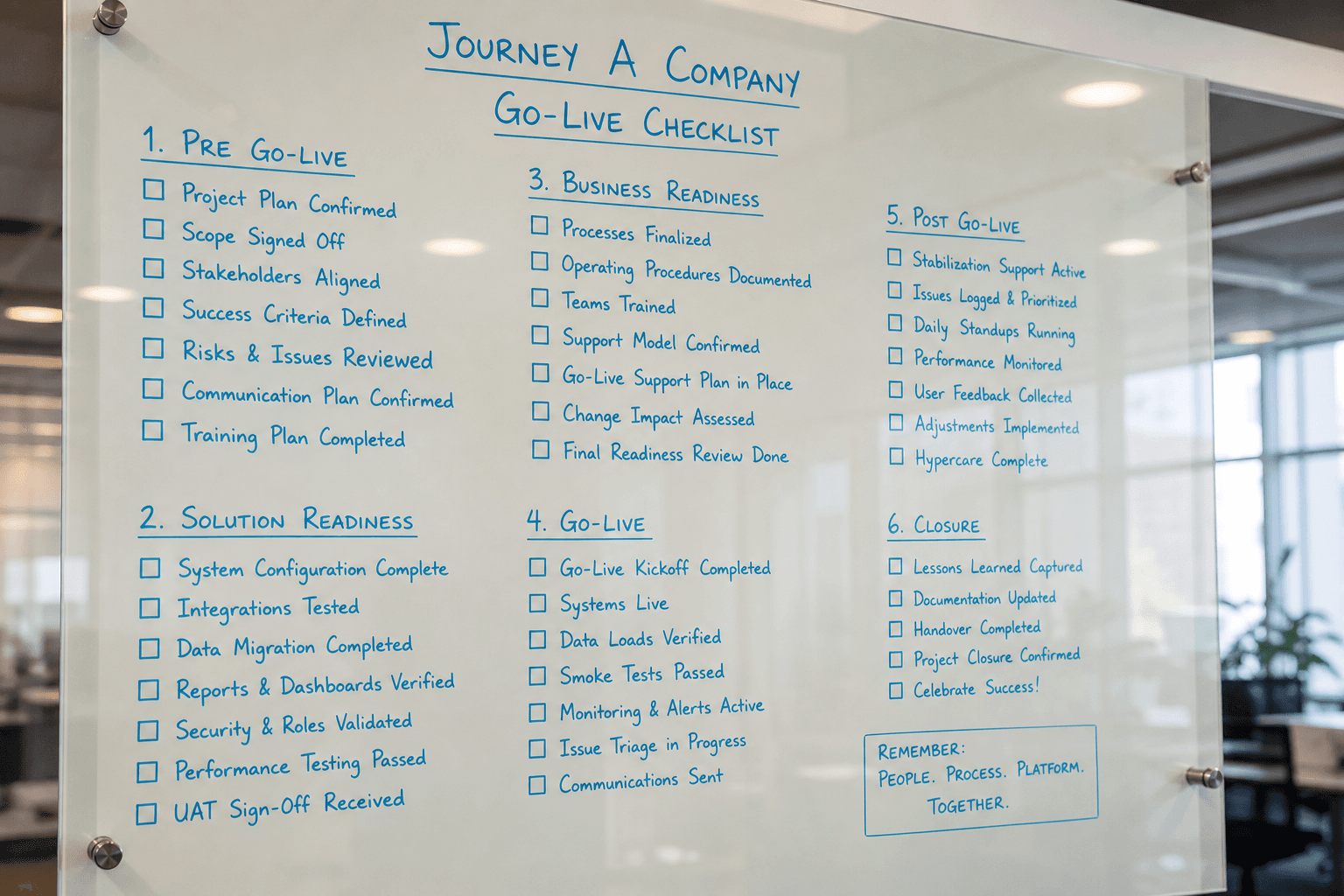
Journey A — Company go-live
Sign in to the correct tenant and open Enrollment masters first. Create hosts with valid emails and optional mobile field users. Verify door devices appear online in Door Access. Run a test visitor through Face or QR on the Windows kiosk. Only after that success should production guests be invited. Journey A is the checklist that prevents glamorous demos from failing on Monday morning.
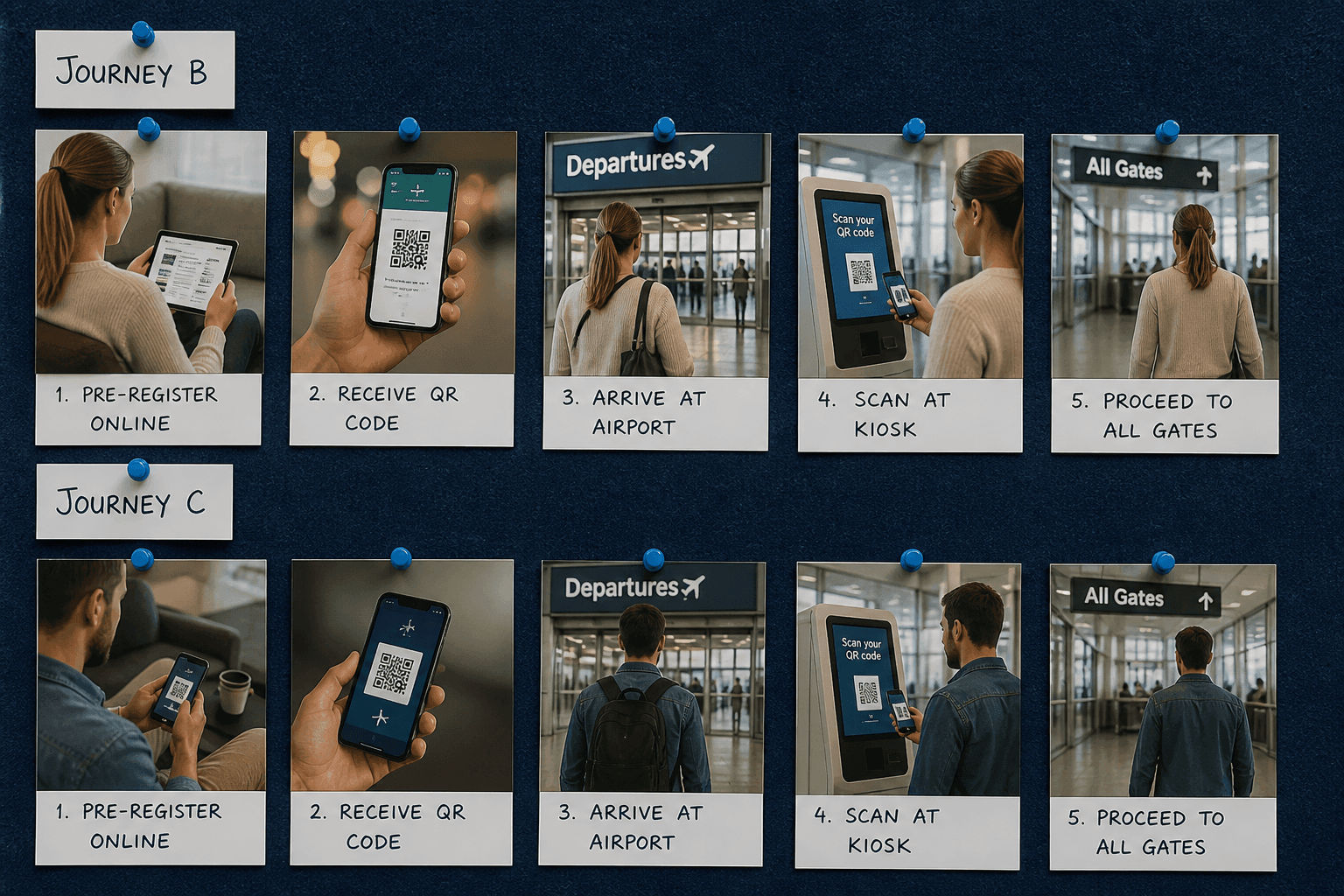
Journey B & C
Journey B pre-registers the visitor on web or mobile with QR readiness. Journey C is arrival at the gate for Face or QR verify plus host email. Together they show why enrollment quality determines gate speed. Hosts learn of arrival without a lobby phone tree. Failed expiry or BLOCKED cases stop before a visit opens. B and C are the happy-path spine of daily operations.
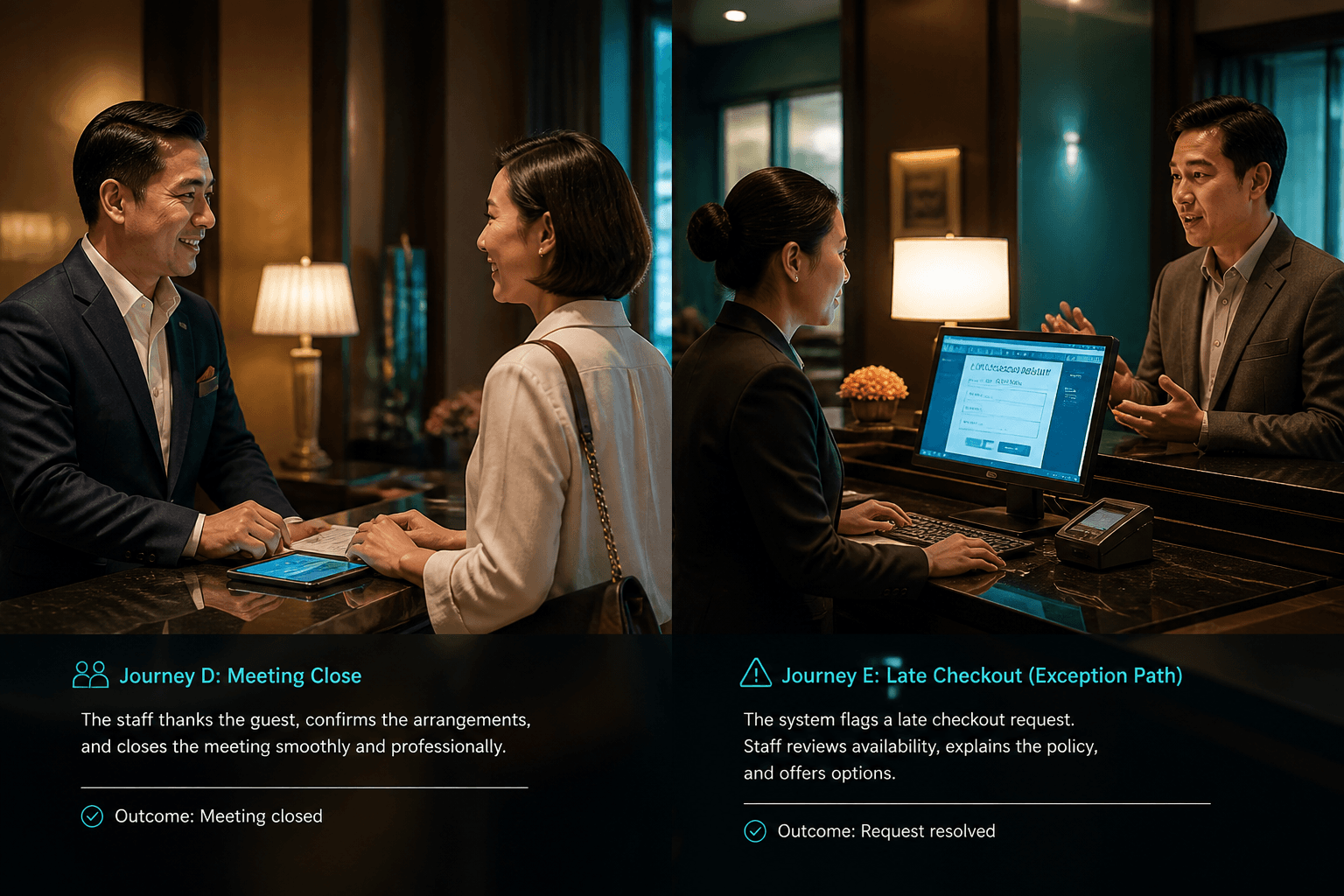
Journey D & E
Journey D is host End Meeting, leverage countdown, and successful checkout. Journey E is the miss path where Visitor Alert and host email escalate lateness. Training both journeys prevents teams from only knowing the sunny script. Security follow-up is part of E until gate checkout closes the visit. D and E together define how meeting time becomes exit discipline. Sites that practice E handle incidents calmly.
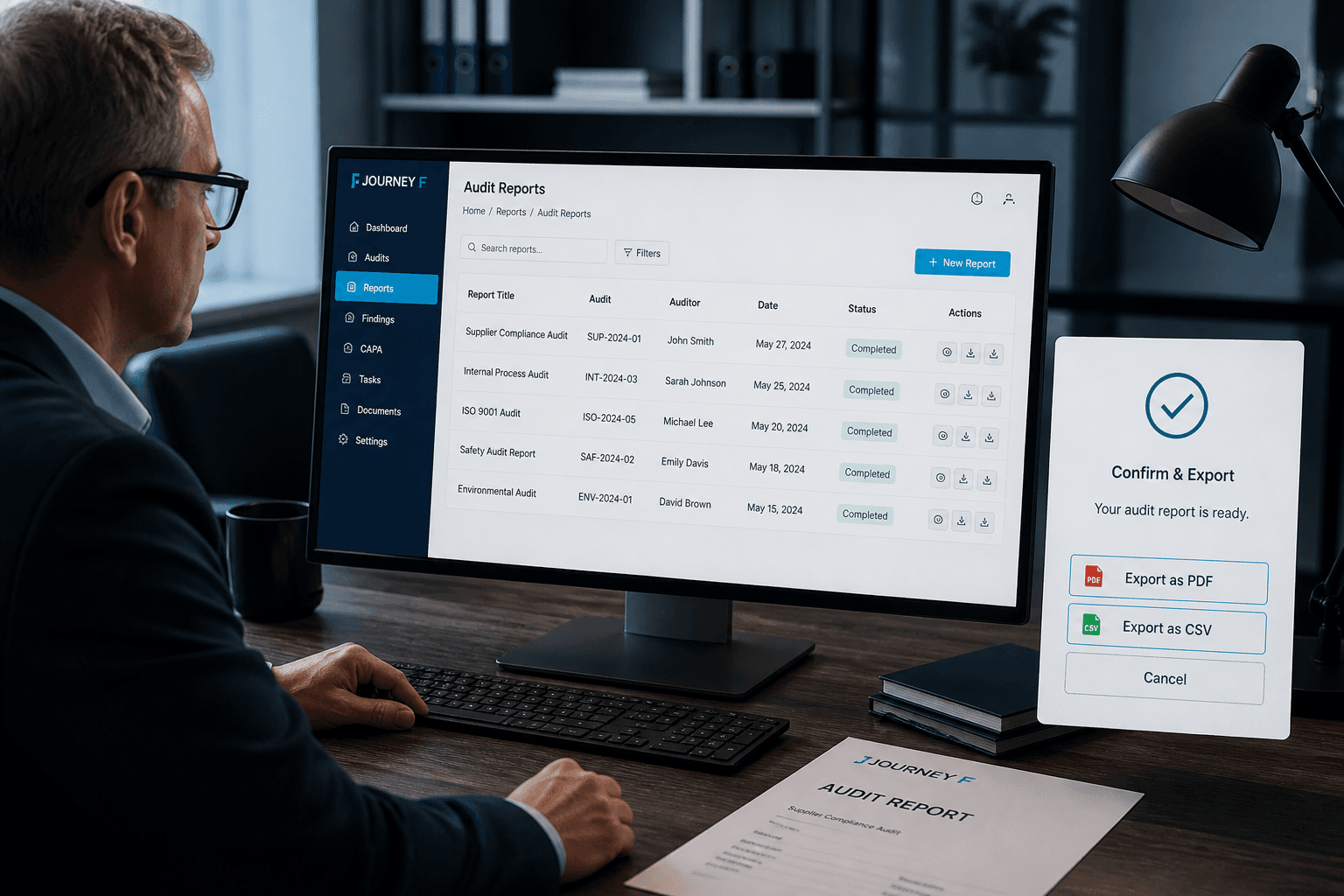
Journey F — Audit
Journey F opens Reports for daily, weekly, or monthly visitor check-in packs. Reviewers confirm rows where the process requires acknowledgment. Export PDF for formal binders or CSV for spreadsheet analysis. Audit journey proves the system leaves evidence, not only live screens. Facilities and compliance stakeholders usually own this path. Journey F is why Register and Recognize still need Report.
Journey thinking for gate teams
Each journey answers a different operational question.
Happy-path arrival
Pre-register → face/QR gate → host email proves the default experience.
Meeting end to checkout
End Meeting → leverage → checkout shows how visits close cleanly.
Overdue exception
Missed deadline → Visitor Alert + host email shows the safety net.
Audit journey focus
Reporting is its own journey, not an afterthought.
Confirm then export
Review daily/weekly/monthly rows before generating PDF or CSV packs.
Use journeys in training
Walk new reception and security hires through journeys A–F before live traffic.
Map journeys to roles
Hosts own End Meeting; security owns overdue; facilities owns export cadence.
Journey gaps to avoid
Broken handoffs create the incidents journeys are meant to prevent.
Enrollment without hosts
Skipping host email breaks the arrival journey even if gate scan works.
Check-in without checkout
Ignoring exit scans breaks overdue and audit journeys at once.
Next step
See this flow in a live demo
Transform your front desk with secure visitor management.
Register guests, check them in with face or QR, alert hosts by email, and export complete visitor reports.