
Departments
Facilities
Company admins set up departments, locations, hosts, devices, and reports.
Facilities and company admins own go-live: enrollment masters, door devices, and audit exports.
- Enrollment: Department → Designation → Location → Host Employee
- Door Access monitoring for gate devices
- Daily / weekly / monthly visitor reports
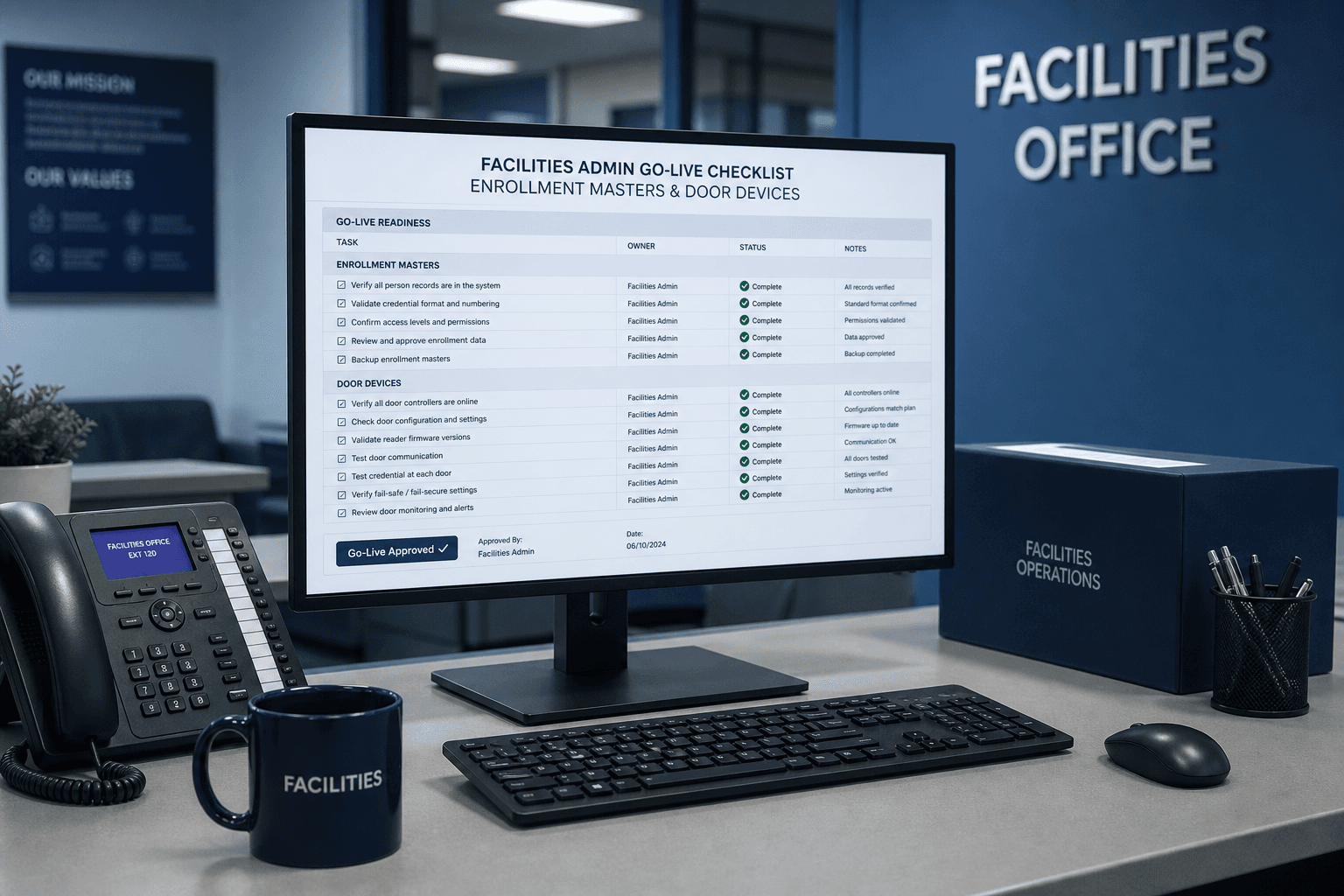
Facilities / Company Admin
Facilities and company admins own Axix Visitor go-live from masters through audit exports. They enroll departments, designations, locations, and hosts with email before first guests. Door devices are verified online, then test kiosk check-ins prove the gate path. Daily, weekly, and monthly PDF and CSV packs become the facilities audit habit. Branding and tenant setup sit with this role so reports look official. If facilities leads the program, other departments inherit a working system.
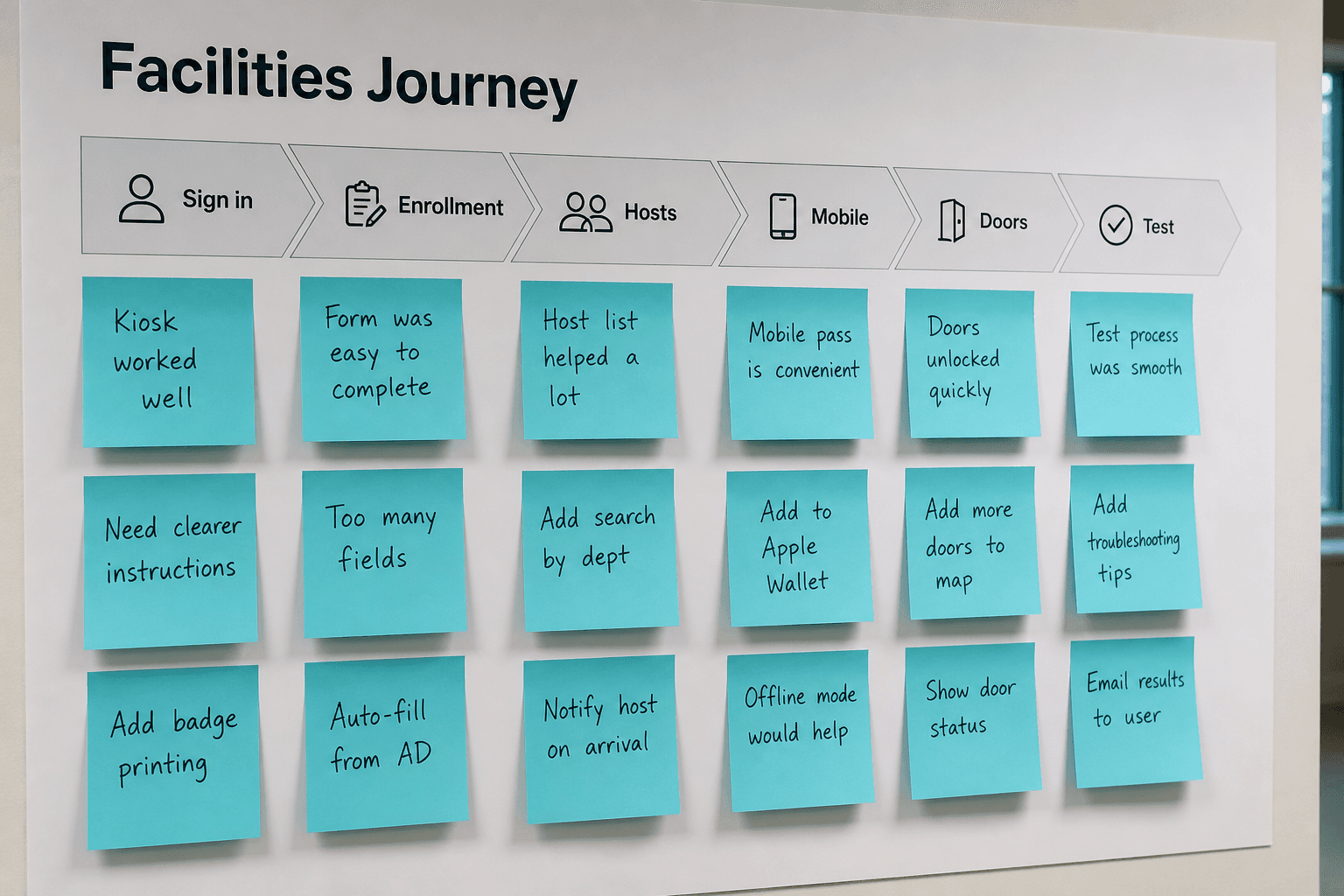
Go-live journey
Sign in and confirm the company workspace is the intended tenant. Build enrollment masters, then create hosts with working email addresses. Add optional mobile users if field enrollment is in scope. Verify door devices and run a test visitor through Face or QR. Only then open the gate to real contractor or guest traffic. The go-live journey is Journey A discipline applied by facilities ownership.
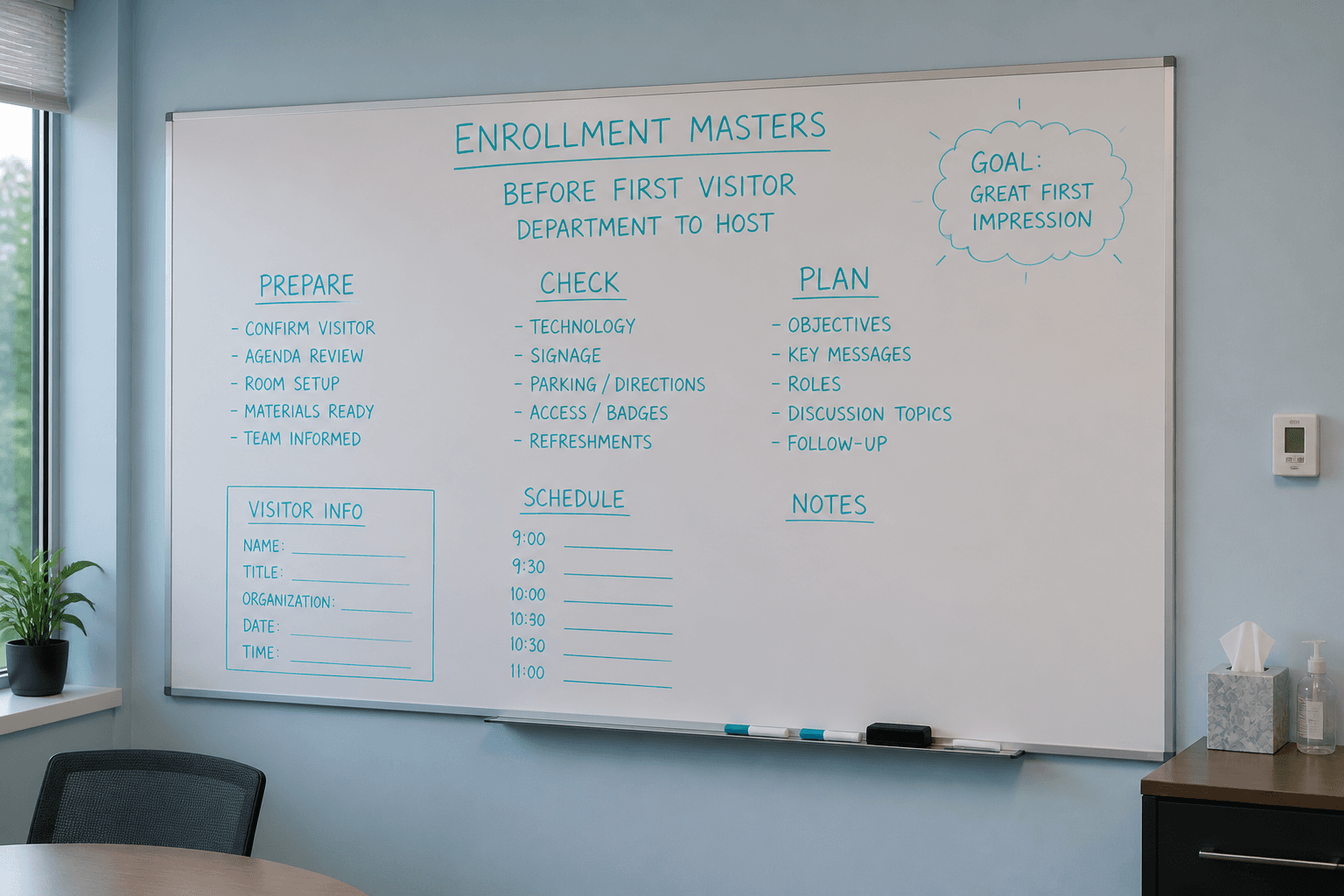
Enrollment masters
Departments, designations, locations, and host employees must exist first. Masters prevent empty dropdowns and misrouted alerts on day one. Facilities should mirror the real org chart closely enough for reports to read well. Updating masters when buildings open or close keeps data honest. Treat masters as living configuration, not a one-time import. Clean masters make every later feature page easier to demo.
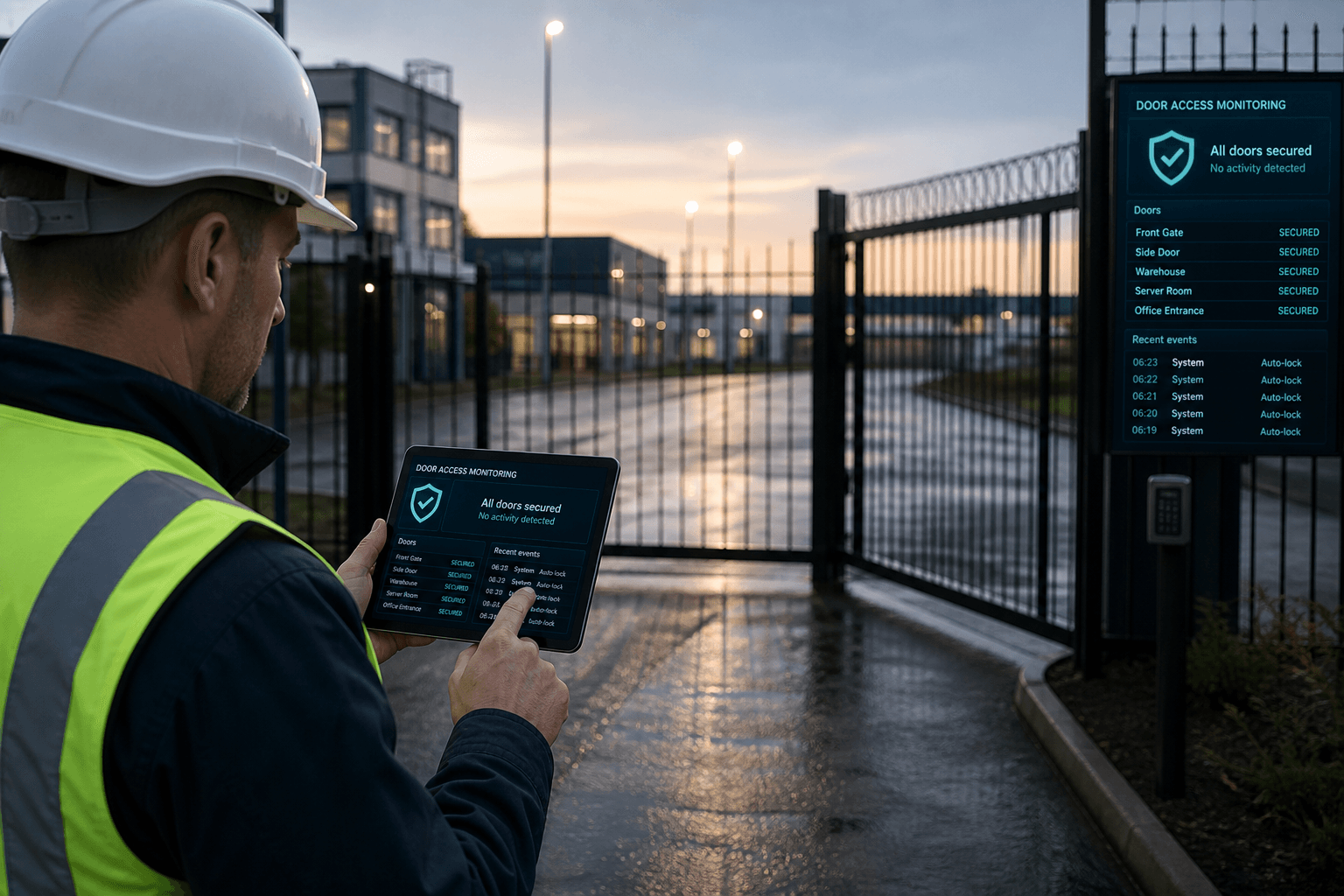
Door Access
Facilities monitors gate and kiosk online status before production hours. Offline devices are fixed as opening tasks, not afternoon surprises. Named assignments map Windows PCs to physical entrances for faster support. Door Access complements but does not replace kiosk check-in. Pair device health with dashboard visitor load for morning readiness. Door awareness is facilities’ operational contribution to security success.
Reports ownership
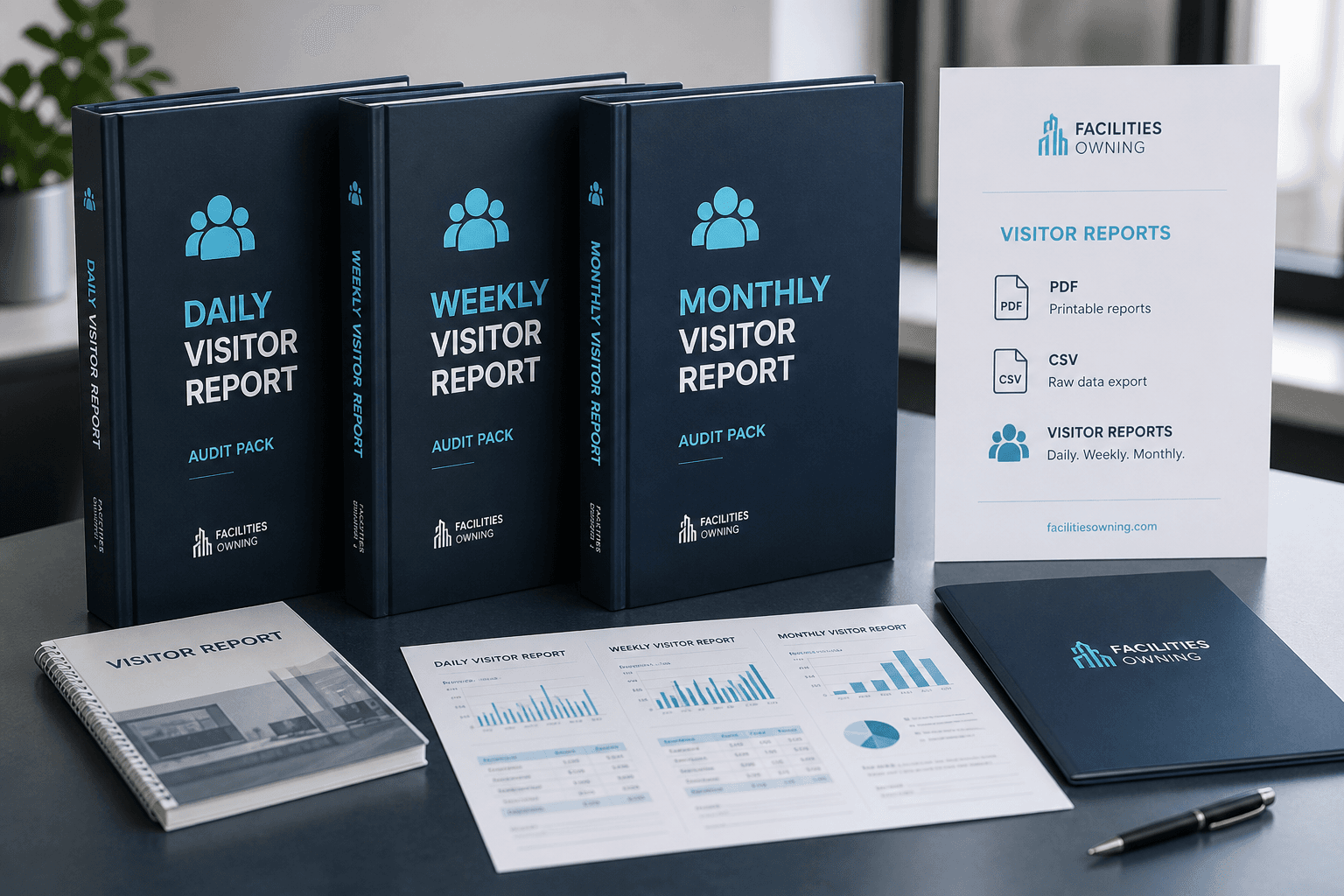
Facilities typically owns the cadence of daily, weekly, and monthly exports. PDF packs serve auditors; CSV packs serve analysts and landlords. Confirm-visit flows may be part of formal review rituals. Branding from company profile should be verified before the first audit packet. Report ownership turns visitor data into governance evidence. Without an owner, exports rot unused and sites drift back to paper.
Facilities outcomes from Axix Visitor
Facilities teams care about lobbies that scale and reports that plan staffing.
Predictable lobby load
Pre-enrollment and QR reduce peak congestion at shared reception desks.
Location-level volumes
Exports help facilities justify coverage across buildings and campuses.
Less paper at the desk
Digital visitor records replace clipboards that never match monthly audits.
Facilities setup responsibilities
What facilities usually owns during rollout.
Name locations correctly
Lobby and gate names should match wayfinding so reports stay understandable.
Coordinate kiosk placement
Windows stations need power, network, and lighting that facilities can guarantee.
Align leverage with meeting culture
Grace windows should reflect how long guests typically take to exit after meetings.
Facilities KPIs to watch
Simple measures after the first month live.
Average check-in wait
Track whether face/QR cut lobby dwell versus the old paper process.
Overdue rate by building
Compare locations to see where host training or leverage tuning is needed.
Next step
See this flow in a live demo
Transform your front desk with secure visitor management.
Register guests, check them in with face or QR, alert hosts by email, and export complete visitor reports.