
Features
Host email alerts
Hosts get email when visitors are added, check in, end meetings, run late, or check out.
Email flow
Overdue / leverage checks run on a scheduler roughly every minute.
- Visitor added — when a new visitor is created
- Check-in notification — gate check-in with End Meeting deep link
- End meeting — confirm / meeting-end action
- Leverage exceeded — deadline passed without checkout
- Checkout confirmation — successful checkout after the meeting
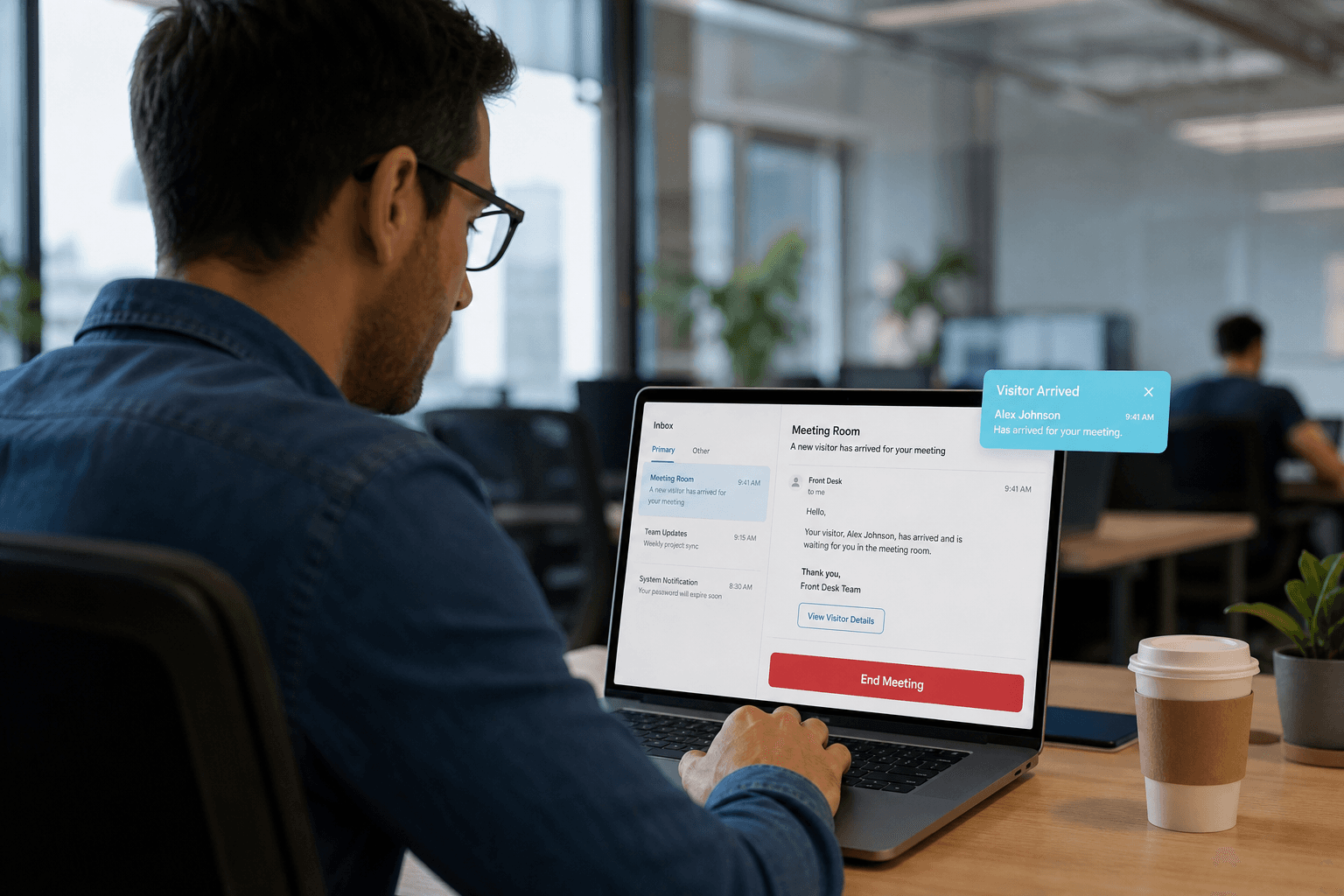
Host & security email flow
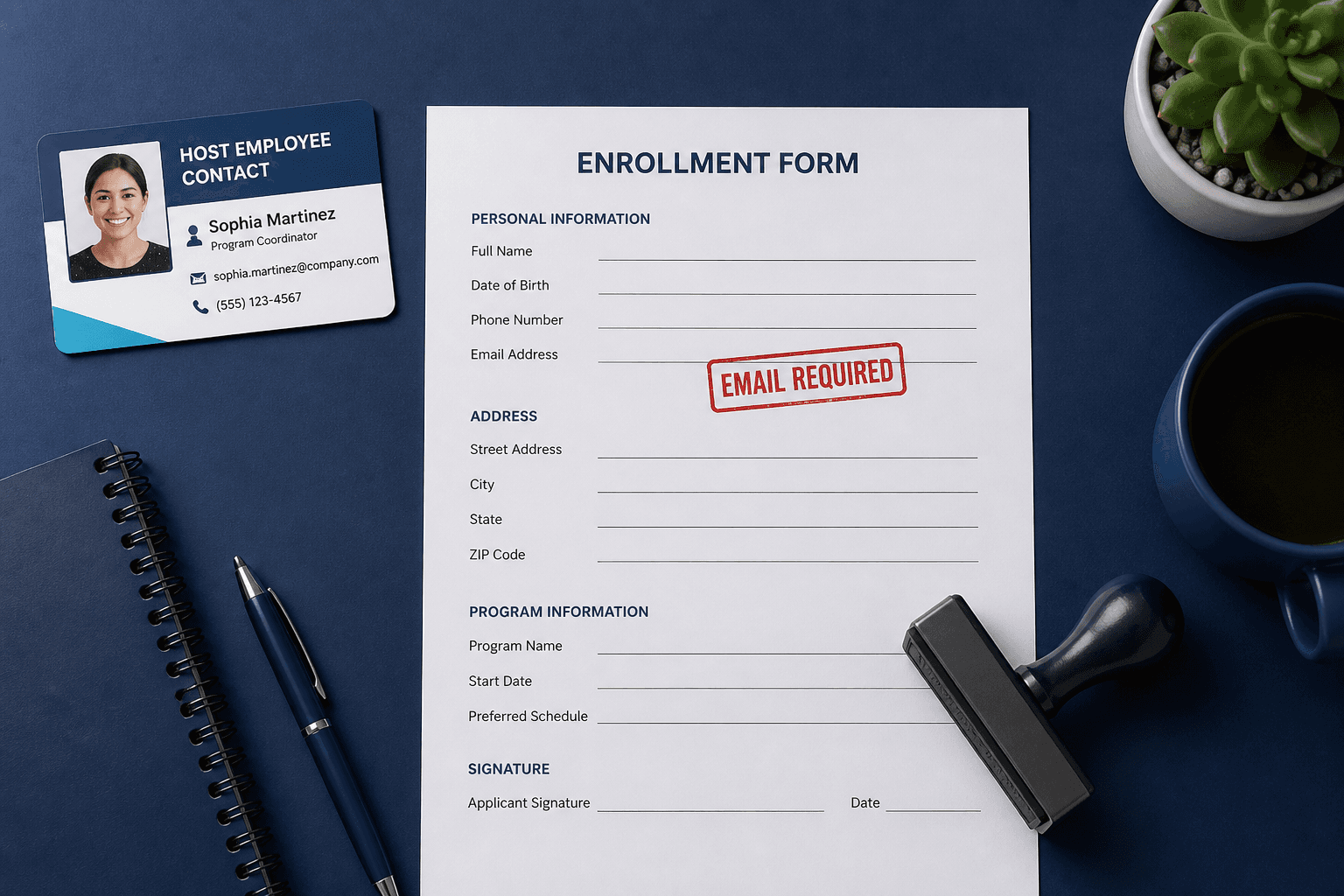
Host email is how Axix Visitor keeps employees in the loop without calling the lobby. Messages can fire when a visitor is added, checks in, ends a meeting, exceeds leverage, or checks out. Check-in mail includes an End Meeting deep link that starts the leverage countdown. A short scheduler polls overdue visits so late checkout alerts stay timely. Valid host employee email on the record is required for these flows to work. This page explains the email journey that ties gate events to people indoors.
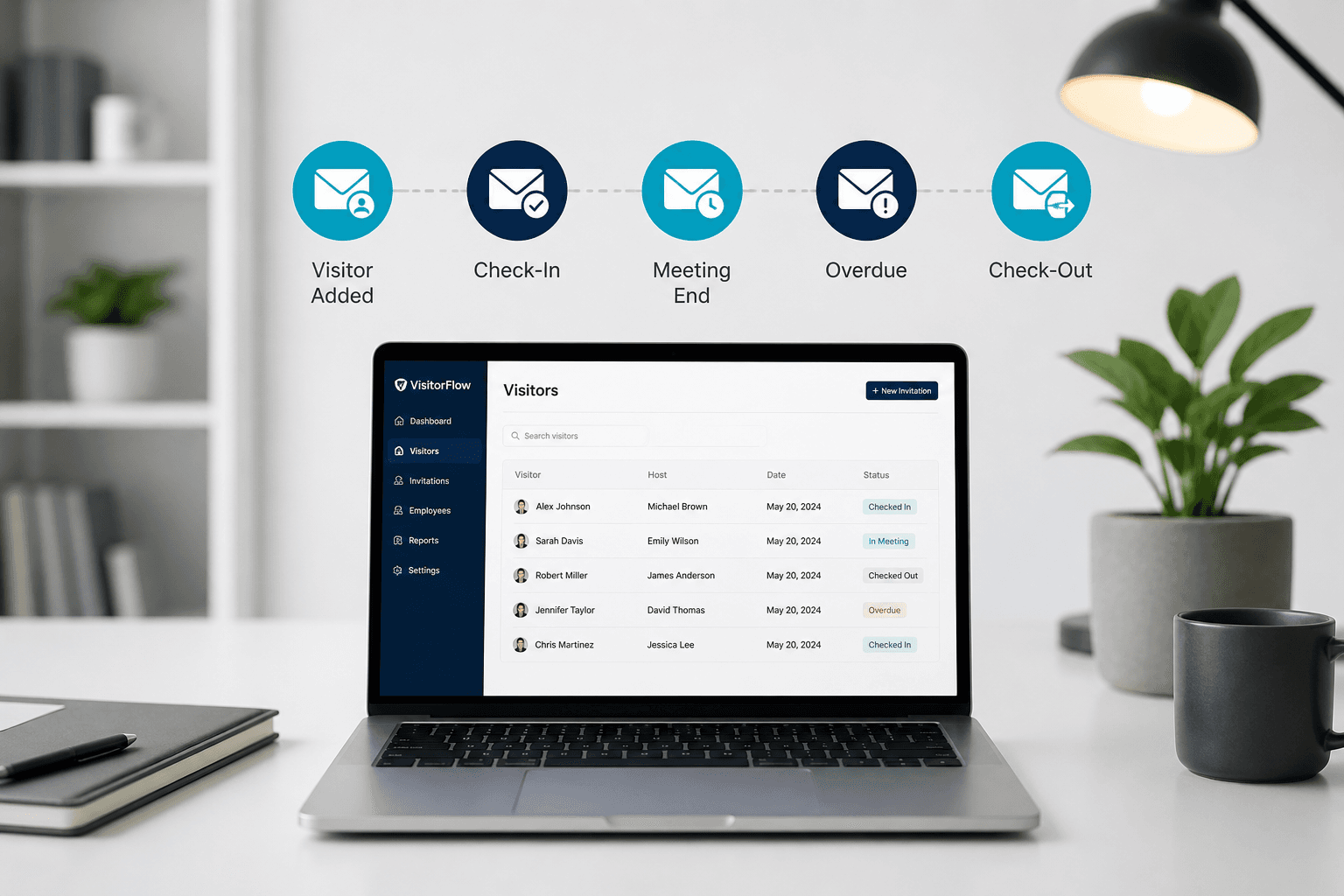
Email when visitor is added
When reception creates a new visitor, the assigned host can receive an add notification. Early notice helps hosts prepare badges, escorts, or meeting rooms before arrival. The message links the upcoming guest to the right employee of record. Optional sending keeps noisy sites from flooding inboxes when preferred. Enrollment quality matters because the host email comes from the employee master. Add notifications turn silent enrollments into actionable host awareness.
Check-in notification
Gate check-in triggers a visitor-arrived email to the host. The message typically includes an End Meeting deep link for closing the visit on time. Hosts can end the meeting without walking back to reception systems. Ending the meeting starts leverage timing for checkout grace minutes. Security benefits because meeting state is explicit instead of assumed. Check-in email is the bridge between the gate event and the indoor host.

Leverage exceeded
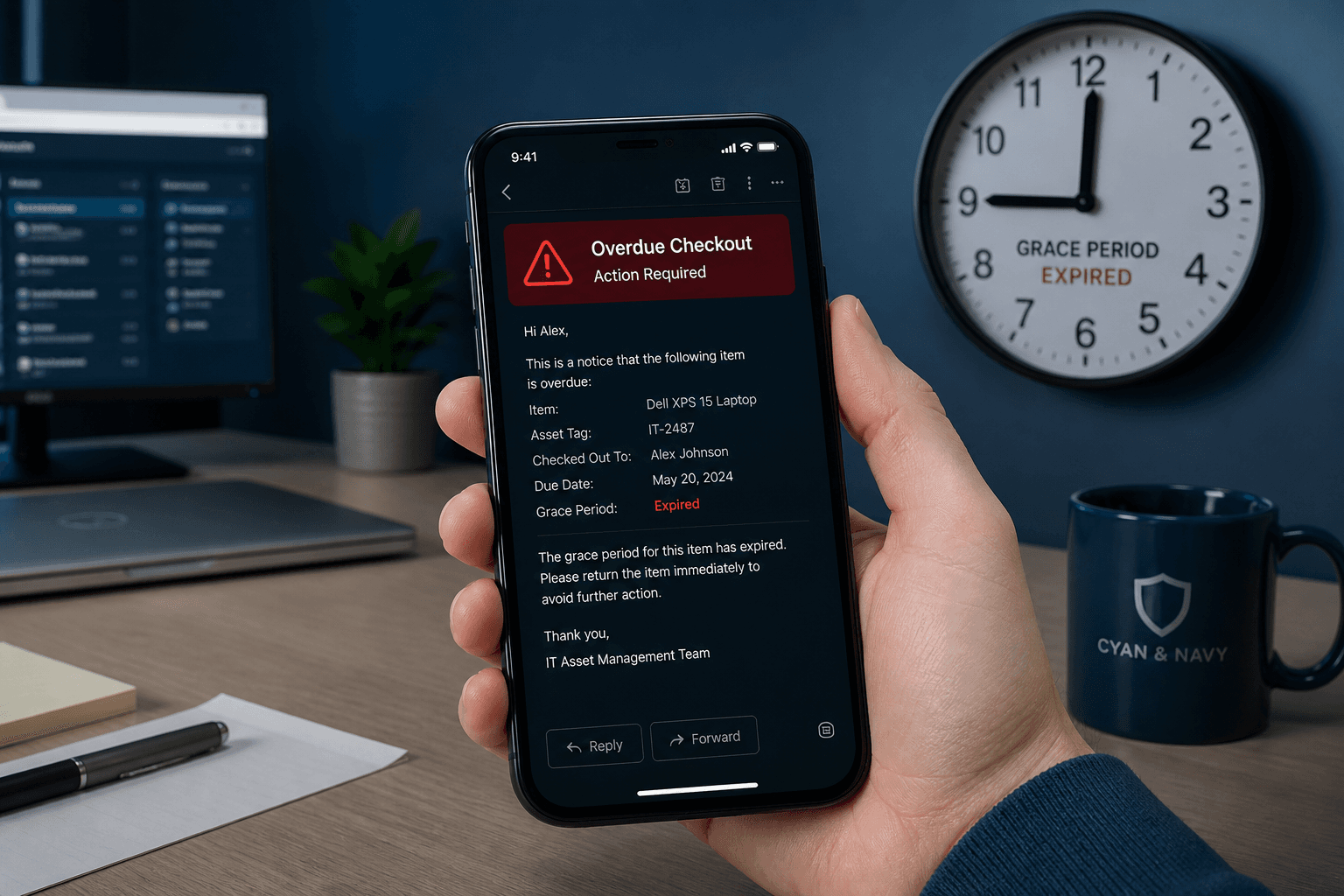
If the meeting has ended and checkout still has not happened after leverage minutes, alerts fire. The host receives a leverage-exceeded email calling out the late exit. The Visitor Alert page lists the same exception for security and reception follow-up. Combined signals stop overdue visitors from lingering unnoticed on site. Scheduler cadence keeps the detection near real time rather than end-of-day only. Late checkout becomes a managed exception, not a forgotten paper line.
Scheduler
Overdue and leverage checks run on a short interval, roughly every minute. That cadence keeps dashboards and alert pages close to live gate reality. Host employee email must be present or notifications cannot deliver. IT should treat SMTP and host data quality as part of go-live, not an afterthought. Scheduler jobs depend on Redis and backend workers in typical deployments. Reliable scheduling is what makes email promises trustworthy.
Host email moments that matter
Each alert type answers a different operational question for the host.
Visitor added
Hosts learn a guest is expected before they reach the lobby or gate.
Check-in arrived
Arrival mail tells hosts to come receive the visitor or open the meeting room.
End meeting & checkout
End Meeting links and checkout notices close the loop so overdue timers stay honest.
Overdue email behavior
What happens when leverage time expires without checkout.
Host gets the nudge
Overdue email prompts the host to end the meeting or escort the guest to checkout.
Pairs with Visitor Alert
Email plus the live alert page give reception and security two ways to see late guests.
Depends on host email quality
Wrong or missing host emails silently break the alert chain — fix masters first.
Designing alert expectations
Set host habits so emails feel useful, not noisy.
Train hosts on End Meeting
Hosts who close meetings on time reduce overdue noise for security teams.
Use leverage intentionally
Grace windows should match real meeting patterns so alerts fire for true exceptions.
Next step
See this flow in a live demo
Transform your front desk with secure visitor management.
Register guests, check them in with face or QR, alert hosts by email, and export complete visitor reports.