
Features
Mobile visitor app
Manage visitors on the go — enroll, update, download QR codes, and export check-in data from the Axix Visitor mobile app.
What the app is for
Reception and field staff who are not at a desk — same tenant backend as the web portal.
- Secure Mobile App Login (separate from web admin credentials)
- Visitor list, search, add, edit, delete, and bulk delete
- Download visitor QR PNG and check-in/out CSV
What it is not
The mobile app is not the primary gate device — plants usually use the Windows kiosk EXE. Full admin reports and door device management stay on web.
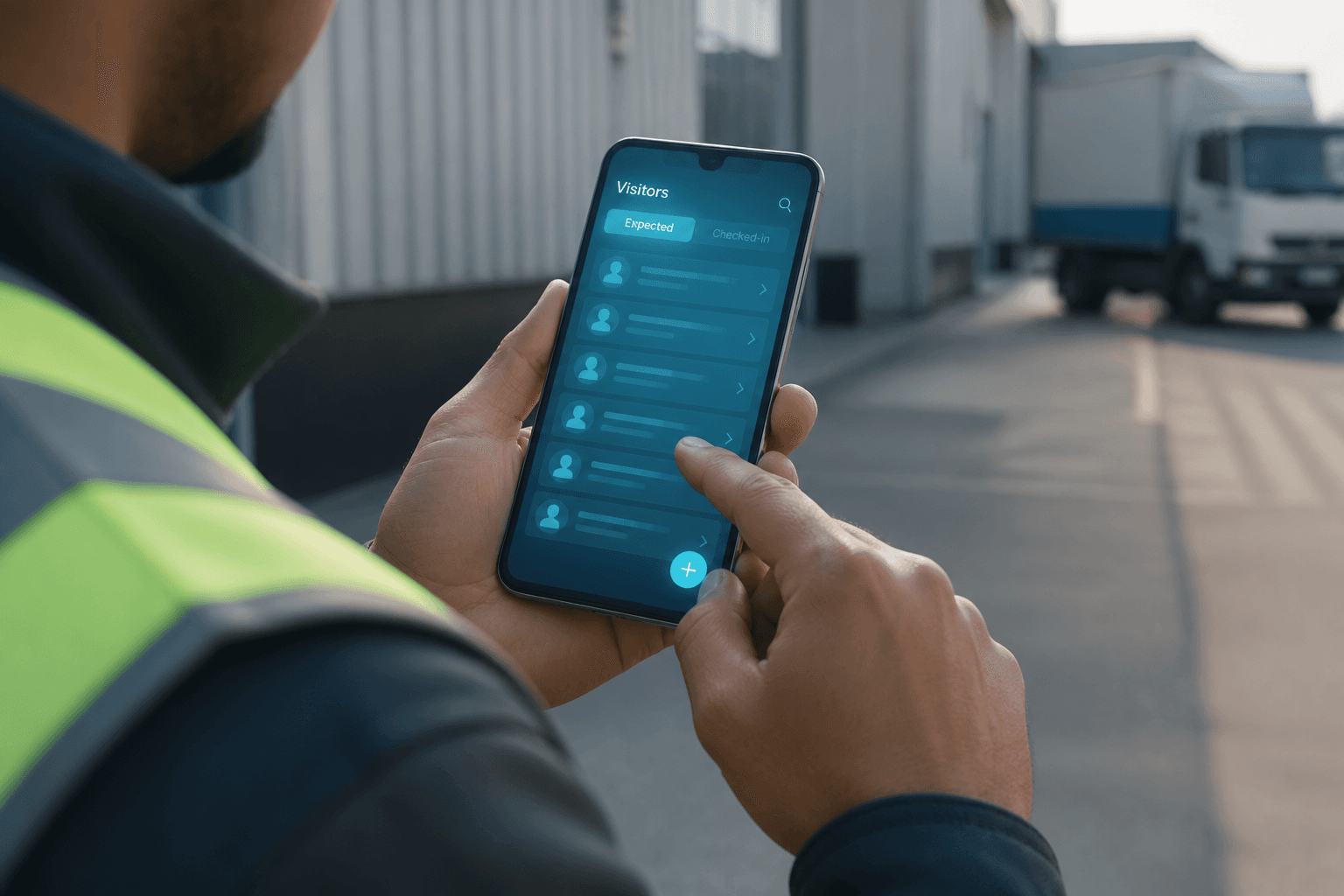
Mobile visitor app
The Flutter mobile app lets reception and field staff manage visitors away from a fixed desk. Enroll, edit, download QR passes, and pull check-in CSV exports against the same secure tenant backend as web. Separate Mobile App Login credentials keep field users distinct from full web admins. Plants still rely on the Windows kiosk for primary gate Face and QR check-in. Mobile shines when staff move across floors, yards, or temporary desks. It extends Axix Visitor enrollment to where work actually happens.
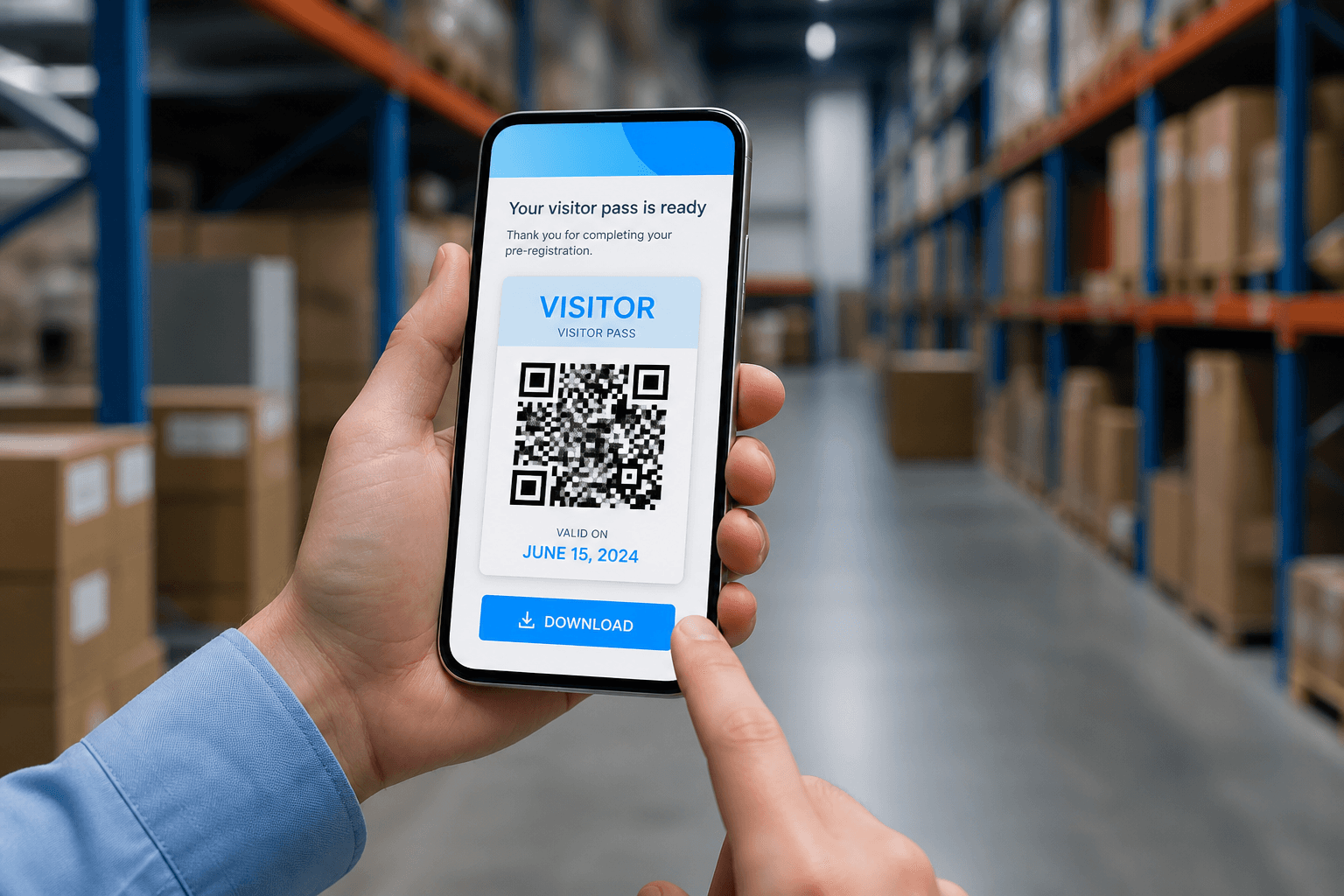
What the app is for
Desk-bound reception is not always possible on large sites or busy event days. Field staff need to list, search, and add visitors while standing near the work area. The app targets those roaming enrollment and update tasks. Secure Mobile App Login credentials keep access scoped to the right company. Search by name, email, ID, or contact mirrors web habits on a phone. Use mobile when speed on site matters more than a full admin console.
- Secure Mobile App Login (alag credentials)
- List + search by name/email/ID/contact
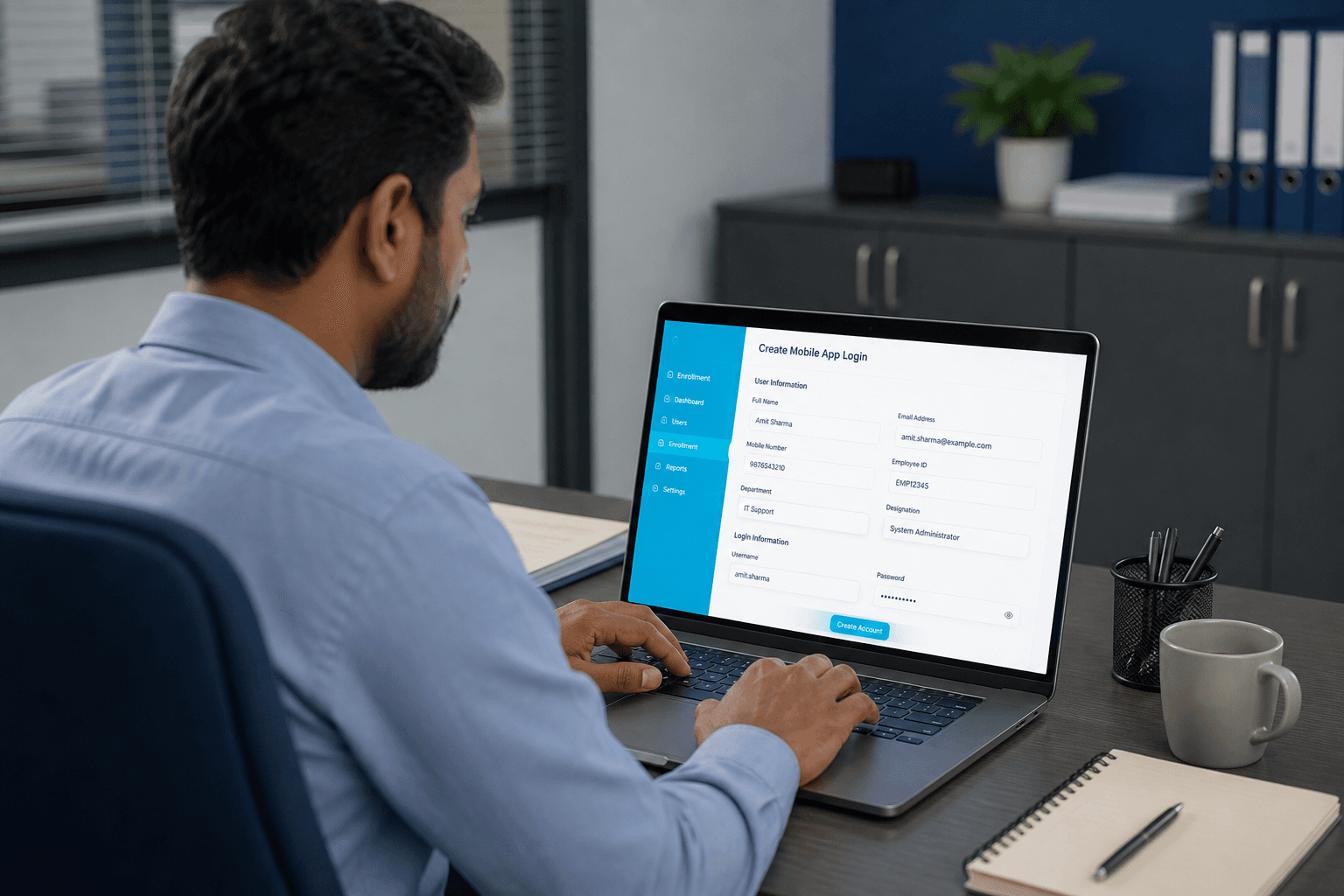
App capabilities
Users can add, edit, delete, and bulk delete visitors under their tenant. QR PNG download puts a pass in someone’s hands without returning to a PC. Check-in and checkout CSV downloads help field leads share activity with supervisors. Changes sync to the same company data that web and kiosk already use. There is no second visitor list to reconcile at the end of the day. Capabilities stay focused on enrollment and field ops rather than full door administration.
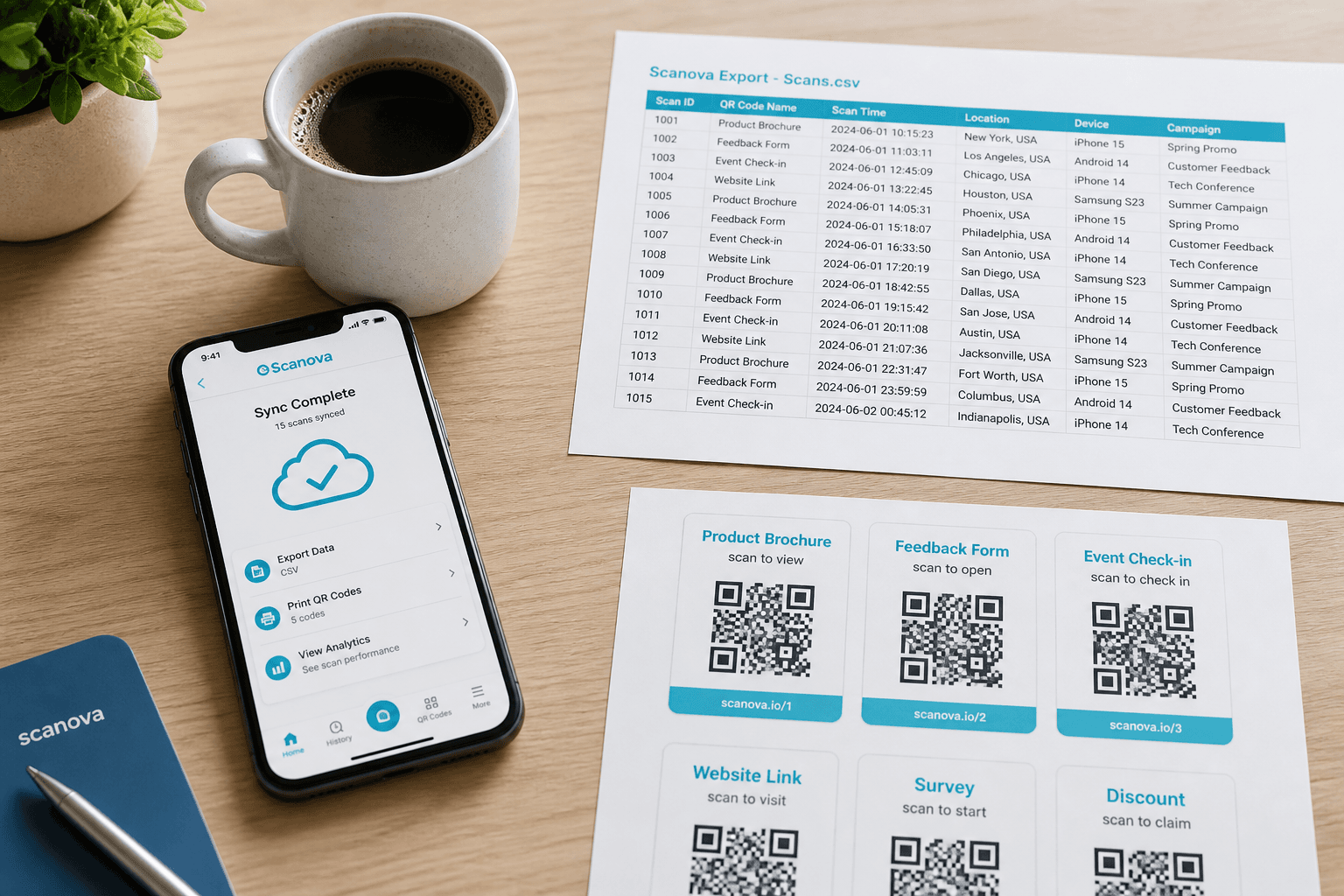
Mobile setup (admin)
Admins create field users under Enrollment → Mobile App Login in Web Admin. Each field user receives credentials meant for the app, not the full web console. After login, that user manages visitors for the same company tenant. Setup is part of go-live when roaming reception is in scope. Revoke or rotate logins when contractors or temporary staff leave. Clean mobile setup prevents shared passwords and confused ownership.
What it is NOT
The mobile app is not the primary gate device for most plants and factories. Windows kiosk EXE remains the Face and QR check-in channel at the door. Full reports, door monitoring, and deep admin settings are better on web. Positioning mobile correctly avoids failed demos at the gate camera. Treat it as enrollment and field maintenance, then hand off arrival to the kiosk. That split matches how real sites operate day to day.
What field teams do on mobile
The app mirrors critical visitor actions away from the reception desk.
List, add, and edit visitors
Field staff enroll or update guests on site without waiting for a desktop session.
Download QR in the field
Generate and share the visitor QR from the phone when a guest is already at the gate.
CSV export on the go
Pull visitor lists for supervisors who need a quick offline copy after a shift.
Mobile vs Web Admin roles
Same tenant backend — different jobs for each channel.
Web for deep setup
Organization masters, doors, reports, and branding stay strongest in Web Admin.
Mobile for presence work
Walking the floor, catching walk-ins, and updating hosts is faster on the phone.
Shared security model
Mobile logins still respect company isolation — field users only see their tenant data.
Field enrollment tips
Keep mobile-created visitors gate-ready.
Capture a clear photo
Face check-in quality depends on the enrollment photo taken in the field.
Confirm host email
Without a valid host, arrival alerts cannot notify the right person after check-in.
Next step
See this flow in a live demo
Transform your front desk with secure visitor management.
Register guests, check them in with face or QR, alert hosts by email, and export complete visitor reports.