
Departments
Reception
Add and edit visitors, download QR passes, and keep the lobby moving.
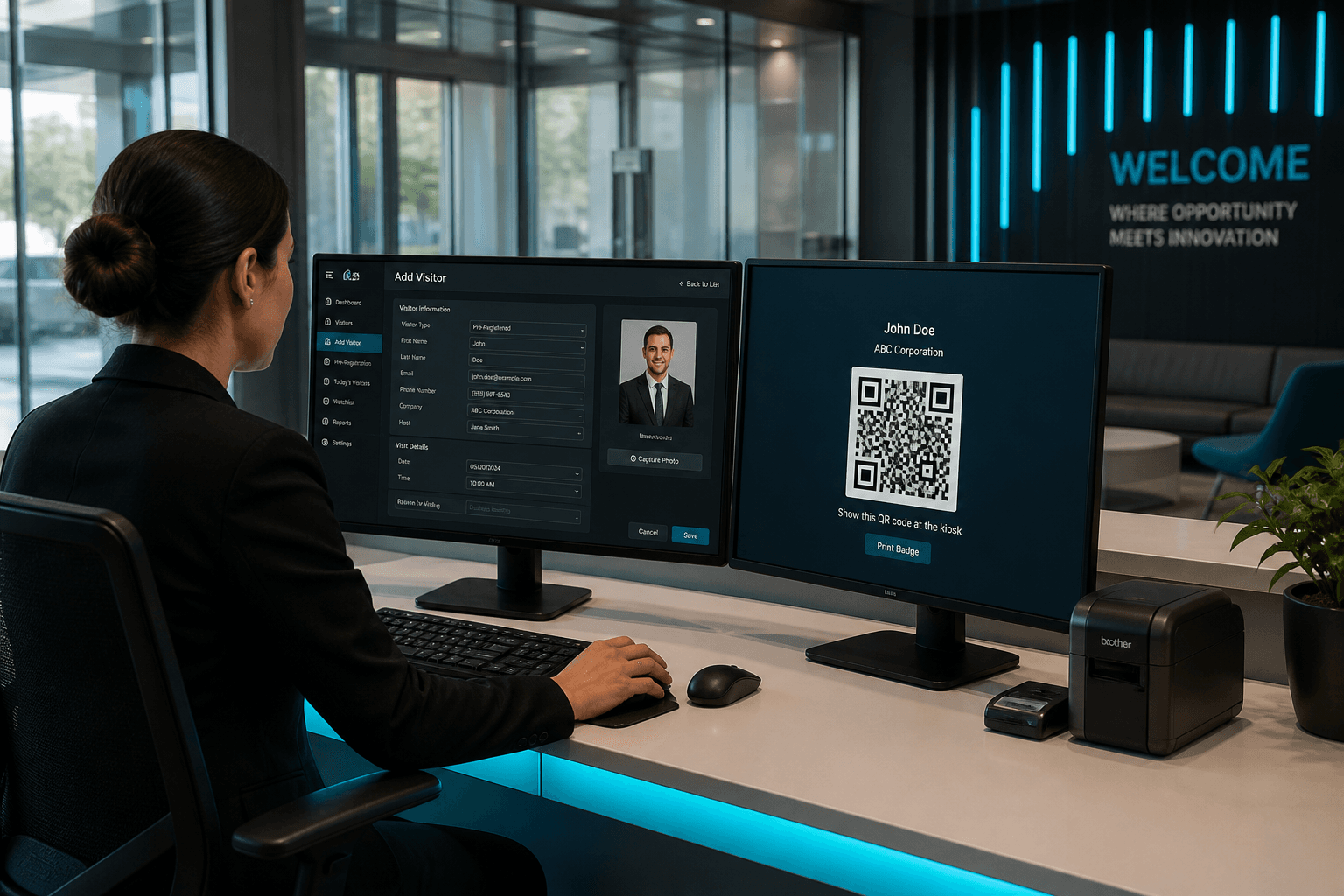
Reception uses Web Admin or Mobile App to pre-register visitors with photo, host, reason, and QR expiry.
- Visitor add / edit / search
- QR PNG download to share or print
- Host optionally notified when a visitor is added
Reception
Reception is the daily enrollment engine of Axix Visitor in corporate and mixed sites. Staff add visitors with photo, host, reason, QR expiry, and leverage, then download passes. Search, edit, delete, bulk delete, and ACTIVE or BLOCKED status keep the list trustworthy. Optional host notify on save prepares employees before guests arrive. Flutter mobile covers roaming reception when the desk is not enough. Reception quality is what the gate and host emails quietly depend on.
Pre-register journey
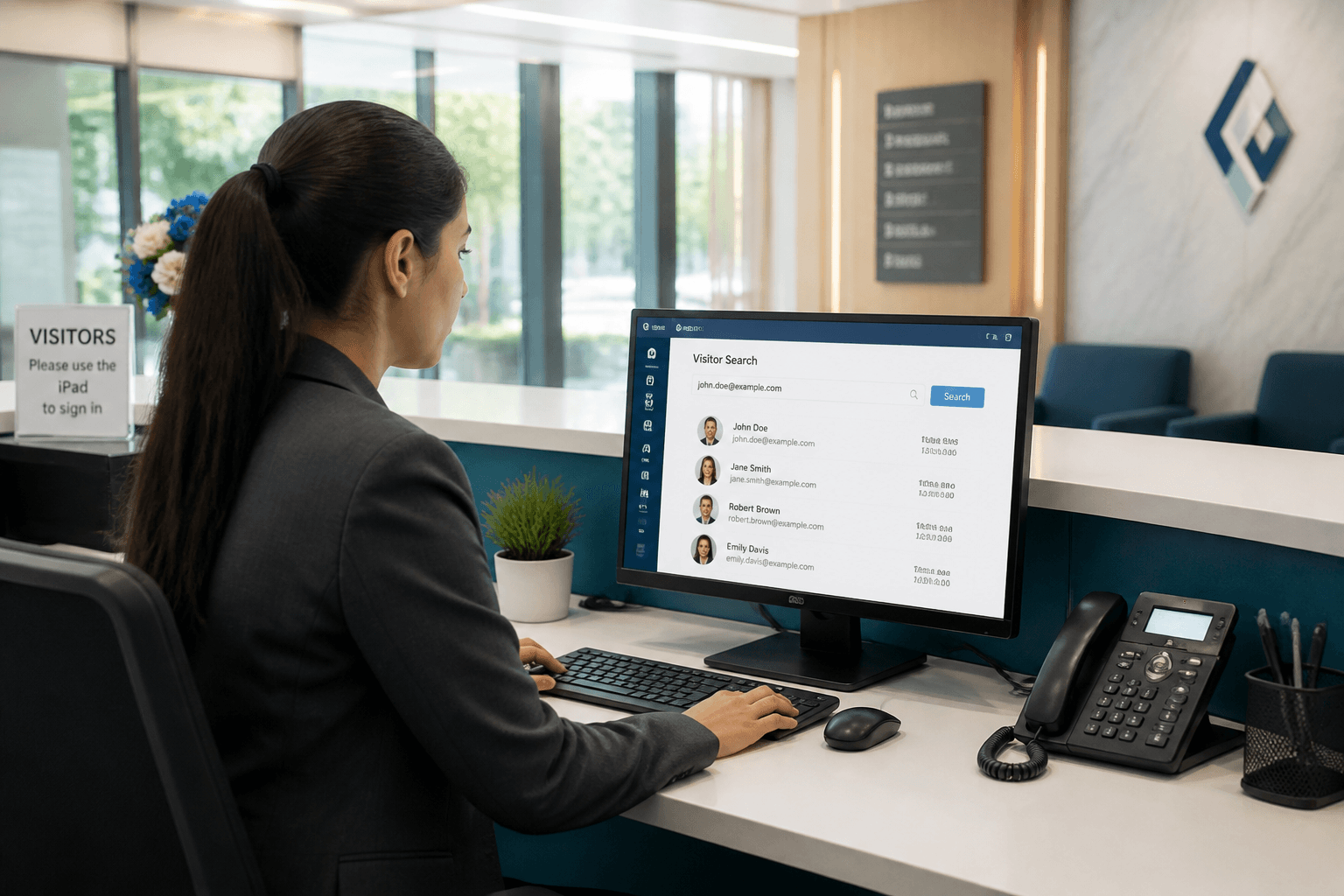
Open Visitors, choose Add, and capture photo plus host assignment. Set reason, QR expiry, and leverage so access rules are explicit. Save the record to generate QR and train face data for the gate. Download or share the QR so the guest is ready on arrival. Confirm the host email is correct before the guest is mid-journey. Pre-register journey is Reception’s version of calm before the lobby rush.
Daily tools
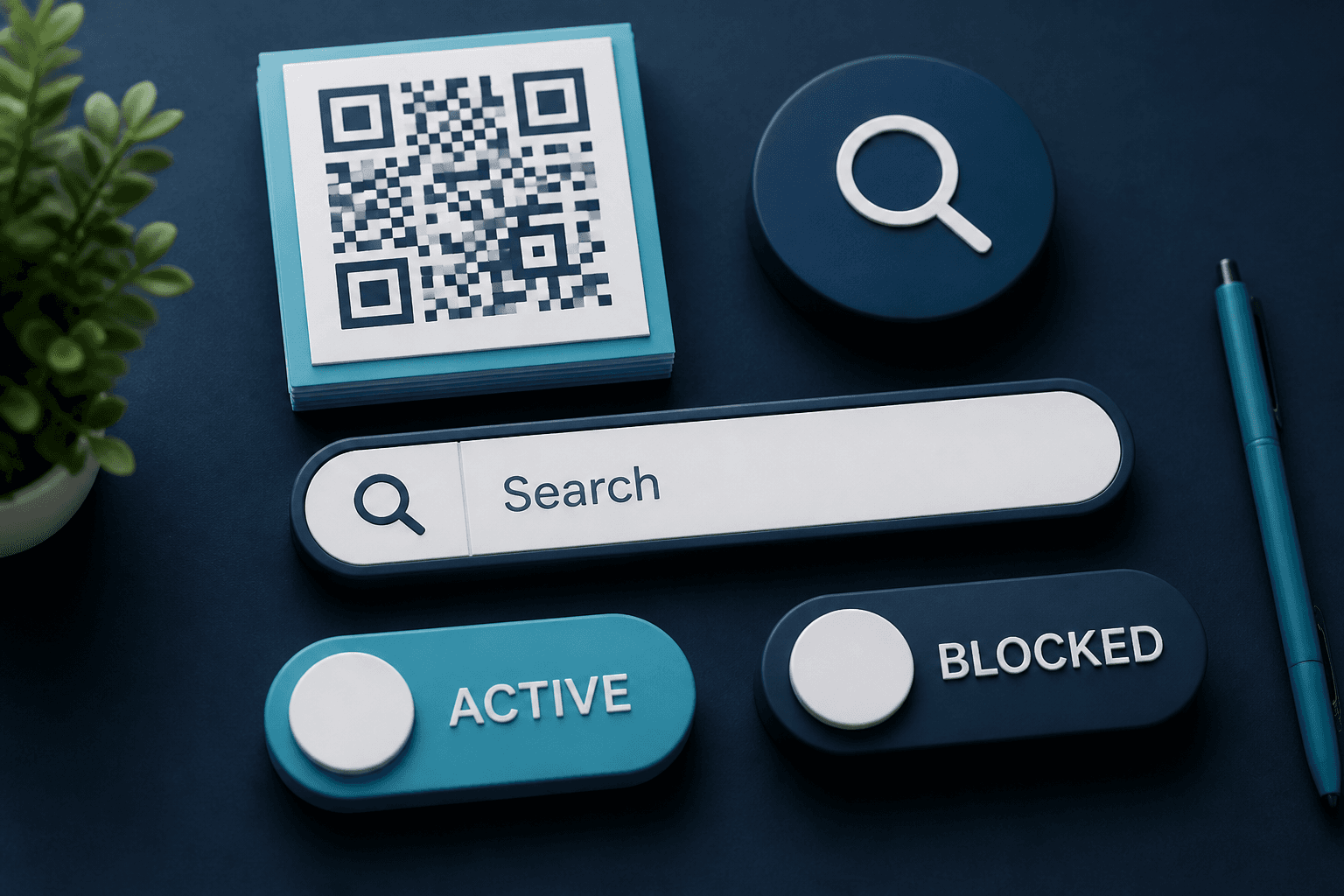
Search by name, email, ID, or contact finds people during peak hours. Edit fixes host changes and expiry extensions without recreating records. Delete and bulk delete clear cancellations that would otherwise clutter ACTIVE lists. Status switches between ACTIVE and BLOCKED give security an immediate control. Daily tools are small actions that prevent large gate arguments. Reception fluency here shows up as shorter lines at check-in.

Host notify
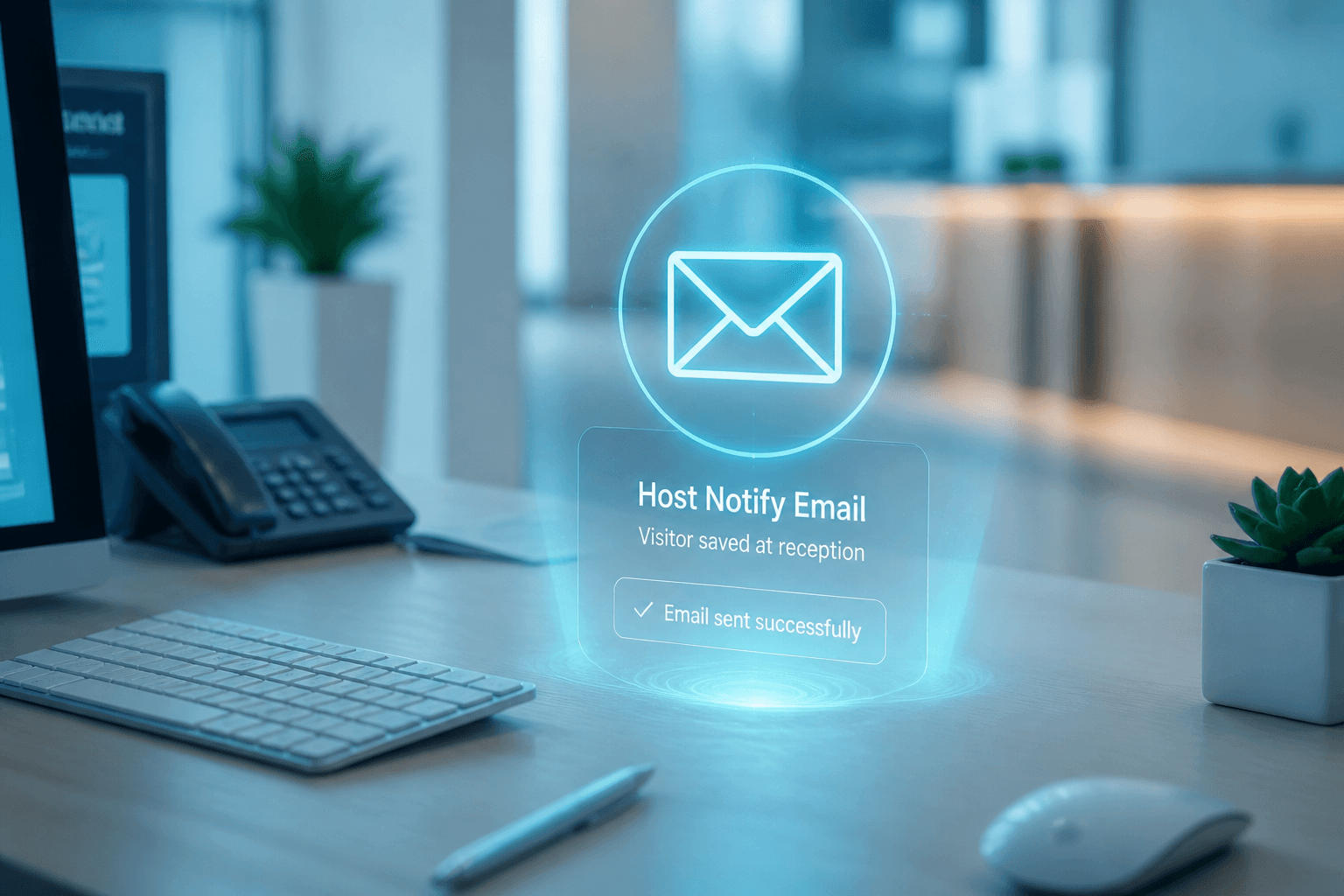
On save, optional email can tell the host a visitor was added. Early notify helps hosts prepare rooms, escorts, or clearances. It also surfaces bad host email addresses before arrival day. Sites can tune whether notify is always on or used selectively. Host notify is a courtesy that becomes an operations safety net. Reception controls the first impression of the digital visit.
Mobile option
The same enroll flows are available on the Flutter mobile app. Roaming reception can enroll near meeting floors or temporary desks. Mobile App Login credentials keep field reception separate from full admin rights. QR download on phone still feeds the same gate validation rules. Mobile option is how reception scales beyond one counter. Use it when the building is larger than the desk.
Reception’s daily visitor loop
Front desk work stays fast when enrollment and search are second nature.
Search, then enroll
Avoid duplicates by searching name or contact before creating a new visitor.
Hand off QR or host
Send the QR or confirm the host so the guest is not waiting without a next step.
Watch dashboard cards
Expected vs on-site counts help reception manage the next arrival wave.
Reception escalation habits
Know when to involve security or the host.
Blocked status appears
Do not override BLOCKED at the desk — escalate to security with the visitor present.
Host unreachable
If arrival email fails and the host does not answer, use Visitor Alert and security backup.
Expired QR at lobby
Update expiry or re-issue QR rather than sending the guest to a dead gate scan.
Reception quality checklist
Small accuracy habits prevent afternoon cleanup.
Photo quality matters
Poor enrollment photos create face check-in failures that bounce guests back to reception.
Confirm host email spelling
One typo means the host never learns the guest arrived.
Next step
See this flow in a live demo
Transform your front desk with secure visitor management.
Register guests, check them in with face or QR, alert hosts by email, and export complete visitor reports.