
Features
Everything you need for complete visitor management
From enrollment to gate check-in, host alerts, overdue monitoring, and audit exports — web, mobile, and smart gate.
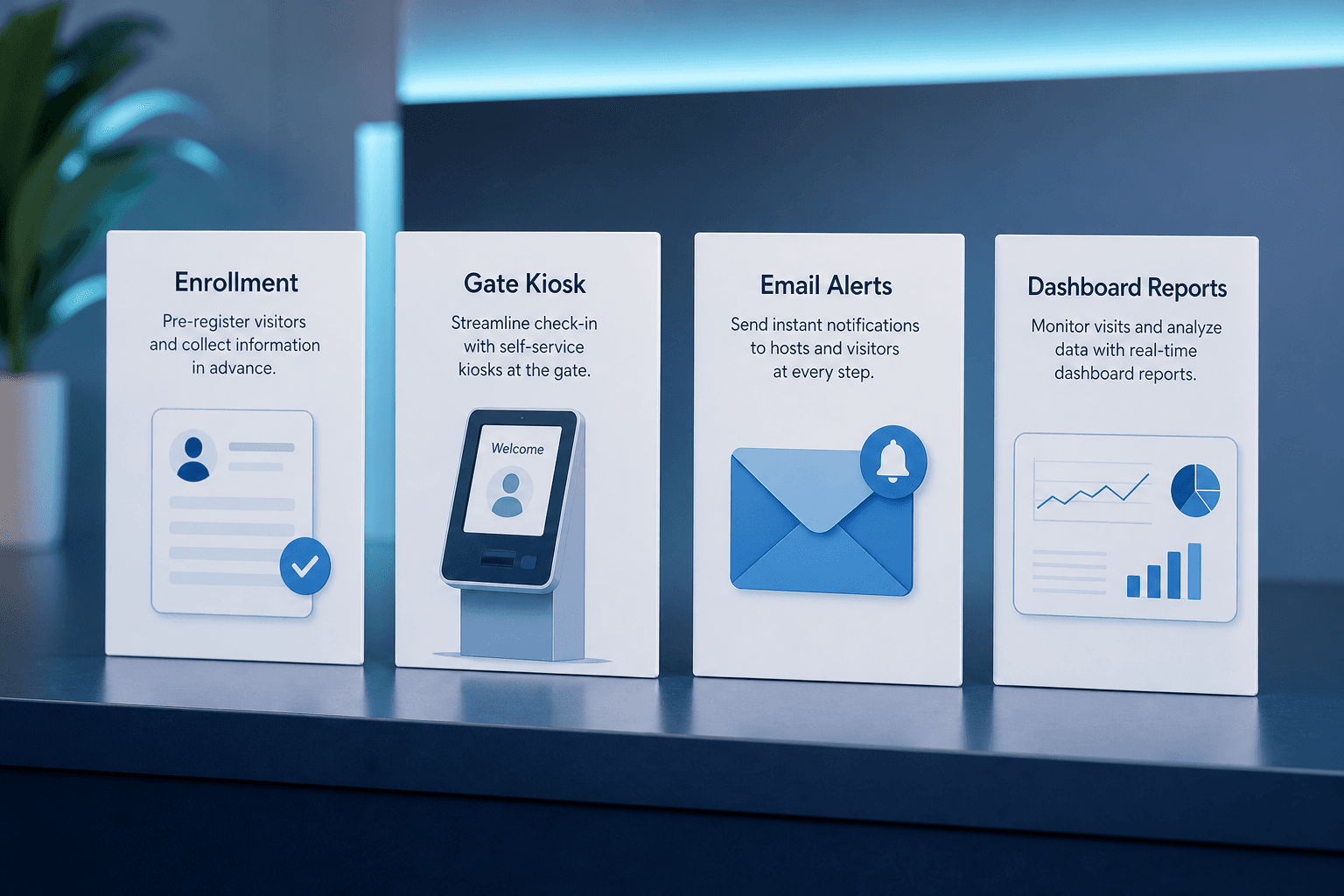
Smart enrollment
Register visitors with photo, host, department, reason, QR expiry, card number, and leverage time — on web or mobile.

QR passes & card numbers
Time-bound digital QR passes plus optional physical card numbers — without a dedicated badge printer suite.
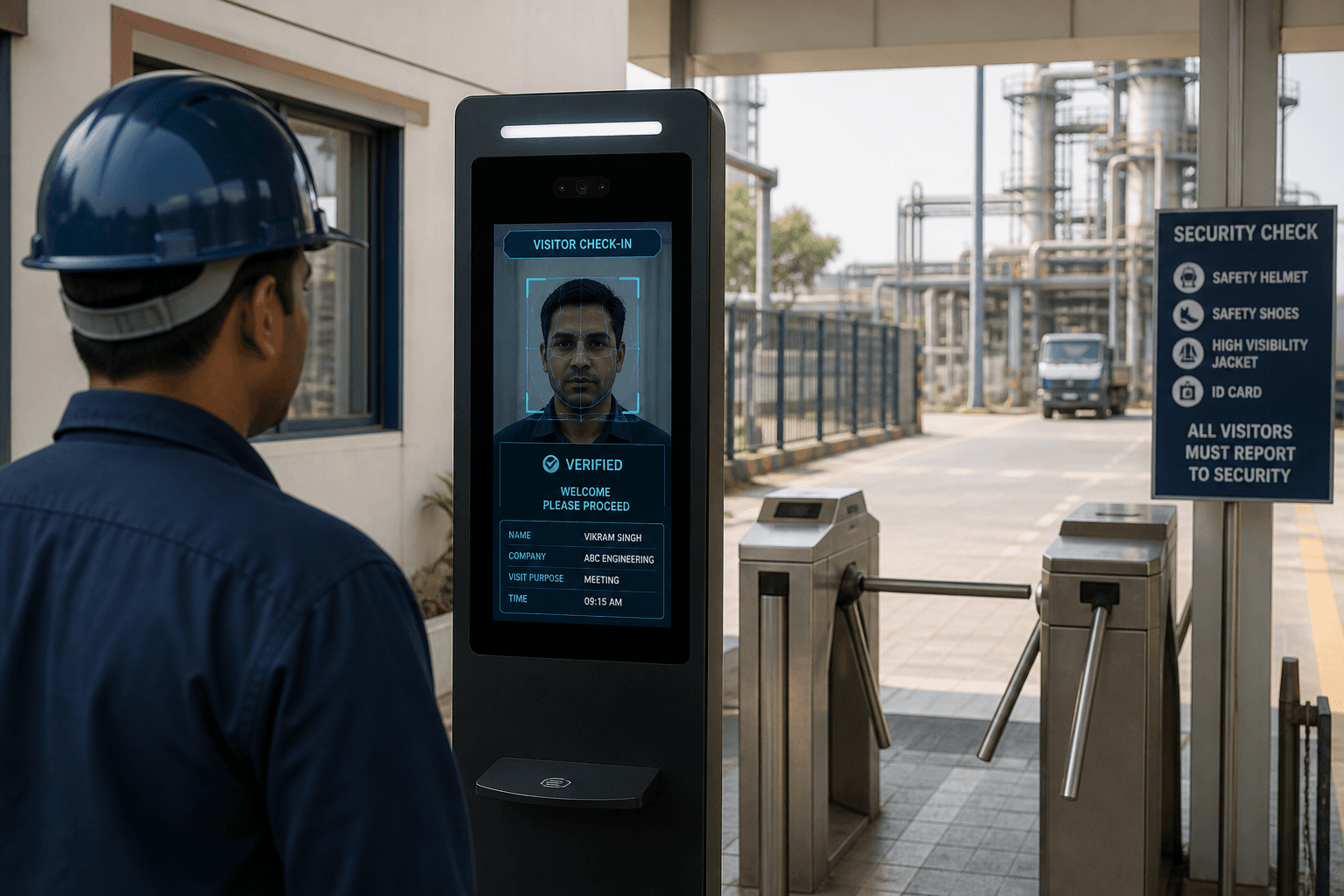
Face & QR gate kiosk
Windows PC + camera kiosk for live face recognition or QR scan check-in and checkout at the door.

Door access monitoring
See which gate and kiosk devices are online or offline from the web admin Door Access module.

Mobile visitor app
Manage visitors on the go — enroll, update, download QR codes, and export check-in data from the Axix Visitor mobile app.
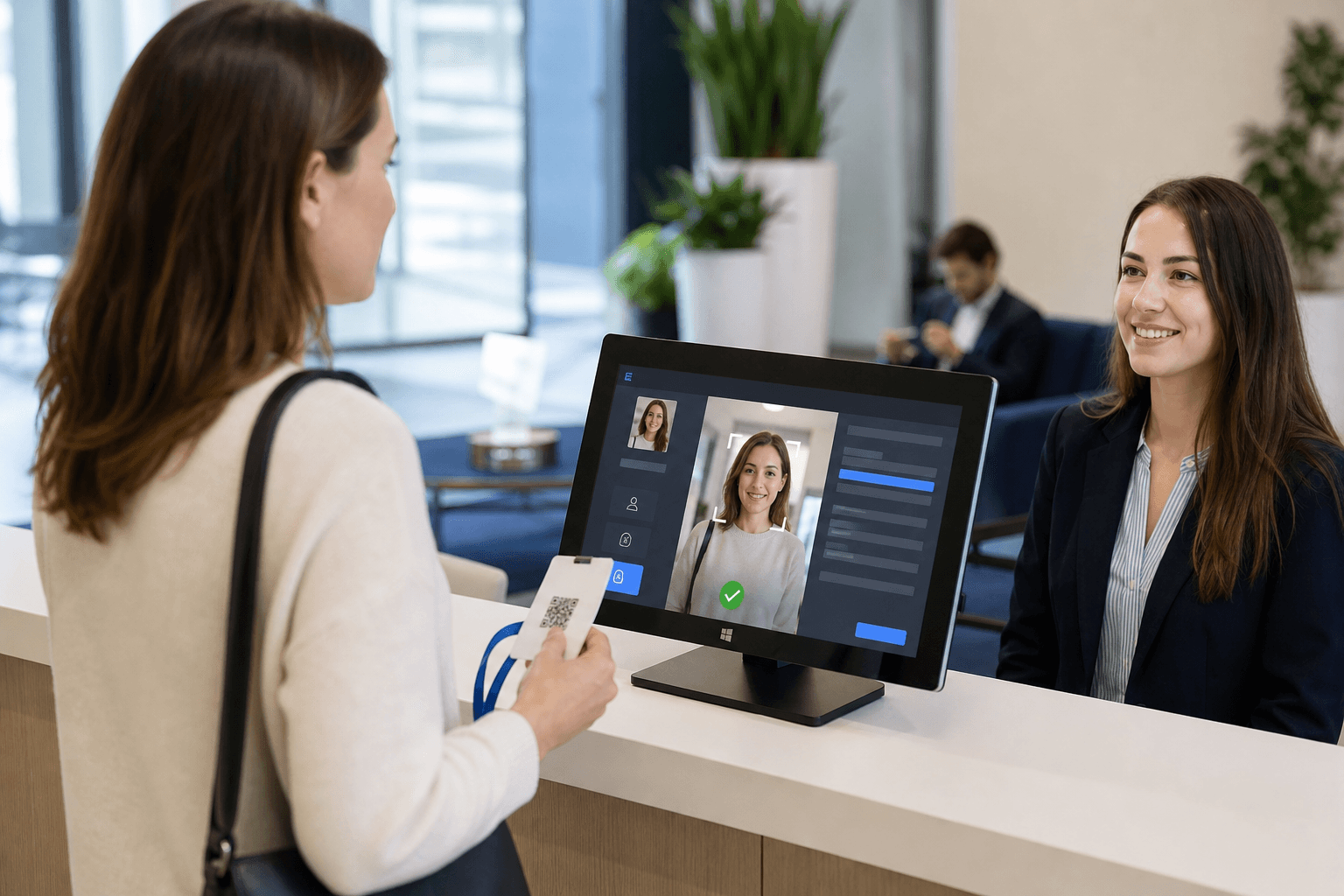
Host email alerts
Hosts get email when visitors are added, check in, end meetings, run late, or check out.
Smart enrollment
Register visitors with photo, host, department, reason, QR expiry, card number, and leverage time — on web or mobile.
Learn more →QR passes & card numbers
Time-bound digital QR passes plus optional physical card numbers — without a dedicated badge printer suite.
Learn more →Face & QR gate kiosk
Windows PC + camera kiosk for live face recognition or QR scan check-in and checkout at the door.
Learn more →Door access monitoring
See which gate and kiosk devices are online or offline from the web admin Door Access module.
Learn more →Mobile visitor app
Manage visitors on the go — enroll, update, download QR codes, and export check-in data from the Axix Visitor mobile app.
Learn more →Host email alerts
Hosts get email when visitors are added, check in, end meetings, run late, or check out.
Learn more →Live dashboard
Live overview of totals, active visitors, checkout alerts, and check-in / check-out activity.
Learn more →Visitor alerts
When a meeting has ended and the visitor does not check out within leverage time, Axix Visitor raises alerts for security and reception.
Learn more →Leverage time
After the host ends the meeting, visitors get configurable grace minutes to check out at the gate before an alert fires.
Learn more →Reports & exports
Daily, weekly, and monthly visitor check-in reports with branded PDF and CSV export.
Learn more →Multi-tenant platform
SaaS-ready multi-company isolation with company profile branding for reports.
Learn more →Organization setup
Enrollment masters before visitors: departments, designations, locations, host employees, and mobile app logins.
Learn more →
Complete feature catalog
This hub maps every major Axix Visitor capability from enrollment through compliance exports. Explore visitor lifecycle tools, gate access methods, host email flows, and live operations views in one place. Each skill area links to deeper feature pages so buyers can dig into Face, QR, alerts, and reports. The catalog mirrors the product guide so website claims stay aligned with what ships. Use it as a map before a demo or as a checklist during go-live planning. Everything here is about managing visitors securely across web, mobile, and gate.

Visitor lifecycle skills
Enrollment captures photo, host, department, reason, QR expiry, card number, and leverage time in one record. Reception can mark visitors ACTIVE or BLOCKED and search quickly when the lobby gets busy. Saving a visitor generates a QR PNG and trains the face into the FAISS index for gate matching. Optional host email on add keeps the employee informed before the guest arrives. Bulk delete and edit actions help clean lists without spreadsheet workarounds. The lifecycle stays consistent whether staff enroll on web or mobile.
- Auto QR PNG generation
- Face FAISS index train on save
- Optional visitor-added email to host
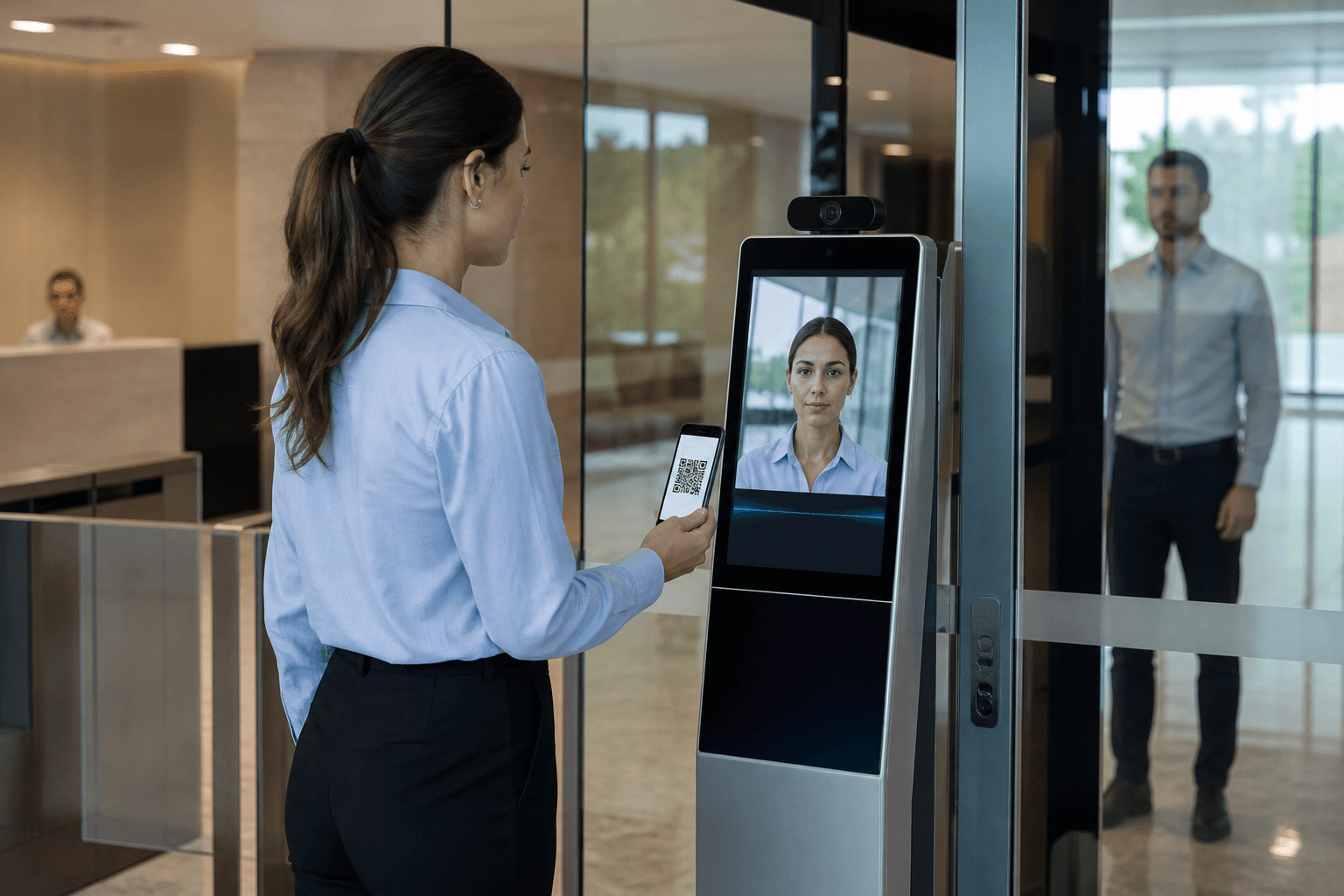
Gate & access skills
Gate skills cover face recognition check-in and QR verification with the same visit state machine. Door device monitoring shows whether each kiosk endpoint is online before peak hours. Check-in snapshots attach visual proof to the arrival event for later audit review. Optional anti-spoof controls strengthen face matching where sites need extra assurance. Checkout closes the open visit so reports and host emails stay accurate. Together these skills make the physical gate the trusted source of entry and exit.

Live operations & reporting
Dashboard cards summarize totals, active visitors, and checkout pressure without opening spreadsheets. Live checkout alerts highlight visits that need security attention right now. The Visitor Alert page lists overdue cases with refresh intervals suited to gate operations. Daily, weekly, and monthly PDF plus CSV exports support reception, facilities, and compliance teams. Branded report headers reinforce company identity on audit packs. Ops and reporting stay connected so a live issue can become a documented trail.

Platform skills
Multi-company isolation keeps every tenant’s visitors, hosts, and gate events in a private scope. SaaS-ready Docker deploy options help IT stand up production without reinventing the stack. Company profile branding feeds logos and contact details into PDF exports. Role separation distinguishes web admins, mobile field users, and host email actions. Platform skills are the foundation under enrollment, gate, and reports. Buyers evaluating architecture can start here before deep feature tours.
How to navigate the feature catalog
Use this hub as a map before diving into enrollment, gate, alerts, or reports.
Start with lifecycle
Enrollment, QR passes, and organization masters define who can enter before any kiosk scan.
Then gate & doors
Face/QR kiosk plus door monitoring cover the physical moment of entry and exit.
Finish with ops & exports
Dashboard, visitor alerts, host email, and report packs keep the day visible after check-in.
Feature depth buyers expect
Catalog-level proof points that separate a brochure from a real VMS.
Status and search controls
ACTIVE/BLOCKED plus search by name, email, ID, or contact keeps reception productive under load.
Dual access methods
Face recognition and QR verification both check in and check out on the Windows gate EXE.
Tenant-ready platform
Multi-company isolation and company branding on reports support SaaS-style deployments.
Recommended reading order
A short path through the catalog for product evaluation teams.
Day-one evaluation path
Read enrollment → gate access → host alerts → reports before comparing competitor matrices.
Ops evaluation path
Dashboard, visitor alerts, leverage time, and door access show how a busy site stays controlled.
IT evaluation path
Platform, organization setup, and mobile app clarify roles, devices, and field enrollment.
Next step
See this flow in a live demo
Transform your front desk with secure visitor management.
Register guests, check them in with face or QR, alert hosts by email, and export complete visitor reports.