
Features
QR passes & card numbers
Time-bound digital QR passes plus optional physical card numbers — without a dedicated badge printer suite.
Digital pass
Every enrolled visitor can download a QR PNG to share or print. QR expiry is set at enrollment.
Card number
Store a physical badge or access card ID on the visitor record for sites that still use cards alongside QR and face.
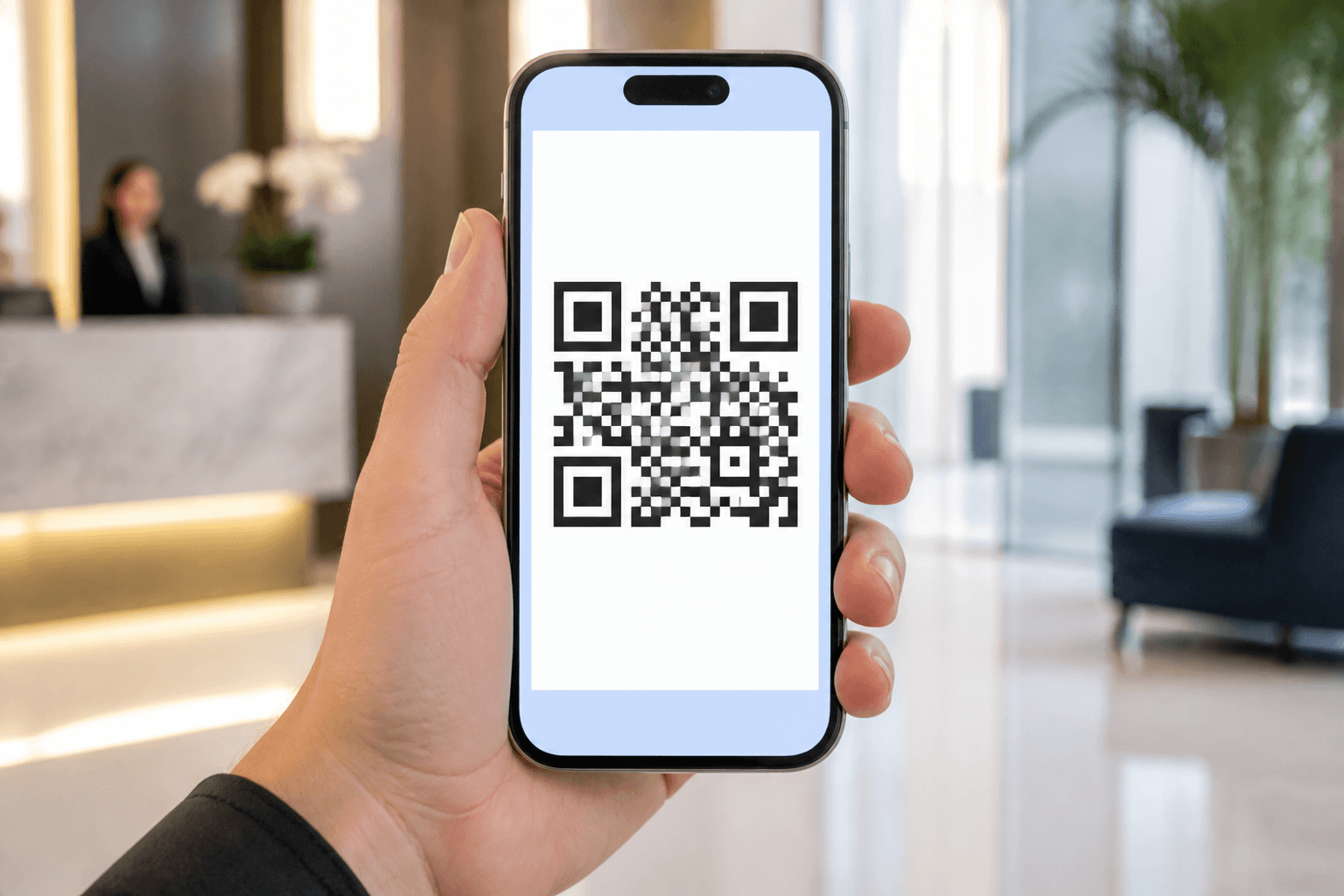
QR passes & card numbers
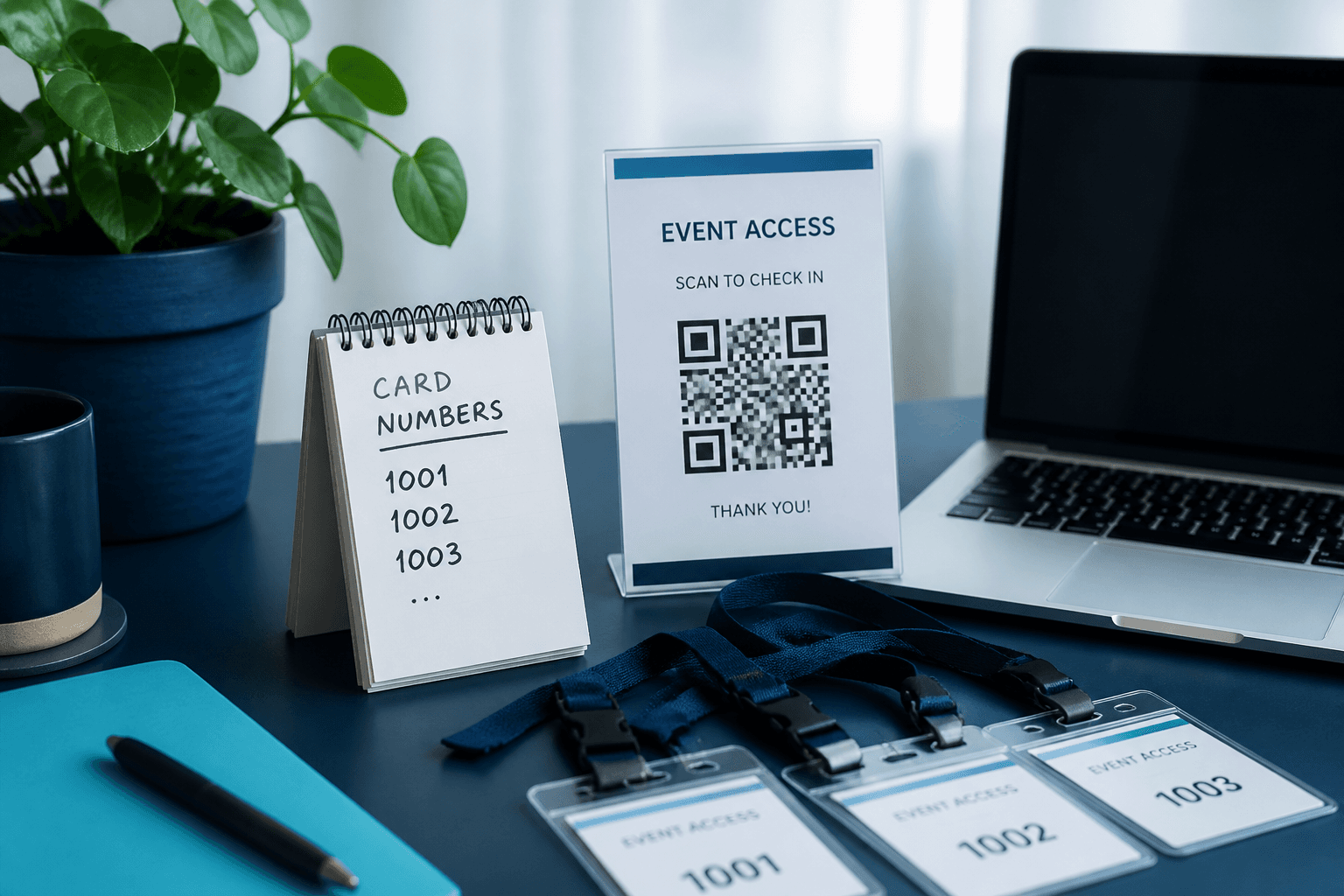
Axix Visitor issues time-bound digital QR PNG passes that guests can print or keep on a phone. Optional card number fields store physical badge IDs next to face and QR credentials on the same record. Gate validation checks ACTIVE status and expiry before allowing check-in. You get dual digital and physical pass support without buying a full badge printer suite. Reception downloads QR after enrollment, and security trusts the same rules at the kiosk. Passes stay simple, auditable, and aligned with the visitor lifecycle.
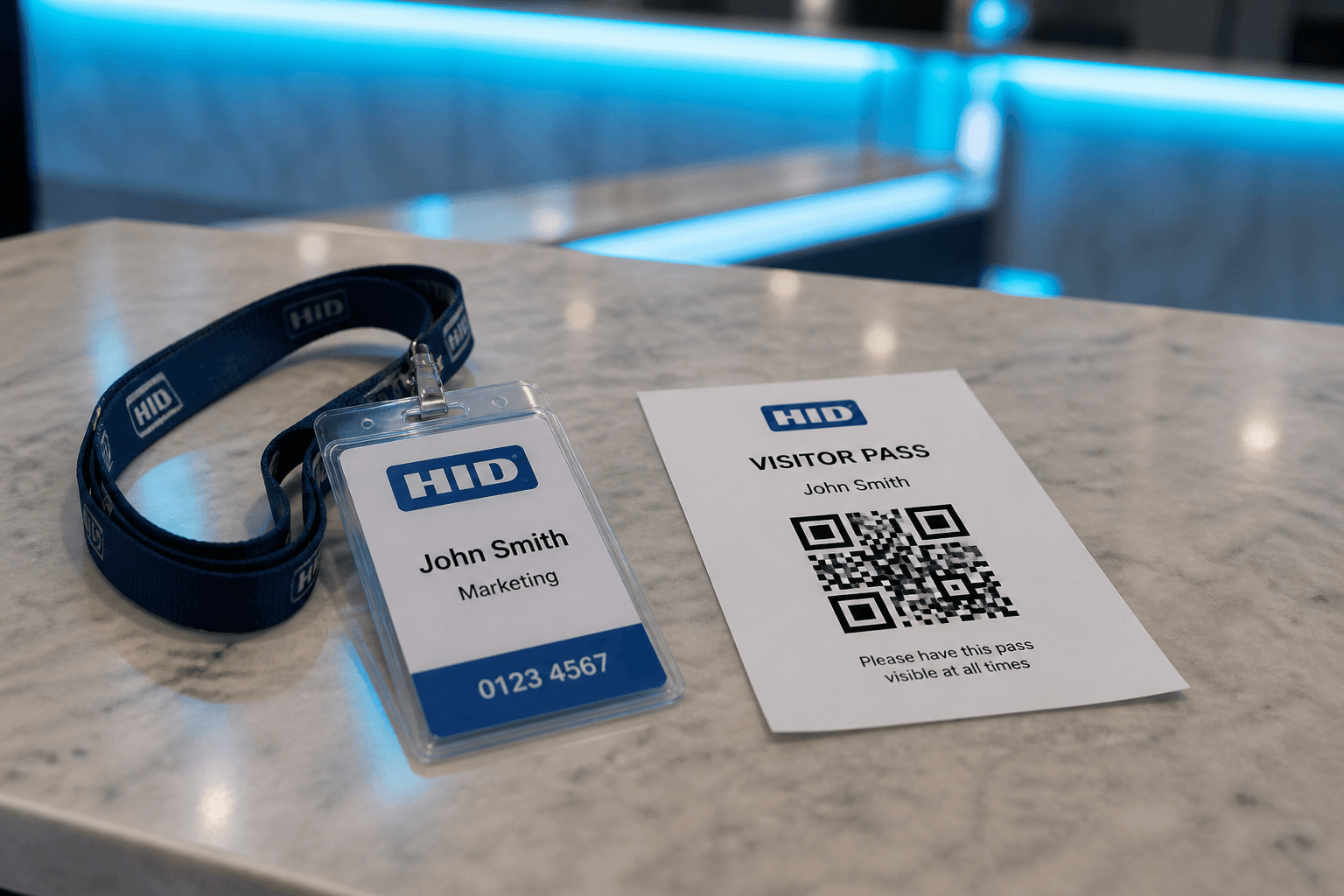
Digital QR pass
Every enrolled visitor can receive a unique QR PNG generated for that person. Staff download the image to print at reception or share with the guest before arrival. Expiration date and time are set during enrollment so access cannot outlive the visit window. The QR becomes one of two primary gate credentials alongside face recognition. Expired codes fail validation even if the image still looks printable. Digital passes keep lobbies moving without waiting on specialty badge hardware.
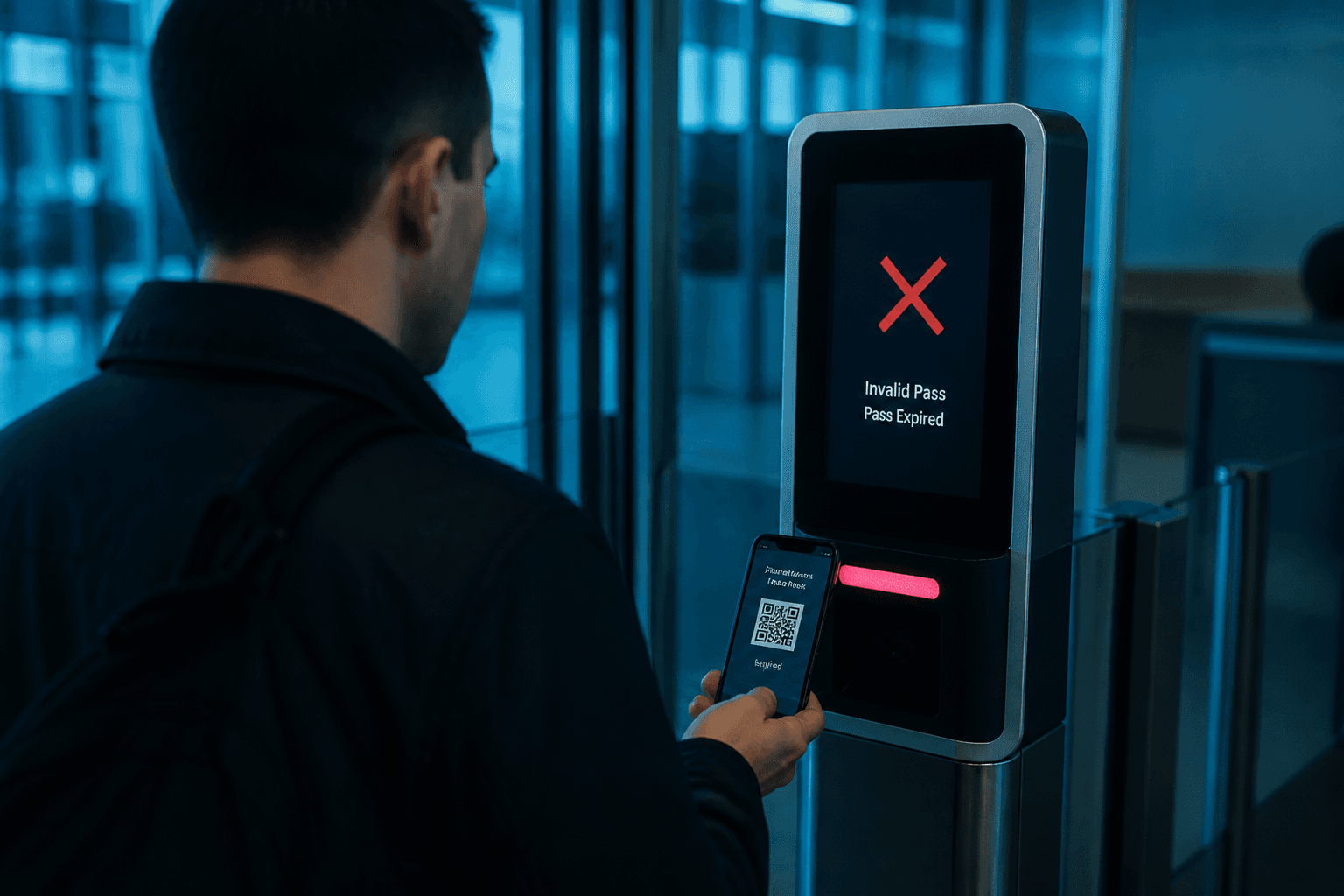
Card number field
Some sites still issue plastic badges or access cards for contractors and long visits. The card number field stores that physical ID on the visitor record for reference. Face and QR remain the primary automated gate methods in the kiosk flow. Having the card number in one place helps reception reconcile printed badges with digital enrollment. It does not require a separate badge management product to stay useful. Use it as structured metadata that security can search and report on.
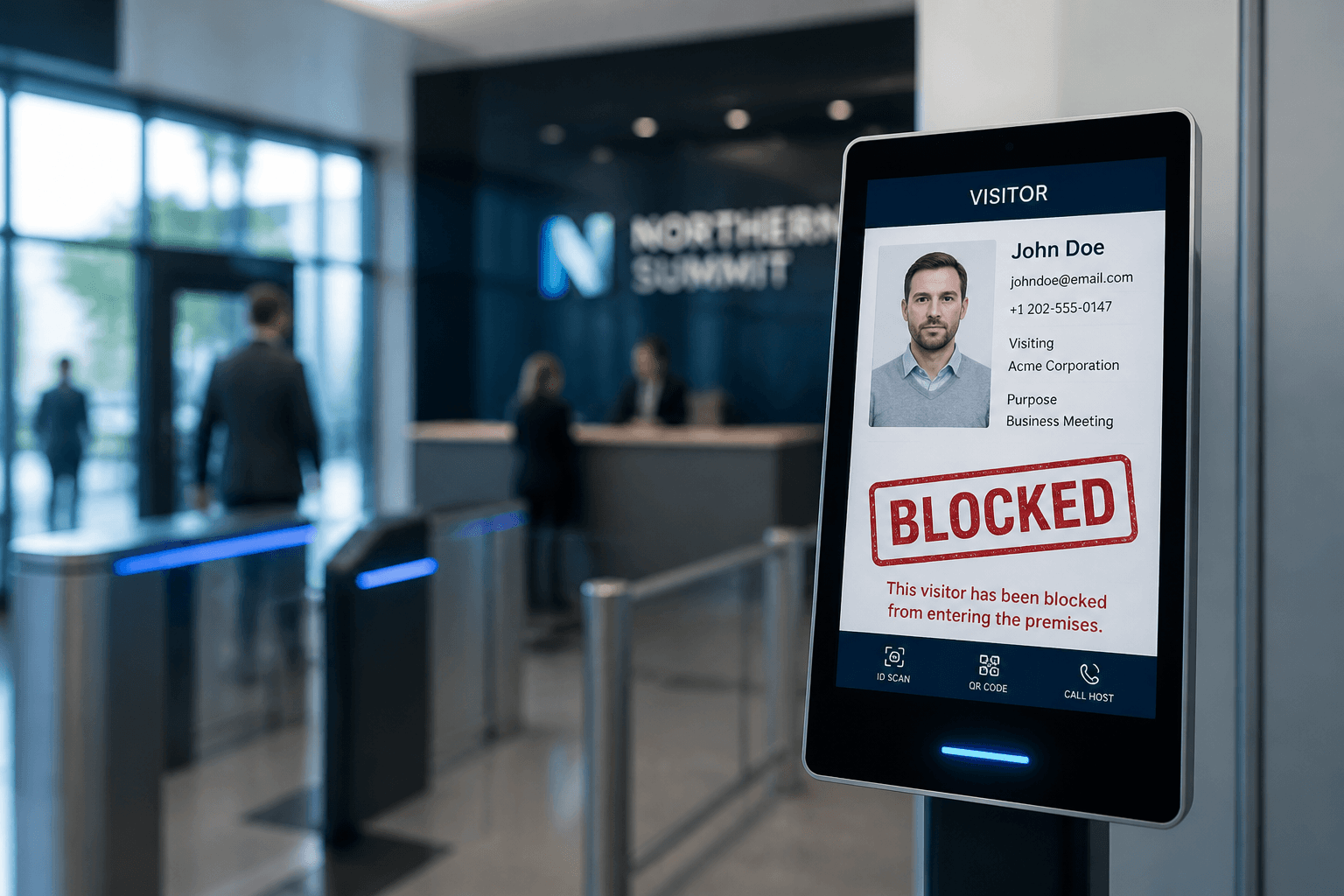
Gate validation
At the kiosk a valid ACTIVE QR confirms identity and opens the check-in or checkout path. Expired QR codes are rejected so old passes cannot be reused after the window. BLOCKED visitors fail access even if they present a previously valid code. Face match follows the same visit state rules once recognition succeeds. Validation results become part of the visit record for later audit. Clear fail and success paths reduce arguments at the gate.
Not included
Axix Visitor does not ship a dedicated badge printer control module. Sites that need industrial badge printers should treat hardware as an external process. What you do get is QR PNG download plus optional card number storage on each visitor. That combination covers most digital and light physical pass needs. Keep demos honest about printer scope so procurement expectations stay realistic. Focus buyers on enrollment, gate validation, and audit trails instead.
When QR is the right pass
Use digital QR when guests need a time-bound entry token without a badge printer.
Expiry is part of the pass
QR expiration is set at enrollment so stale codes stop working after the visit window.
PNG for print or share
Download the QR image for WhatsApp, email, or a printed slip at reception.
Card number as backup
Optional physical card IDs sit beside QR for sites that still use badge numbers.
Gate behavior with QR
What the kiosk expects when a visitor presents a code.
Scan replaces typing
Gate verification reads the QR instead of forcing operators to search the visitor list manually.
Works with face option
Sites can keep face recognition enabled and still accept QR for guests without a usable photo.
Checkout uses the same pass
QR can close the visit at exit so the audit trail includes both check-in and checkout.
Operational tips for QR sites
Small practices that prevent expired or missing passes at peak hours.
Send QR before arrival
Pre-share the PNG so lobby staff are not generating codes while a queue builds.
Re-enroll after expiry
When a visit extends, update QR expiration rather than inventing a second visitor record.
Next step
See this flow in a live demo
Transform your front desk with secure visitor management.
Register guests, check them in with face or QR, alert hosts by email, and export complete visitor reports.