
Features
Live dashboard
Live overview of totals, active visitors, checkout alerts, and check-in / check-out activity.
Dashboard cards
A live table shows visitor, host, meeting end, and checkout deadline with periodic refresh.
- Total Visitors — registered count with active/blocked
- Active Visitors — currently ACTIVE
- Checkout Alerts — pending overdue / deadline alerts
- Check-ins / Check-outs — activity summary
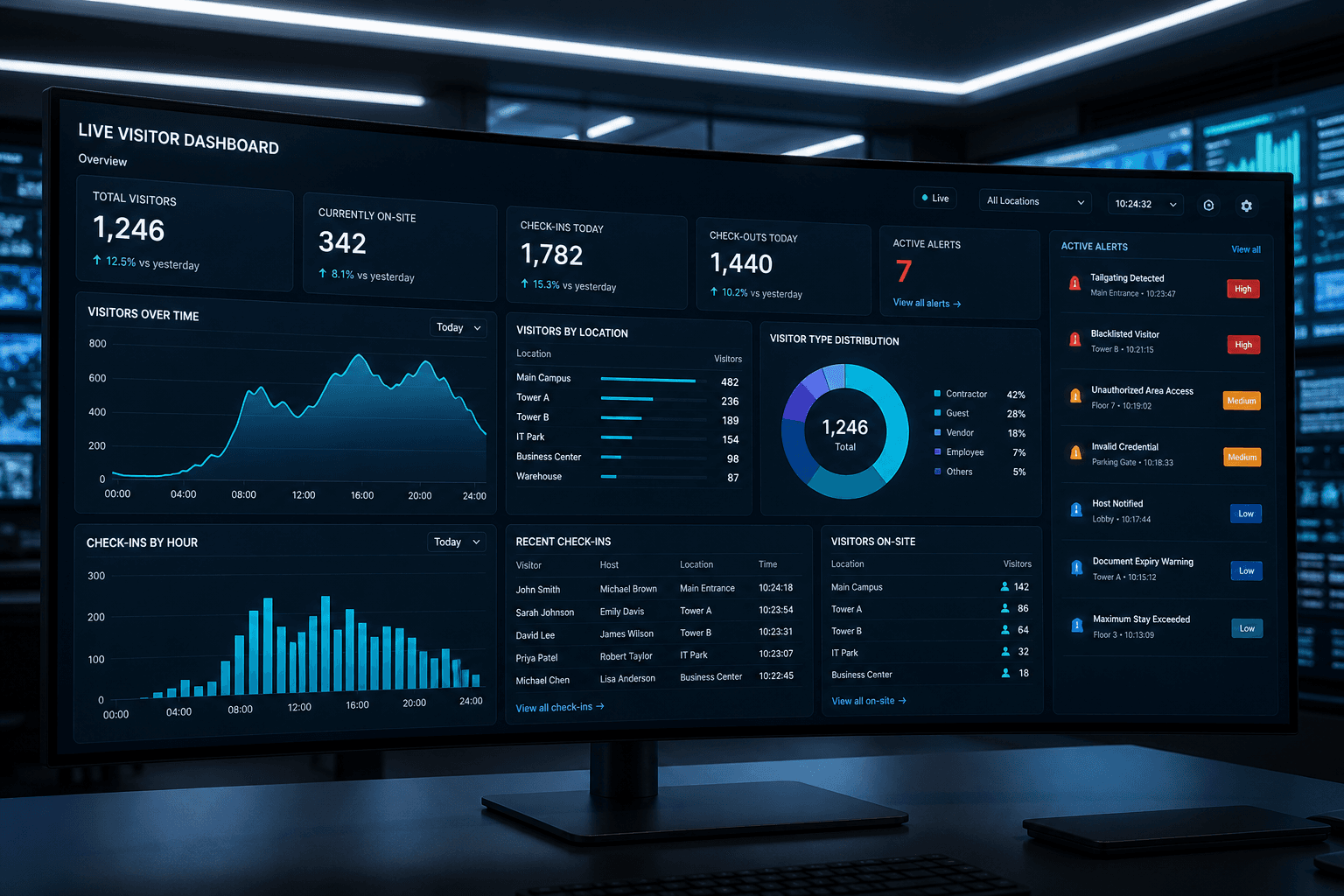
Live dashboard
The live dashboard gives reception and security one shared lobby view for visitor pressure. Cards summarize totals, active visitors, checkout alerts, and check-in or checkout activity. A live table lists visitor, host, meeting end, and checkout deadline with frequent refresh. Teams stop juggling spreadsheets and hallway radio updates for the basics. Pair the dashboard with Visitor Alert when overdue cases need dedicated attention. It is the operations heartbeat for Axix Visitor on a busy day.
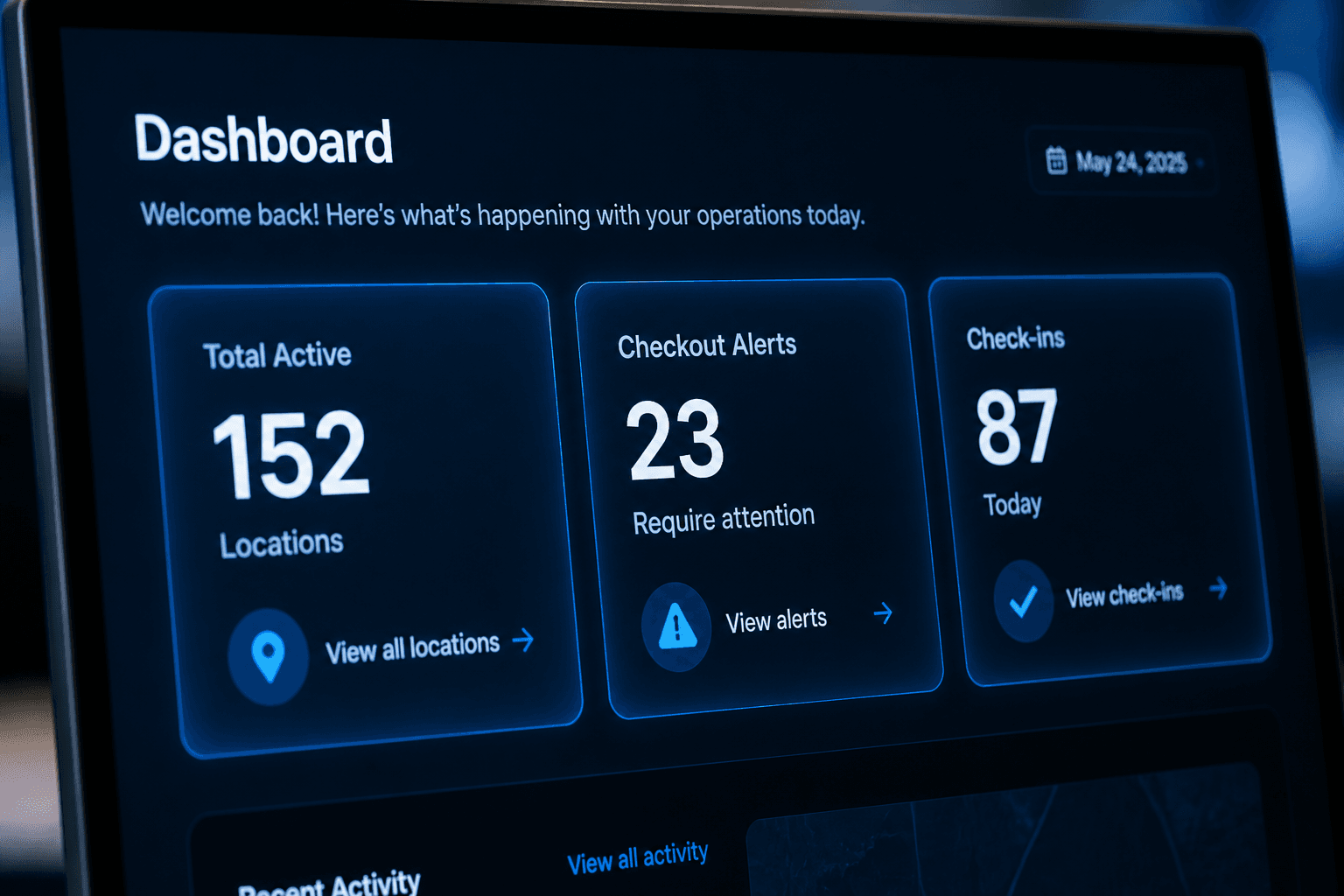
Dashboard cards
Total Visitors cards break out active and blocked counts for quick policy awareness. Active Visitors shows who is currently on site according to open visits. Checkout Alerts highlight pressure points that may need follow-up soon. Check-in and check-out activity summaries explain today’s traffic without opening full reports. Cards are meant for glanceable ops, not deep analytics. Together they answer whether the lobby is calm, busy, or overdue-heavy.
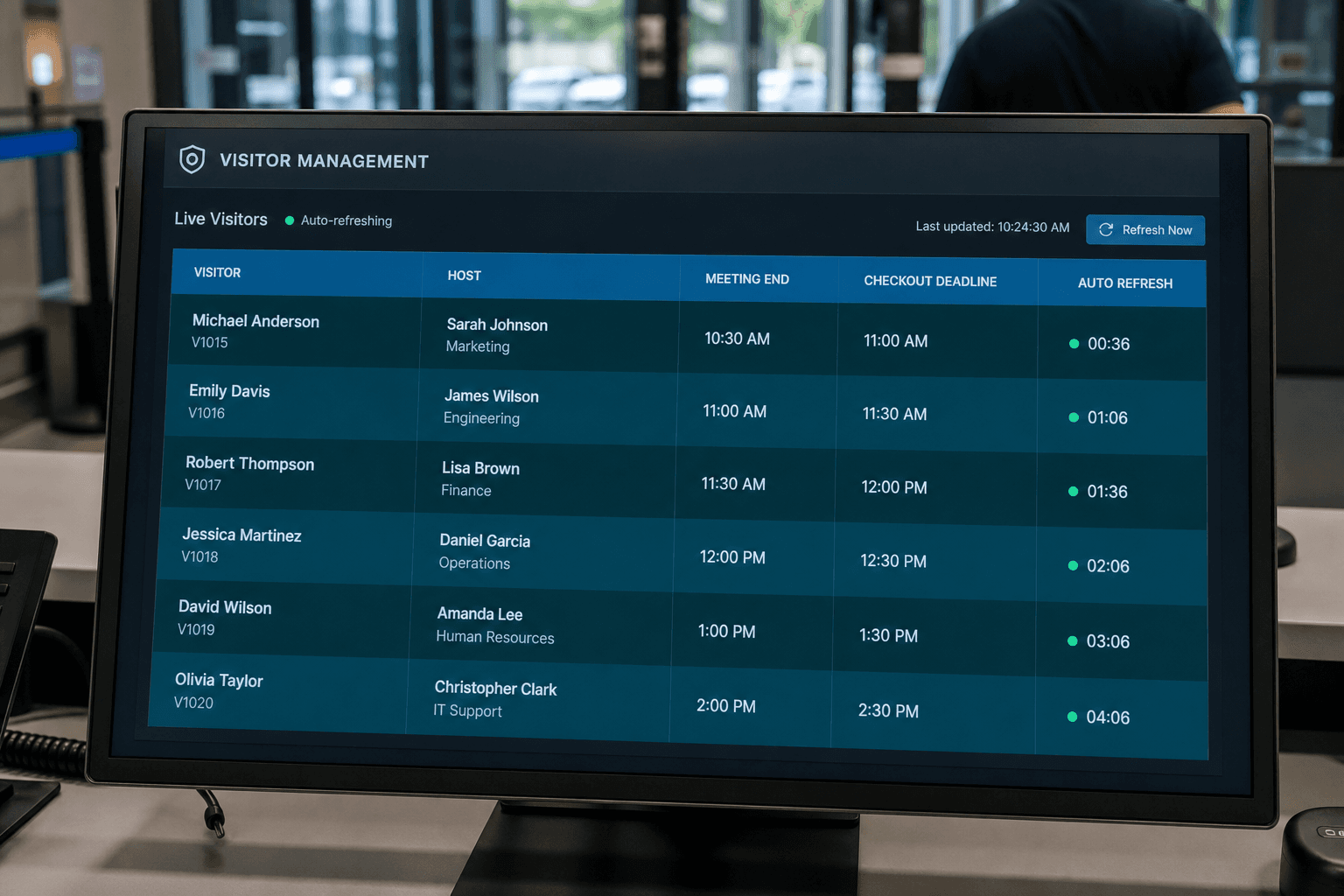
Live table
The live table lists visitor and host so staff know who is responsible indoors. Meeting end and checkout deadline columns show timing risk at a glance. Refresh around the one-minute mark keeps the view aligned with gate events. Operators can prioritize rows that are approaching or past leverage windows. The table is shared context for reception and security standing in the same lobby. Live rows replace sticky notes and conflicting verbal updates.
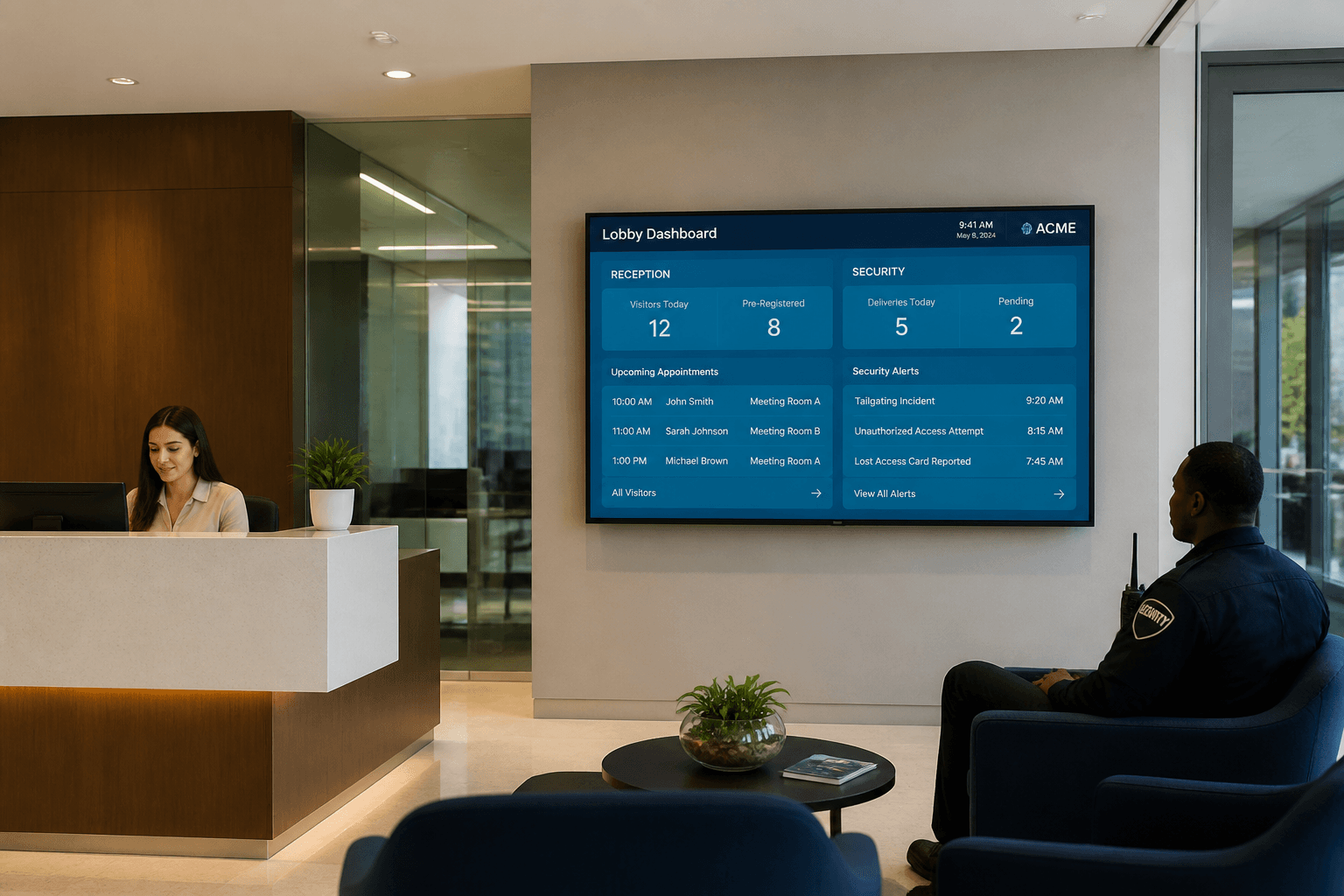
Ops use
Reception uses the dashboard to see whether arrivals are clearing or stacking up. Security uses the same screen to spot checkout risk without a separate tool. Shared visibility reduces spreadsheet chaos and duplicate phone calls. Shift handovers become a quick glance instead of rebuilding status from memory. Ops use is strongest when Door Access health is also known. One live lobby view is the daily habit this feature enables.
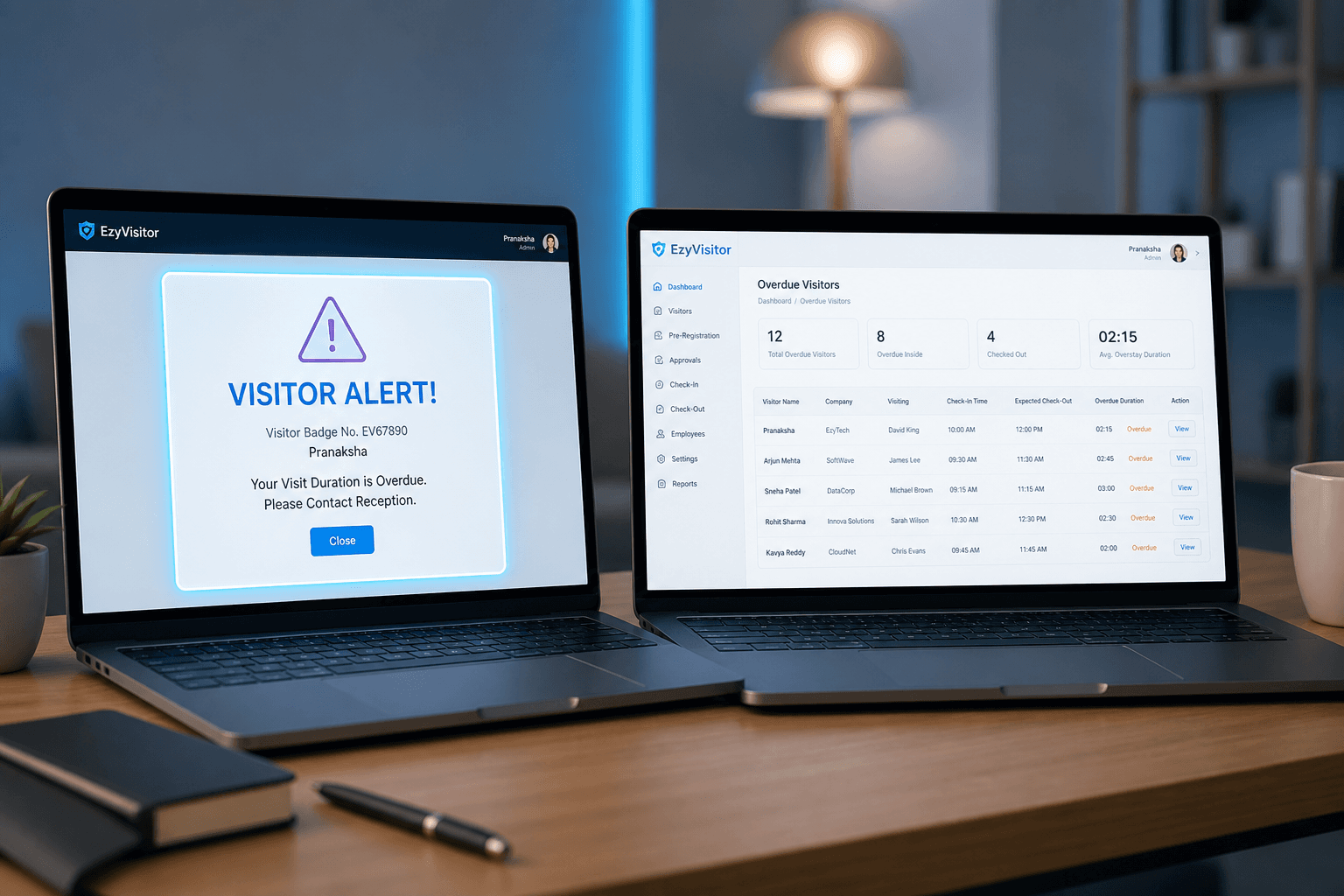
paired with Visitor Alert
Overdue visitors also appear on the dedicated Visitor Alert page for focused follow-up. That page refreshes more aggressively, around thirty seconds, for exception work. Dashboard cards and the alert list reinforce each other without duplicating every detail. Security can deep-dive exceptions while reception keeps watching overall flow. Host emails still run in parallel so indoor owners stay informed. Pairing the two views covers both overview and exception handling.
What the live dashboard surfaces
Cards and totals that replace ad-hoc lobby counts.
Today’s visitor totals
See who is expected, on site, and completed without exporting a report first.
Checkout deadlines
Deadline visibility helps reception intervene before leverage time expires.
Alert callouts
Dashboard highlights feed into Visitor Alert for overdue follow-up.
Who should watch the dashboard
Different roles use the same live view for different jobs.
Reception lead
Balance enrollments and arrivals against expected guests still in queue.
Security supervisor
Spot overdue and blocked patterns without opening every visitor record.
Facilities manager
Track occupancy pressure across locations during peak visiting hours.
Dashboard hygiene habits
Keep the live view trustworthy all day.
Checkout discipline
Missed checkouts inflate on-site counts — train gate staff to close visits.
Refresh during peaks
Auto-refresh and manual refresh habits keep supervisors aligned with gate reality.
Next step
See this flow in a live demo
Transform your front desk with secure visitor management.
Register guests, check them in with face or QR, alert hosts by email, and export complete visitor reports.