
Features
Organization setup
Enrollment masters before visitors: departments, designations, locations, host employees, and mobile app logins.
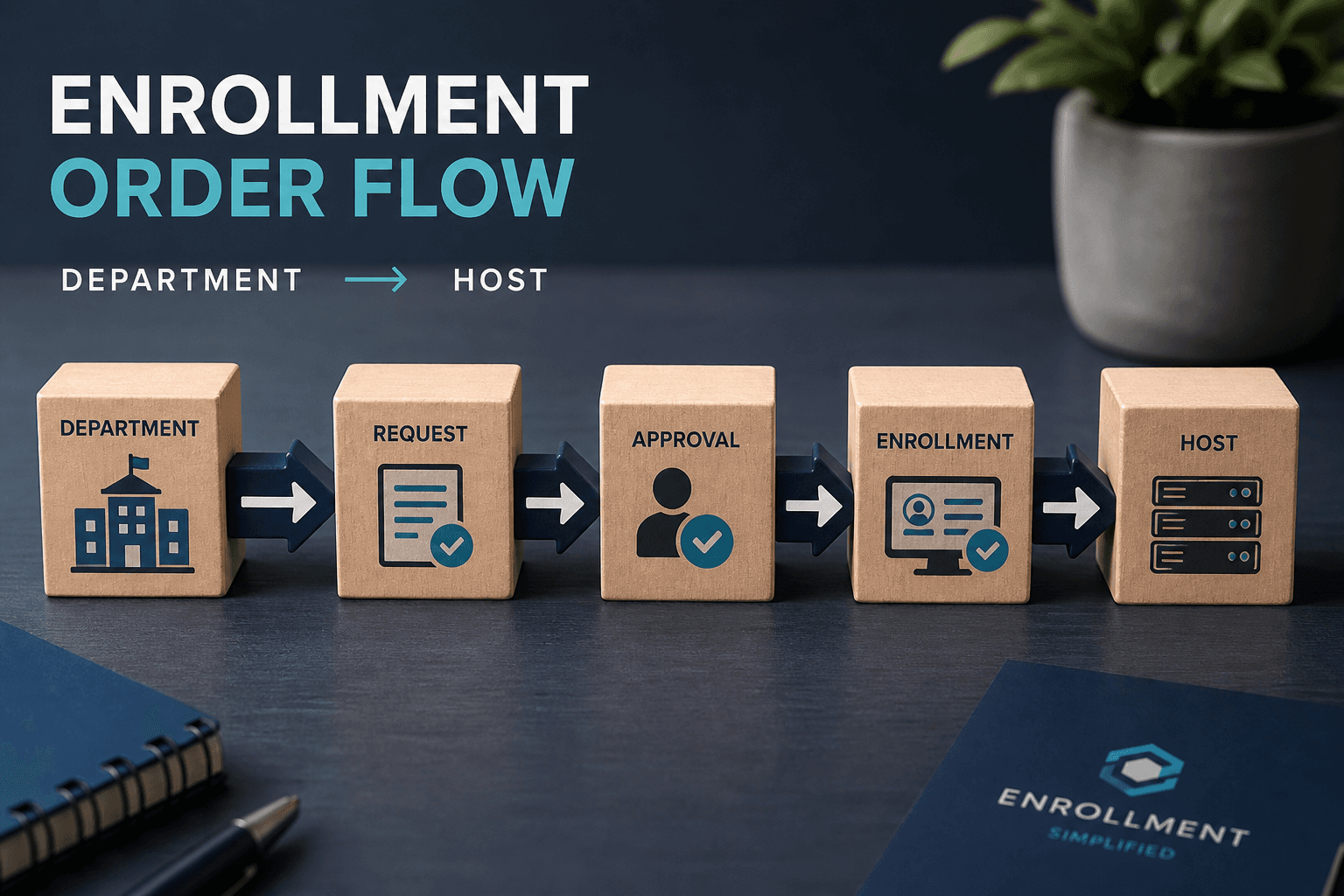
Enrollment order
Department → Designation → Location → Employee (Host) → Mobile App Login (optional). Host email is required — alerts go there.
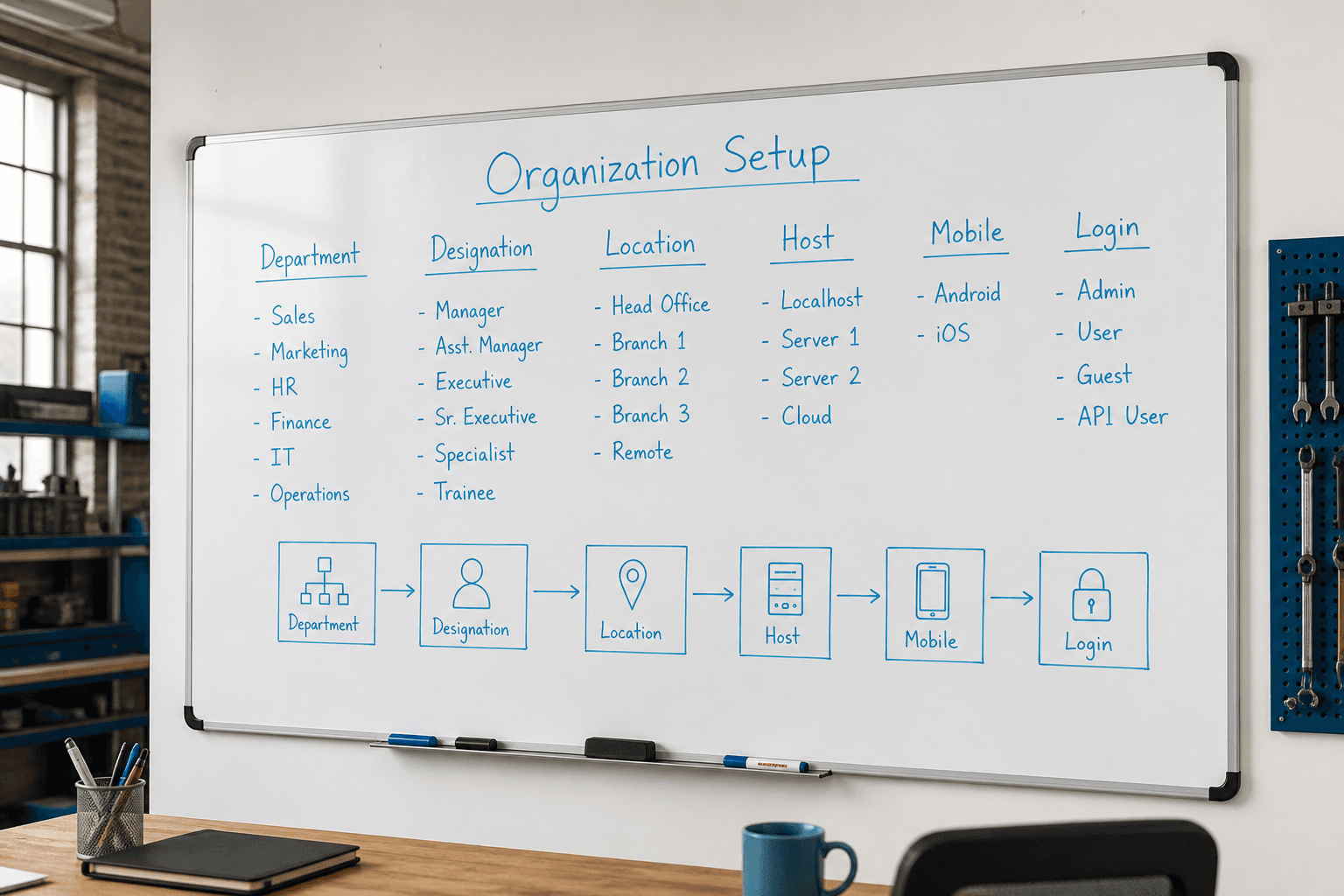
Organization setup (Enrollment)
Organization setup prepares departments, designations, locations, hosts, and optional mobile logins before visitors arrive. Getting masters right makes host emails, reports, and gate routing trustworthy from day one. Company profile branding feeds logos and contacts into PDF exports. Sidebar modules mirror the Axix Visitor edition operators will live in daily. Enrollment order is a go-live discipline, not optional paperwork. Strong organization setup is the quiet foundation under every successful visitor program.
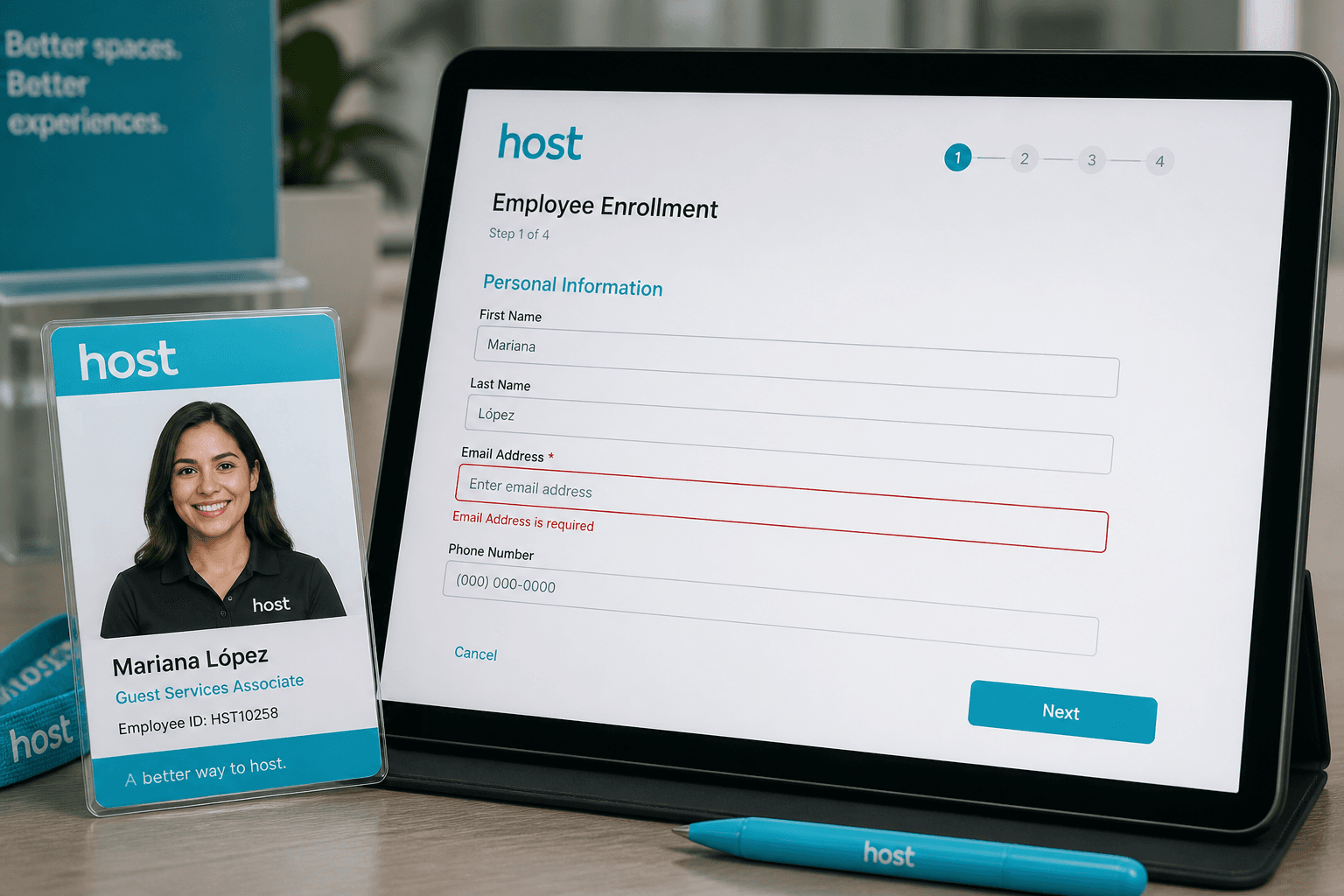
Enrollment order
Start with departments so visitors and hosts attach to meaningful structure. Add designations and locations next to reflect how the site actually works. Create host employees with valid emails before the first guest record. Optional Mobile App Login users come after hosts when field enrollment is needed. Skipping steps creates broken dropdowns and silent alert failures. Order is a checklist that protects every later journey.

Host employee
The host employee is the person the visitor is coming to meet. Their email address is required because alerts and End Meeting links go there. Without email, arrival and overdue notifications cannot reach anyone indoors. Host quality is therefore as important as visitor photo quality. Keep employee records current when people change roles or leave. Hosts are the human endpoint of the digital visitor loop.
Sidebar modules
Operators navigate Dashboard, Enrollment, Visitors, Door Access, Reports, Settings, and Profile. That sidebar reflects the Axix Visitor edition rather than unrelated HR modules. Training can follow the menu order from setup to daily ops to exports. Consistency between website messaging and product navigation reduces buyer confusion. Each module owns a clear job in the visitor lifecycle. Learn the sidebar and you learn the product shape.
Company profile
Company profile stores name, logo, and contact details used in branded reports. Facilities and compliance packs look professional when branding is complete. Profile data also helps support teams identify the right tenant quickly. Updating logos after rebrands keeps exports current without code changes. Profile is small to configure and large in perceived polish. Treat it as part of go-live, not a cosmetic afterthought.
Organization masters that unlock enrollment
Without these, visitor records lack hosts, departments, and locations.
Departments & designations
Structure who visitors meet and how employees are classified for host assignment.
Locations
Map gates and lobbies so reports and door views match the physical site.
Employee hosts
Hosts with email become the notification target for arrival and overdue events.
Setup order that avoids rework
Create masters in a sequence that keeps foreign keys valid.
Departments first
Designations and employees attach cleanly when departments already exist.
Locations before doors
Gate devices and visitor reasons make more sense once locations are named.
Hosts before mobile users
Optional mobile logins should map to employees who already have host context.
Organization hygiene
Keep masters current as the company changes.
Retire leavers as hosts
Former employees should not remain default hosts for new visitor enrollments.
Rename locations carefully
Clear location names reduce wrong-gate check-ins and confusing monthly reports.
Next step
See this flow in a live demo
Transform your front desk with secure visitor management.
Register guests, check them in with face or QR, alert hosts by email, and export complete visitor reports.